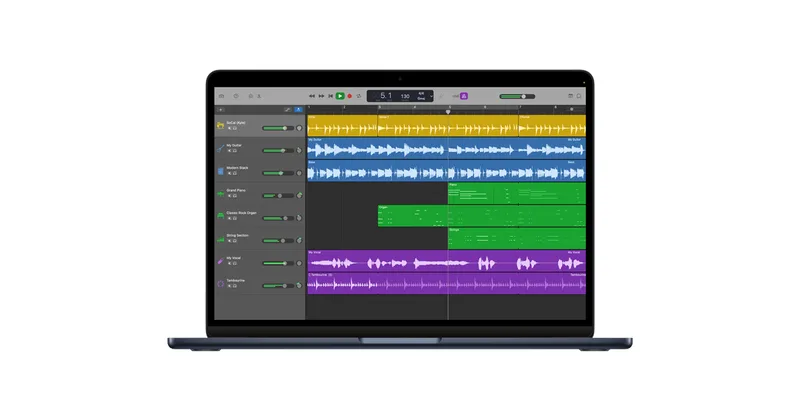
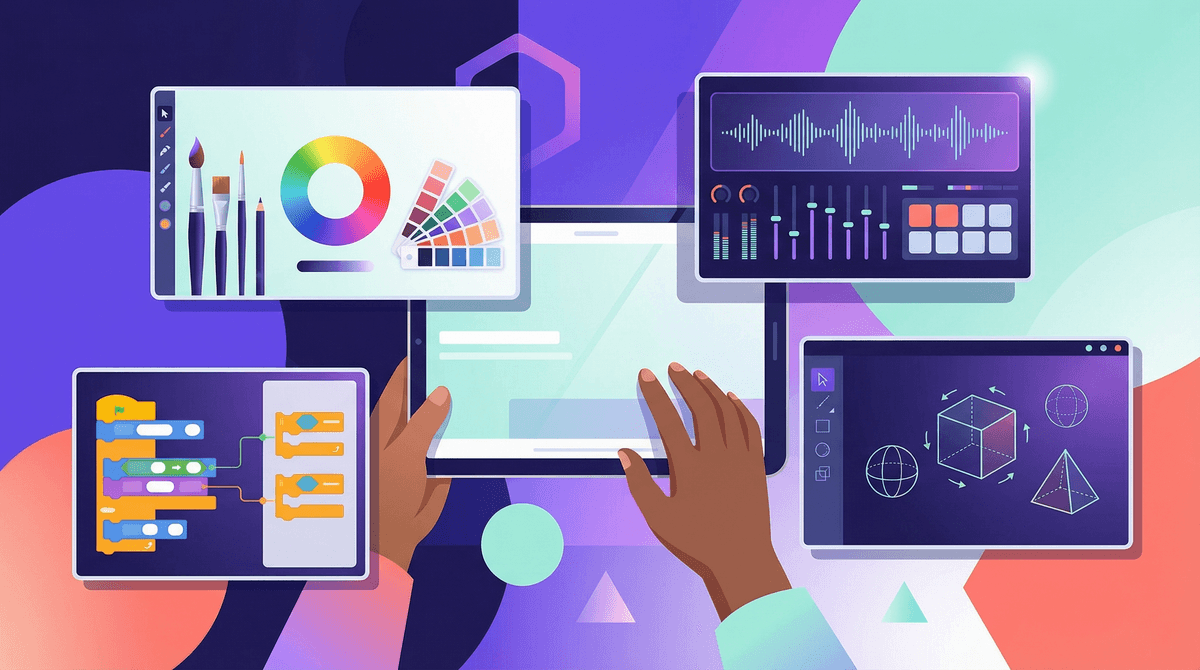
If you are going to give a kid a screen, this is what should be on it. GarageBand is the digital equivalent of a room full of instruments and a 32-track recorder. It bypasses the 'brain rot' associated with most apps by requiring constant, active decision-making and creative problem-solving.
It’s one of the few apps where 'more time' usually equals 'more skill.' Whether they are just tapping out a beat on a virtual 808 or learning how to EQ a vocal track, they are engaging in high-level literacy and technical work. It’s a must-have for any intentional digital household.
Age Fit
While Common Sense says 10+, a 6-year-old can have a blast with the Live Loops and drum pads. It scales perfectly from 'toddler making noise' to 'teenager recording a demo.'
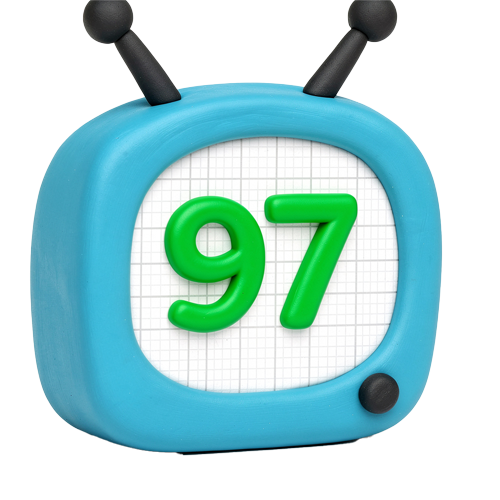
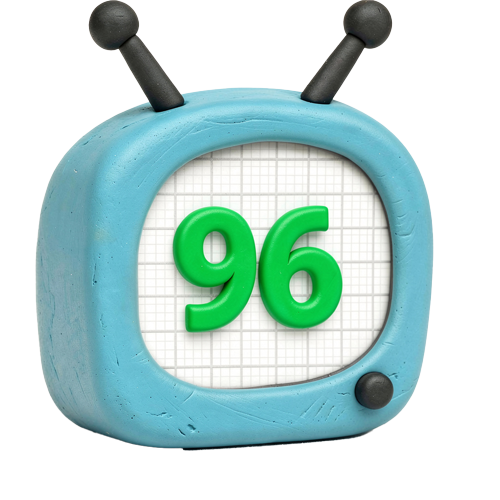
WISE Breakdown
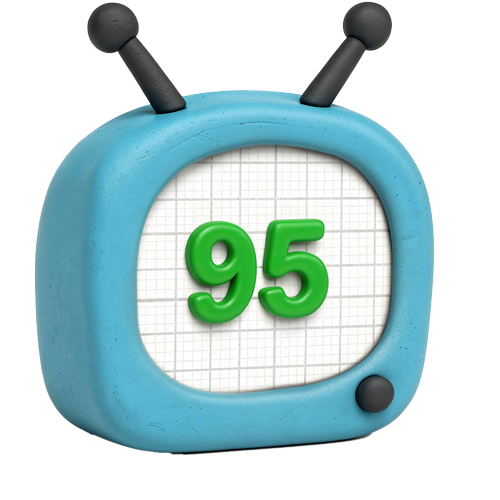
Wholesome
95
It is a pure creative utility. There are no manipulative loops, no dopamine-chasing notifications, and the pacing is entirely dictated by the user's creative flow rather than an algorithm.
Imaginative
100
This is arguably the most imaginative app ever built for mobile. It provides a limitless sandbox for sound, from 'Smart Instruments' that help beginners to complex multi-track layering for budding producers.
Safe
92
No third-party ads, no hidden trackers, and no built-in social feed. The primary safety consideration is where a child chooses to share their finished files externally.
Enriching
98
Teaches the fundamentals of rhythm, composition, and audio engineering. It’s a rare example of 'active' screen time that builds a durable real-world skill set.
Parent Info
✓
Why It Might Be Great
Creation over consumption. It is the perfect antidote to the passive scroll; your kid is the producer, not the product.
No musical training required. The 'Smart Instruments' allow kids to explore scales and chords without the frustration of physical finger-strength barriers.
Professional-grade tools. This isn't a toy version of music software; the skills learned here transfer directly to Logic Pro and other industry-standard DAWs.
Zero monetization friction. No battle passes, no gems, and no subscriptions. Once it's on the device, the full toy box is open.
⚠
What to Watch For
The storage hog. High-quality audio projects will eat through iPad storage faster than you expect. Check the 'On My iPad' folder occasionally.
External sharing. While the app is a closed loop, the 'Share' button makes it easy to send files to YouTube or TikTok. Set the ground rules for where finished songs live.
Learning curve. It's intuitive, but it's deep. A younger kid might get frustrated with the 'Timeline' view without a 5-minute walkthrough from you.
Conversation Starters
"How did you get that specific sound? Is that a preset or did you tweak the knobs?"
"If this song were the soundtrack to a movie scene, what would be happening on screen?"
"Can we try recording a 'found sound' from the kitchen and turning it into a drum beat?"