

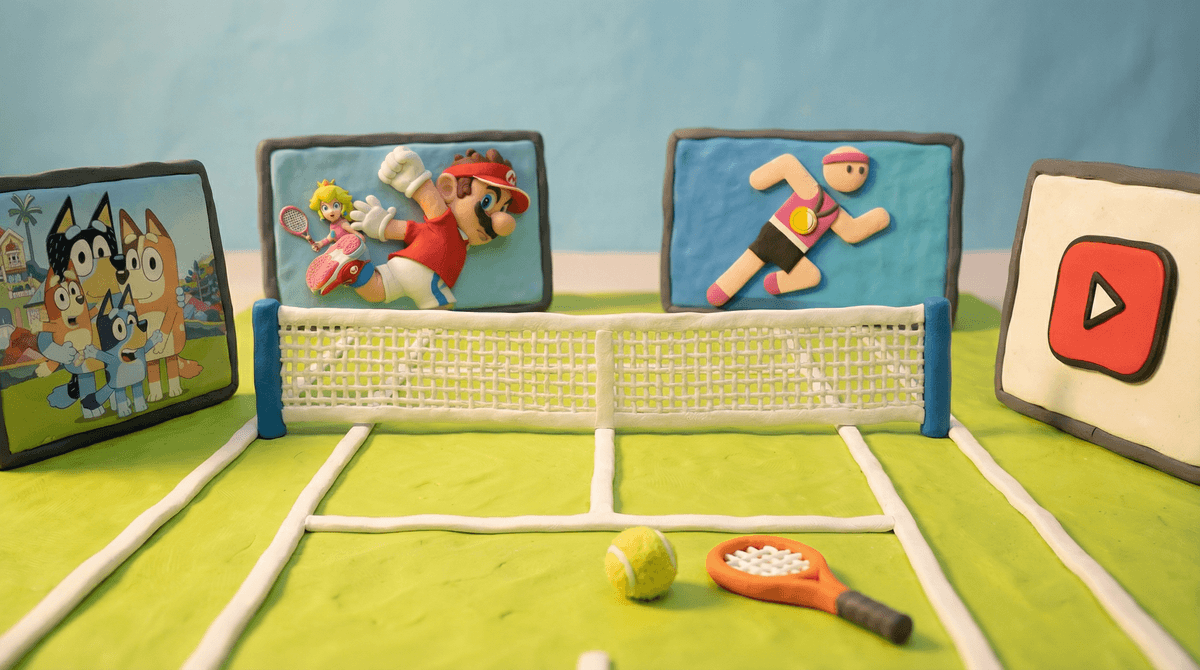
Tennis Apps, Videos, and Games for Toddlers and Preschoolers
So you want to introduce your 5-year-old daughter and 2-year-old son to tennis through screens and digital content. Maybe you play yourself, maybe you caught some Wimbledon highlights, or maybe you just want to expose them to a sport that teaches hand-eye coordination and doesn't involve a ball flying at their face at 60 mph.
The good news: there are actually some solid digital resources for introducing tennis to tiny humans. The less-good news: most tennis video games are designed for older kids and adults, so you'll need to be strategic about what you choose.
Screenwise Parents
See allTennis is genuinely great for young kids to watch and learn about. It teaches turn-taking (you hit, I hit), spatial awareness, and gross motor skills. Plus, unlike team sports, it's something they can practice solo against a wall or with just one other person—no need to organize eight 5-year-olds who all want to be goalie.
For screen time specifically, tennis content tends to be pretty wholesome. You're not dealing with the chaos of YouTube gaming channels or the consumerism of toy unboxing videos. It's mostly just... people hitting a fuzzy yellow ball. Which, honestly, is kind of refreshing.
Here's the thing: there isn't a ton of tennis content specifically designed for toddlers and preschoolers. Tennis video games are mostly simulation-style games aimed at teens and adults. And while there are some great tennis videos on YouTube, you'll need to curate carefully.
Looking at our community data, about 42% of families let kids use YouTube solo and 38% supervise YouTube usage. For kids this young (2 and 5), I'd strongly recommend staying in that supervised 38% camp. YouTube's algorithm can take you from "cute tennis lesson for kids" to "weird tennis ball ASMR video" faster than a Serena Williams serve.
For Your 5-Year-Old
YouTube Videos (Supervised) Search for "tennis for kids" or "learn tennis preschool" and you'll find some genuinely helpful content. Look for:
- Short instructional videos (under 5 minutes) showing basic grips and swings
- Animated tennis content like episodes that explain the sport
- Highlights from professional matches—kids this age love watching the ball go back and forth
The key here is co-viewing. Sit with your 5-year-old and talk through what you're watching. "See how she holds the racket? Should we try that?" This turns passive screen time into active learning.
About 20% of families in our community use YouTube Kids, which can be a safer option for tennis content. You can search for tennis videos within the app and have more confidence that the algorithm won't send your kid down a weird rabbit hole.
Tablet Games and Apps For a 5-year-old, look for simple cause-and-effect tennis games rather than realistic simulations:
- Ketchapp Tennis (iOS/Android) - Super simple tap-to-hit gameplay. No complex controls, just timing. Good for 5-10 minute sessions.
- Tennis Clash (iOS/Android) - Has a more arcade-y feel, but might be slightly too complex for a 5-year-old. Worth trying to see if she gets it.
Our data shows 50% of families allow unsupervised tablet use and 35% limit it. For a 5-year-old playing tennis games, I'd set a clear timer (15-20 minutes max) and check in periodically. These games can have ads and in-app purchases, so use parental controls.
For Your 2-Year-Old
Real talk: your 2-year-old doesn't need tennis-specific screen content. At this age, they're still figuring out cause and effect, and any screen time should be minimal and co-viewed.
That said, if you want to include them while your 5-year-old is watching:
- Show them slow-motion tennis shots where they can track the ball
- Watch animated content that happens to include tennis (like Bluey has an episode with racket sports)
- Let them "play" a tennis game on a tablet by randomly tapping while you hold it—they'll think they're doing something, and honestly, that's enough
If you have a Nintendo Switch, Mario Tennis Aces exists, but it's really designed for ages 8+. Your 5-year-old might enjoy watching YOU play it, but the controls are too complex for independent play.
Looking at our community data, 55% of families have kids who game while 45% don't game at all. If you're in the gaming camp already, save the tennis games for a few years from now.
Since we're talking about introducing tennis to very young kids, the best "digital" content might actually be:
- Tennis picture books from your library's digital collection
- Audiobooks about sports that mention tennis
- Using a tablet to look up "how to hold a tennis racket" together, then going outside to try it
The screen becomes a tool for learning rather than the learning itself.
YouTube Safety: Use Restricted Mode and supervise. Period. Your 5-year-old should not be solo-browsing tennis content. Too easy to end up somewhere weird.
In-App Purchases: Most tennis games are free-to-play with aggressive monetization. Turn off in-app purchases in your device settings or prepare for "Mom, can I buy the rainbow racket for $4.99?" every five minutes.
Screen Time Balance: The American Academy of Pediatrics recommends co-viewing for kids under 6 and limiting screen time to 1 hour of high-quality programming per day. A 10-minute tennis video + 15 minutes of a tennis app = your whole daily budget. Plan accordingly.
Ads: Free tennis apps will have ads. Some are fine, some are for games you definitely don't want your kids playing. Preview everything first.
For your 5-year-old daughter: Supervised YouTube tennis videos (real matches, kid-friendly tutorials) + simple tennis apps with timers = a decent digital introduction to the sport.
For your 2-year-old son: Almost nothing screen-based is necessary. Let him watch alongside his sister sometimes, but don't stress about tennis-specific content.
The real magic happens when screens become a jumping-off point for physical play. Watch a video of Roger Federer, then grab some foam rackets and a balloon and play "tennis" in the living room. Use a tablet to look up tennis rules together, then head to a local court to try them out.
- Set up YouTube Kids if you haven't already, or commit to supervised YouTube sessions
- Download one simple tennis app (Ketchapp Tennis is a good starting point) and try it together
- Search your library's digital collection for tennis books you can read together
- Set a screen time limit before you start—decide on 15-20 minutes and stick to it
- Plan a follow-up activity—even if it's just hitting a ball against the garage door
And remember: the goal isn't to create the next tennis prodigy through screen time. It's to spark interest, teach some basics, and maybe buy yourself 15 minutes of peace while they watch a tennis match. Both are valid parenting goals.
If you want to explore more active content for young kids, check out our guides on alternatives to passive screen time or best educational apps for preschoolers.