

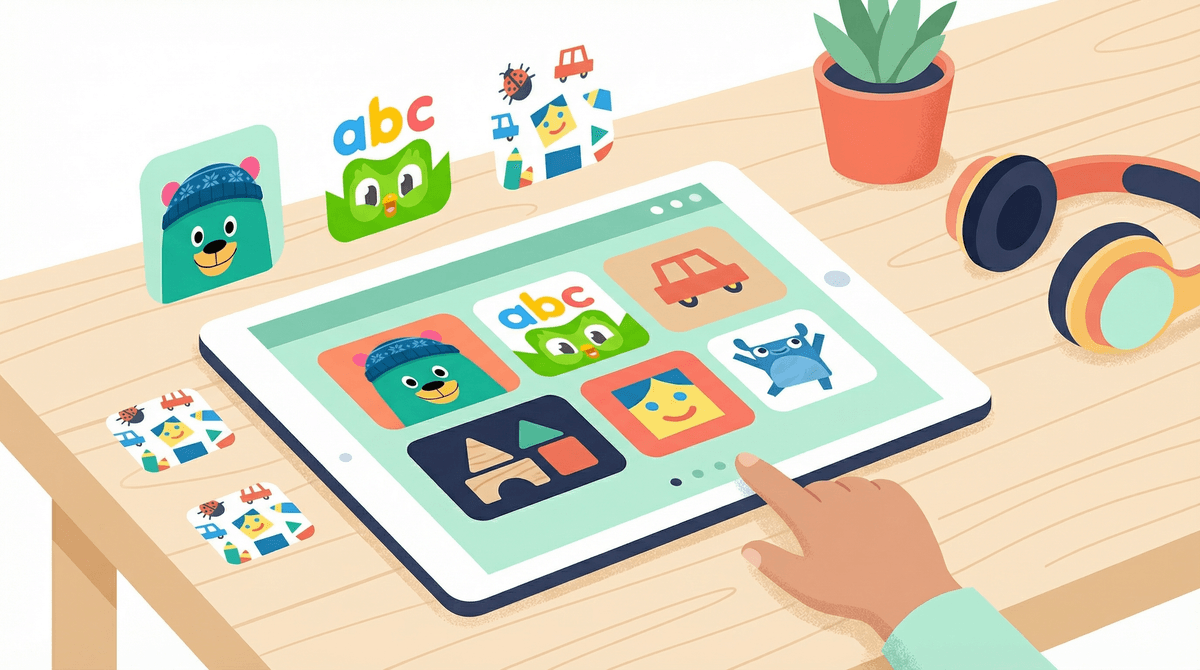
TL;DR: The Winners Circle If you’re hiding in the pantry for five minutes of peace, here are the heavy hitters that are actually worth the storage space on your iPad:
- The Gold Standard: Khan Academy Kids (Completely free, zero ads, high-quality pedagogy).
- The Montessori Choice: Pok Pok Play Room (Open-ended, quiet, no "winning" or "losing").
- The Creative Sandbox: Toca Kitchen 2 (Hilarious, intuitive, and great for fine motor skills).
- The Literacy Powerhouse: Duolingo ABC (Phonics-based and surprisingly engaging).
- The Public Media Hero: PBS Kids Games (Reliable characters, solid educational goals).
Get a daily screen time schedule for your 4-year-old
We’ve all been there. You download something that looks cute, has "Preschool" in the title, and within three minutes, your kid is screaming because a giant "BUY NOW" pop-up blocked their game, or they’ve accidentally navigated to a weird 30-minute toy unboxing video on YouTube.
The "educational" category in the App Store is a bit of a Wild West. A lot of what passes for learning is actually just "gamified distraction"—flashy lights and digital stickers that trigger dopamine hits without actually teaching a child how to problem-solve or recognize a phoneme.
When we talk about the best apps for this age group (roughly ages 3 to 5), we’re looking for three things:
- Low Friction: Can a kid navigate it without you needing to intervene every 60 seconds?
- No Dark Patterns: No hidden subscriptions, no "limited time offers," and no manipulative "streak" mechanics that make a 4-year-old feel anxious.
- Active Learning: Does the app ask them to think, create, or solve, or is it just "tap the shiny thing to get a prize"?
If you only download one app, make it this one. It is developed by experts at the Stanford Graduate School of Education and it is—miraculously—completely free. No ads, no "pro" version. It covers everything from early literacy and math to social-emotional skills. The characters are charming, the "Library" section is packed with high-quality books, and the adaptive learning path means it actually grows with your child.
Think of this as a digital Waldorf or Montessori toy box. There are no instructions, no points, and no levels. It’s a collection of hand-drawn interactive toys—a radio to tinker with, a town to explore, a marble run to build. It’s incredibly calming. If your kid is prone to "screen rage" (that specific meltdown that happens when you take the iPad away), Pok Pok is a great antidote because it doesn't overstimulate.
The PBS Kids ecosystem is the goat for a reason. This app is a portal to dozens of mini-games based on shows like Daniel Tiger’s Neighborhood and Wild Kratts. Because it’s publicly funded, the educational standards are rigorous. It’s great for "bridge learning"—if they watched an episode about shadows, they can go into the app and play a game about shadows.
This app is a masterclass in UI design for tiny fingers. Little monsters run across the screen and knock over a word. Your child has to drag the letters back into place. As they drag a letter, it "makes" its sound (e.g., the 'S' hisses). Once the word is built, a short, funny animation explains the definition. It’s expensive for a single app, but the "Endless" series (including Endless Reader and Endless Numbers) is worth the investment.
While Toca Life World can get a little "micro-transaction-y," Toca Kitchen 2 is a classic standalone experience. You just cook. You can deep-fry a strawberry or blend a head of broccoli and feed it to a guest. It’s about experimentation and "what happens if I do this?"—which is the foundation of scientific thinking for a preschooler.
Learn more about the difference between passive and active screen time
You’ve probably heard the term "brain rot" thrown around in relation to Skibidi Toilet or those weird, infinite-scroll YouTube Kids videos. For preschoolers, "brain rot" isn't just a meme; it’s a legitimate concern regarding cognitive overstimulation.
When a child watches a video with rapid-fire cuts (less than 3 seconds per shot), their brain struggles to process the narrative. They enter a "zombie state" where they are absorbed but not learning. High-quality educational apps do the opposite: they pause. They wait for the child to input something. They encourage slow, deliberate movements.
The biggest safety issue for preschoolers isn't usually the app itself—it’s the "exit."
- Guided Access is your best friend: If you are on an iPad or iPhone, triple-click the side button to lock your kid into a specific app. This prevents them from accidentally ending up in your email or, worse, the black hole of the YouTube app.
- The 20-Minute Rule: At this age, 20 to 30 minutes is a solid session. Beyond that, the "digital hangover" (irritability, glazed eyes) tends to set in.
- Co-Play Whenever Possible: I know, the whole point of the app is often to give you a break. But even spending 5 minutes "playing" with them—asking "What are you cooking in Toca Kitchen?"—helps bridge the gap between the screen and the real world.
A lot of apps for kids use a "freemium" model. They’ll let you play the first three levels of a letter-tracing game and then hit you with a $9.99/month subscription fee. Pro-tip: Go into your phone settings and disable in-app purchases entirely. Preschoolers are surprisingly good at clicking "Buy" buttons that look like "Play" buttons.
Even at 4 years old, you can start the conversation about digital wellness.
- "We use the iPad for 'growing our brains' games, not just 'watching' games."
- "The timer is going to beep in 5 minutes. What is the last thing you want to do in Pok Pok?"
- "This app is asking for money. We don't spend real money inside games."
Screens aren't the enemy, but "junk" content is. By curating a small folder of high-quality apps like Khan Academy Kids and PBS Kids Games, you’re turning the tablet into a tool for exploration rather than just a pacifier.
If you're feeling overwhelmed by the sheer volume of options, just pick one from the "Winners Circle" above and delete the rest. Your kid (and your sanity) will thank you.
- Audit the Tablet: Delete any app that has pop-up ads or feels "frantic."
- Enable Guided Access: Learn the shortcut so your kid stays in the app you chose.
- Explore Together: Spend 10 minutes tonight seeing what your kid actually does in these apps. You might be surprised by their logic.
Take the Screenwise survey to see how your family's app usage compares to your community Read our guide on the best first tablets for kids