

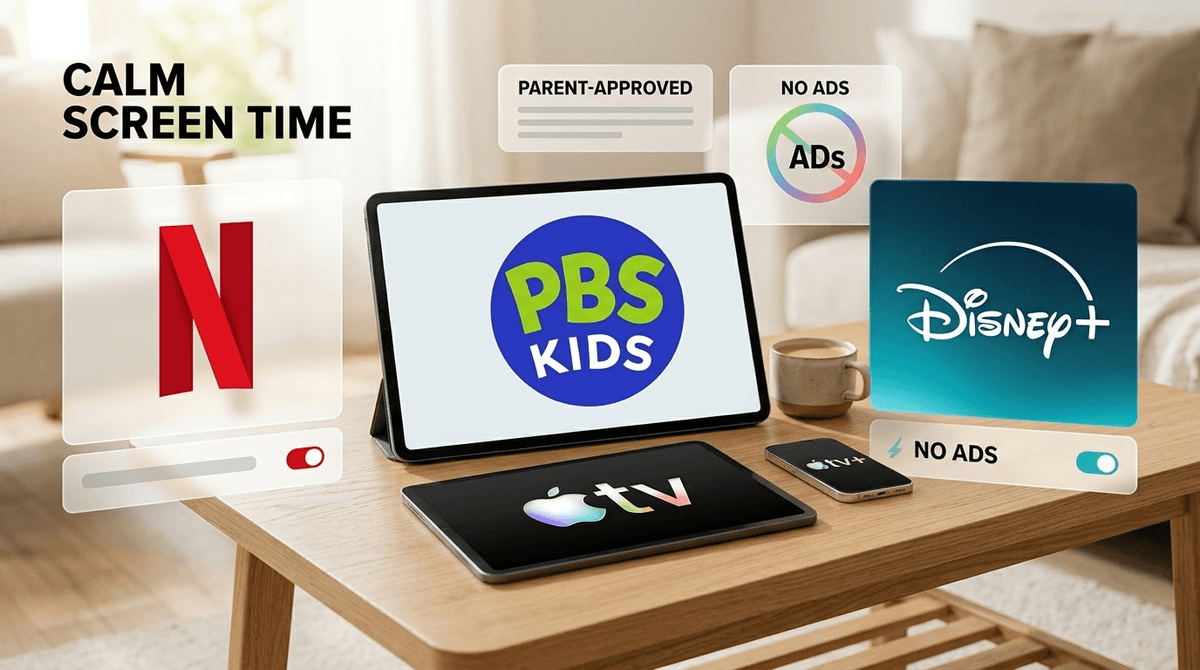
TL;DR: Streaming services are making "ad-supported" the default, which means our kids are being targeted by sophisticated marketing every 8 minutes. If you want to keep the "gimmes" at bay, the best ad-free bets right now are PBS Kids (always free, always ad-free), Apple TV+ (high quality, no ads yet), and library-based apps like Kanopy Kids. For the big hitters like Netflix and Disney+, you have to pay the "parenting tax" (the premium tier) to scrub the commercials.
We’ve all been there. You just want ten minutes to finish a coffee or send an email, so you put on a show. But if that show is interrupted by a high-octane toy commercial or a trailer for a PG-13 horror movie, your "peace" just created a week-long battle over why we aren't buying a $60 plastic playset today.
Research shows that kids under the age of 8 often can't distinguish between the "show" and the "commercial." To them, it’s all just truth. Advertisers know this. They use "persuasion tactics" that target kids’ developing brains, leading to the "gimmes" and, frankly, a lot of unnecessary screen-time-induced overstimulation.
When we opt for ad-free, we aren't just skipping the noise; we're protecting their focus and our own sanity.
This is the gold standard. It is funded by viewers like you (and grants), meaning there are zero traditional commercials. You might get a 15-second "this program was made possible by..." spot, but it’s calm and non-predatory.
- Best for: Ages 2-8.
- Top Picks: Daniel Tiger's Neighborhood, Wild Kratts, and Molly of Denali.
- The Vibe: Educational, calm, and won't make you want to pull your hair out.
Apple is currently the only major "prestige" streamer that hasn't forced an ad-tier on everyone yet. Their kids' catalog is smaller than Disney+, but the quality is incredibly high. It’s the "organic boutique" of streaming.
- Best for: All ages.
- Top Picks: Fraggle Rock: Back to the Rock, Snoopy in Space, and Wolfboy and the Everything Factory.
- The Vibe: Visually stunning, thoughtful storytelling, zero "brain rot."
Kanopy Kids and Hoopla
If you have a library card, you probably have access to these for free. They are 100% ad-free and feature a lot of animated versions of classic picture books.
- Best for: Ages 3-10.
- Top Picks: Animated versions of Don't Let the Pigeon Drive the Bus! and Sesame Street classics.
- The Vibe: "I'm a smart parent who uses public resources," plus zero commercials.
The big players—Netflix, Disney+, Hulu, and Max—have all moved to a "multi-tier" system. If you’re paying the lowest monthly price, your kids are seeing ads.
Disney+ used to be the safe haven. Now, their basic plan includes ads. To get the ad-free experience (Disney+ Premium), you’re looking at almost double the price.
Netflix is slightly better. Currently, their "Standard with Ads" plan does not show ads on Kids' profiles. However, this is always subject to change as they get hungrier for revenue.
- The Risk: If your kid sneaks onto your adult profile to watch Stranger Things, they’re going to get hit with ads for everything from insurance to light beer.

YouTube is the Wild West. Even YouTube Kids is full of "influencer" content that is essentially one long 20-minute commercial for unboxing toys or prime hydration drinks.
If you want a truly ad-free experience on YouTube, you have to pay for YouTube Premium.
- The Pro: It removes the pre-roll and mid-roll ads that are often age-inappropriate.
- The Con: It doesn't remove the "sponsored content" within the videos themselves. If a YouTuber says "Thanks to Raid: Shadow Legends for sponsoring this video," that’s an ad your kid is still seeing.
You might think, "It’s just 30 seconds, they can handle it." But modern "ad-lite" tiers use data-driven targeting. They know your kid has been watching Minecraft videos, so they serve them ads for Roblox skins.
This creates a "loop" where the child is never actually satisfied with the content they are watching because they are constantly being shown something "better" or "newer" that they don't have. This is how you end up with a kid crying because they don't have a "Skibidi Toilet" plushie they saw in a 15-second mid-roll.
Ages 0-4 (The "No Ads" Zone)
At this age, kids have zero "ad literacy." They don't know they are being sold to. Stick exclusively to PBS Kids or downloaded content. If you use YouTube, use a dedicated ad-blocker or Premium. Avoid the "gimmes" before they even start.
Ages 5-8 (The "Explain the Game" Phase)
This is when they start asking for things they saw in "the break." If you use ad-supported tiers, use these moments as teaching opportunities. "That toy looks fun, but remember, the person making that commercial is paid to make it look better than it actually is."
Ages 9-12 (The "Influencer" Era)
By now, they aren't just seeing commercials; they are seeing "branded content." They might be watching MrBeast and not realize the entire video is a promotion. This is the time to talk about how "free" content is paid for by our attention and data.
Even on ad-free platforms, "product placement" is real. When the characters in a show are all using iPhones or eating a specific brand of cereal, that’s an ad. When Minecraft does a "Star Wars" crossover, that’s an ad.
We can't shield them from everything, but we can reduce the "noise floor" of their lives by choosing platforms that don't interrupt their stories every few minutes.
If you can afford the extra $5-$8 a month to go ad-free on your primary streaming service, do it. It’s the single easiest way to reduce screen-time meltdowns and consumerist "brain rot."
If you're looking to save money, don't settle for the "ad-supported" tier of Hulu or Disney+. Instead, pivot to PBS Kids, Kanopy Kids, or even Storyline Online. Your kids will still be entertained, and you won't have to explain why you aren't buying them a life-sized "Ohio" themed mystery box from a random commercial.
- Audit your subs: Check which of your streaming services are on the "Basic with Ads" plan.
- Switch to PBS Kids first: It’s a free app on almost every smart TV and is a literal sanctuary of ad-free content.
- Talk to your kids: Next time an ad pops up, ask them, "What is this person trying to get you to do?" It’s the first step toward digital literacy.
Check out our full guide on the best educational YouTube channels that aren't just commercials