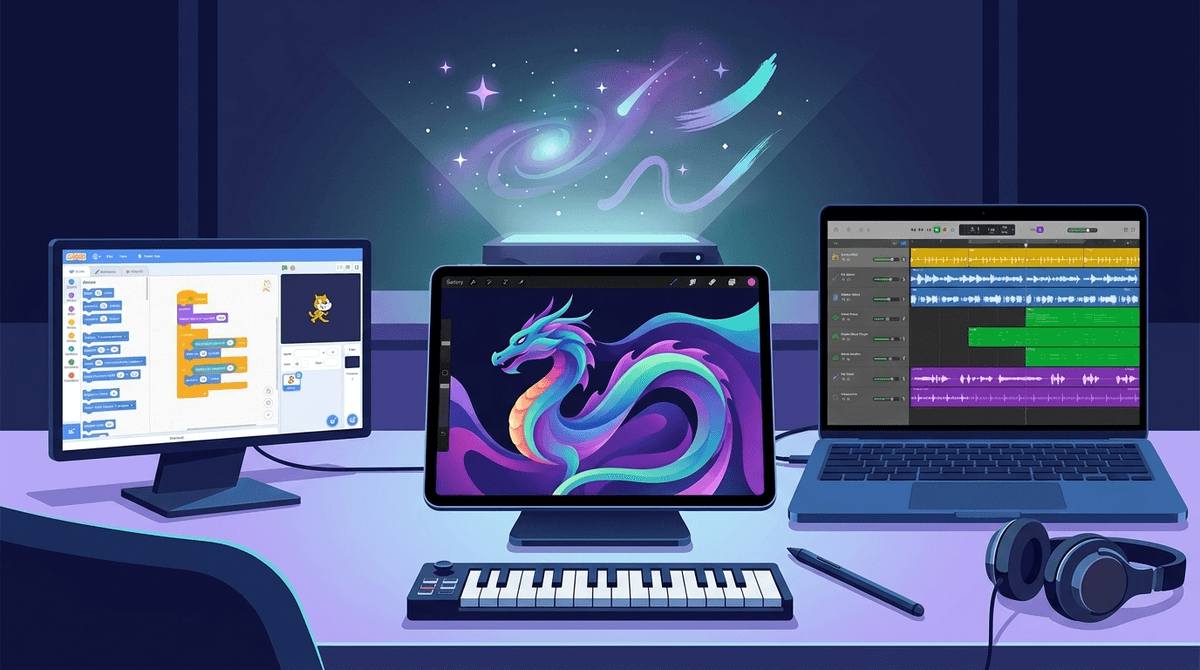
Logic Pro for iPad is a serious creative tool. Rather than shipping a trimmed-down mobile companion, Apple brought desktop-class digital audio workstation capability to the touchscreen. For any kid who spends hours building tracks in GarageBand, this app provides the exact headroom they need to grow into real mixing, synthesis, and sound design.
The tactile interface makes sound design surprisingly approachable, but the depth of the software is genuine. Expect a real learning curve around routing, automation, and mastering channel strips—a challenge that serves ambitious young creators well.
Age Fit
Best for middle schoolers, high schoolers, and adults who have outgrown entry-level audio apps. Younger kids can tap around on synths, but the complex signal chain and mixing tools fit 12 and up.
WISE Breakdown
Wholesome
95
Pure creative software with no inappropriate themes, objectionable content, or toxic community features built in.
Imaginative
98
Offers an unrestricted sonic playground with virtual instruments, sample manipulators, synthesizers, and multi-touch beat-making tools.
Safe
92
Self-contained creative studio with no social feeds, public comments, or third-party ads. Requires subscription management.
Enriching
98
Teaches professional digital audio concepts, signal flow, arrangement, stem separation, and audio engineering skills.
Parent Info
✓
Why It Might Be Great
Stem Splitter uses machine learning on device to break mixed audio files into six separate tracks like drums, bass, and vocals for easy sampling or analysis.
AI Session Players give aspiring songwriters instant backing bands that dynamically follow custom chords and intensity directions.
Multi-Touch audio editing lets kids manipulate synths, slice beats, and mix channels like real studio hardware rather than clicking a mouse.
GarageBand compatibility allows seamless project imports, giving young musicians an easy bridge into professional production tools.
⚠
What to Watch For
Subscription pricing model ($4.99/month or $49/year) differs from the Mac desktop application's single one-time purchase.
Steep learning curve can overwhelm pre-teens who haven't yet learned signal routing or track layering in GarageBand.
Hardware requirements are real; heavy features like Stem Splitter require modern Apple chips (A17 Pro or M-series) to function smoothly.
Conversation Starters
""Show me how you built the beat grid on that Step Sequencer.""
""What happens when you isolate just the bassline using Stem Splitter?""
""How do the AI Session Players change up their style when you tweak the dynamic slider?""
Deep Dive
Beyond GarageBand
For years, young creators hit a ceiling when they maxed out GarageBand on an iPad. The only step up was buying a Mac and transitioning to desktop Logic Pro. Bringing the app to iPadOS changed that dynamic entirely, putting professional synthesis, automation, and arrangement tools directly onto a portable screen.
Standout Production Features
Two specific tools set this platform apart for young music producers:
Stem Splitter: Uses hardware processing to separate a single mixed track into distinct audio stems (drums, bass, vocals, guitar, piano, and other). It functions as an incredible educational device for analyzing how commercial tracks are built.
Live Loops & Step Sequencer: Ideal for kids making electronic music or hip-hop beats, letting them grid out rhythms and sample loops without getting stuck in linear timeline editing.
Sizing Up the Subscription
Unlike the $199 one-time purchase for macOS, Apple set the iPad app at $4.99 per month or $49 per year. If your teen spends hours producing tracks every week, it is exceptional value compared to physical gear or specialized software plug-ins. Keep screen size in mind: while it runs fine on a standard iPad, a 12.9-inch screen gives significantly more breathing room for complex mixes.