Kindle Paperwhite Kids

Kindle Paperwhite Kids

app

Everyone, 2024, Entertainment

WISE
94%

WISE Score

4.3

Google Play

The gold standard for distraction-free reading that won't rot their eyes or their attention span.

Screenwise Verdict

The Kindle Paperwhite Kids is arguably the best piece of 'tech' you can buy a child. It solves the primary problem of the modern era: it's a screen that doesn't behave like a screen. By stripping away the dopamine-loop notifications and the 'just one more video' temptation of a tablet, it forces a return to deep, linear focus.

The 2024 hardware refresh is the one to get. It’s snappier, the battery lasts for weeks (not hours), and the warm light adjustment is a game-changer for late-night reading. If you're choosing between this and a Fire Tablet, it's not even a contest—get the Kindle. One builds a reading habit; the other builds a content-consumption habit.

Age Fit

Perfect for kids ages 6 to 15. Younger kids can use it for read-alouds, while older teens might eventually want the 'adult' version simply to lose the colorful protective case.

WISE Breakdown
Wholesome
95

It is a device designed for deep focus and quiet reading. No notifications, no autoplaying videos, and no social media noise.

Imaginative
92

While the device itself is a tool, the access to a massive library of books is the ultimate imagination engine. The E-ink display feels more like a book than a screen.

Safe
98

Extremely high safety. No open web, no predatory ads, and the Parent Dashboard gives granular control over what books land on the device.

Enriching
96

Directly correlates with literacy. Features like Vocabulary Builder and Word Wise turn reading into a low-friction learning experience.

Parent Info

Why It Might Be Great

  • E-ink is the hero here because it looks like real paper and doesn't emit the blue light that wrecks sleep schedules.
  • The 2-year worry-free guarantee means if your kid drops it in the tub or sits on it, Amazon just replaces it, no questions asked.
  • Distraction-free by design—there are no apps, no TikTok, and no YouTube to lure them away from their story.
  • The 2024 model is actually fast, finally killing that annoying lag when turning pages or searching the library.

What to Watch For

  • Amazon Kids+ is a content firehose; while mostly good, you'll still want to curate the list so they aren't just reading 500 'Diary of a Wimpy Kid' knockoffs.
  • The device is waterproof, but the charging port isn't; make sure it's dry before plugging it in after a pool session.
  • It's a gateway to the Amazon ecosystem, so you'll need to manage the Kids+ subscription after the first year if you don't want a surprise bill.

Conversation Starters

  • "Which character in your current book would you actually want to be friends with in real life?"
  • "If you could change the ending of the book you just finished, how would it go?"
  • "Are there any words you've looked up in the dictionary tool today that sounded cool?"
  • "What's the one book in your library you think I should read next?"

Deep Dive

The Anti-Tablet

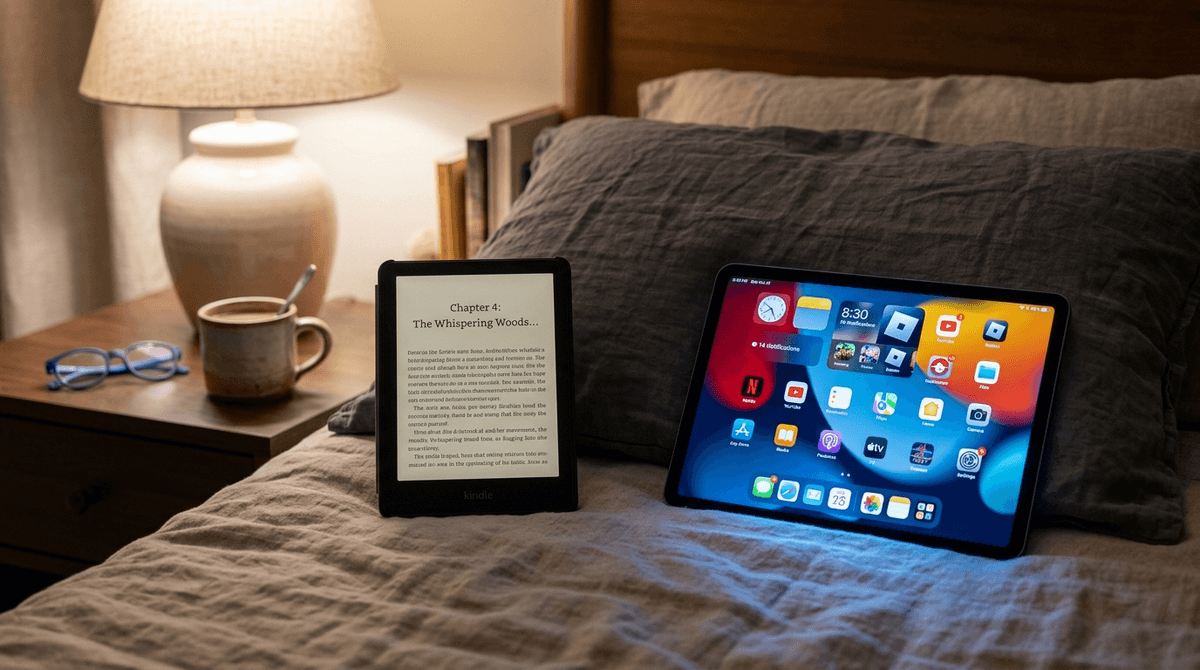
Parents often get lured into buying Fire Tablets because they're cheap and 'educational.' In reality, most Fire Tablets become portable YouTube and Roblox machines within forty-eight hours. The Kindle Paperwhite Kids is the antidote. It is a single-purpose device, and that purpose is literacy.

Why the 2024 Refresh Matters

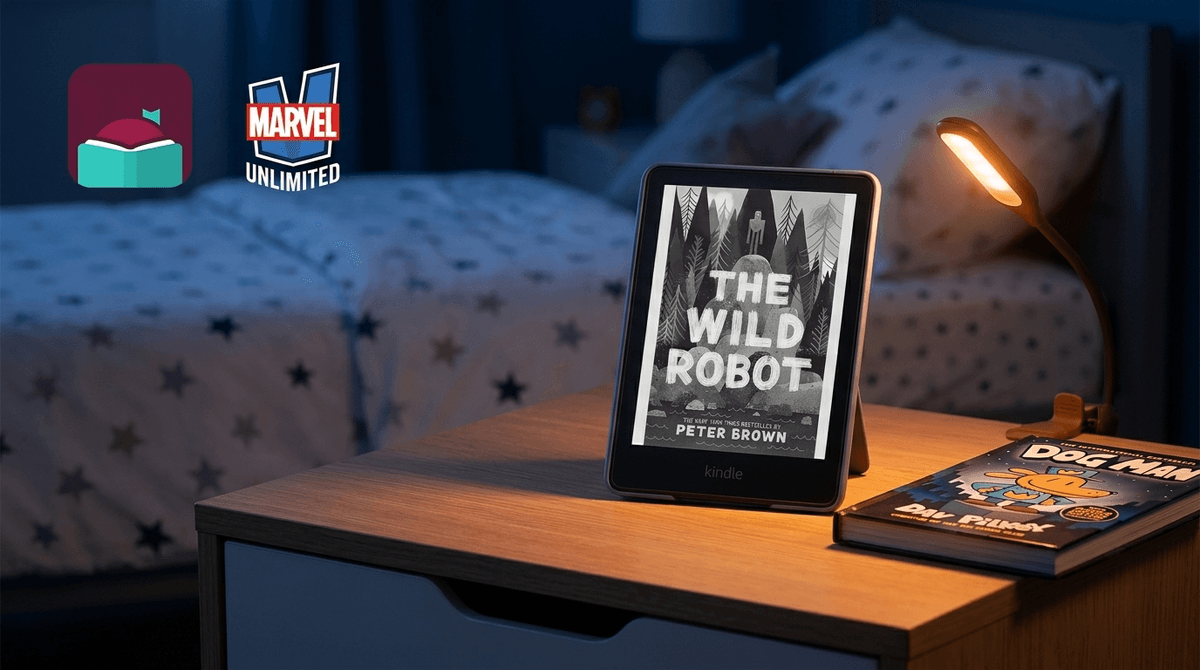
For years, the knock on Kindles was that the UI felt like it was running through molasses. The 2024 Paperwhite Kids finally feels modern. Page turns are instantaneous, and navigating the store doesn't feel like a chore. The screen is also slightly larger and more contrasty, which helps with graphic novels and comics—though, keep in mind, it's still black and white. If your kid is a heavy manga or Dog Man fan, this is the perfect home for those series.

The Parent Dashboard Secret

The Amazon Kids+ subscription (usually bundled for 6-12 months) gives them access to thousands of titles. The real win, though, is the Amazon Parent Dashboard. You can see exactly how many minutes they spent reading, what books they're into, and even set 'Educational Goals' that require a certain amount of reading before other Amazon devices in the house (like a Fire TV) unlock.

"It’s the only device I don’t feel guilty about letting them use until their eyes go heavy."

If you have a reluctant reader, the 'achievements' and badges in the Kindle interface are surprisingly effective. It gamifies reading just enough to get them over the hump without turning it into a mindless click-fest.

What Parents Ask

Ask Anything

Get a personalized guide on any topic