

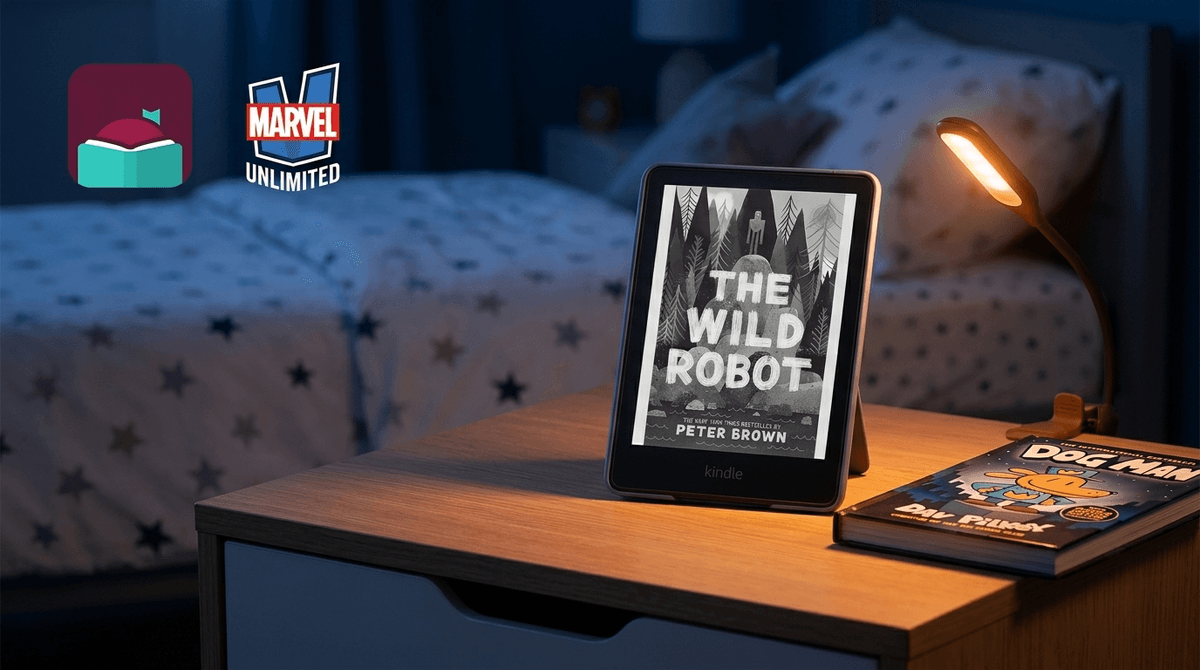
TL;DR: Not all screens are created equal. An E-ink device like a Kindle is a fundamentally different beast than an iPad or a Fire Tablet. If the goal is literacy, E-ink wins every time. If the goal is sleep, even a "dumb" e-reader needs a bedtime.
Quick Links for the Reading Journey:
- Top Device: Kindle Paperwhite Kids (Ages 7+)
- Best Free App: Libby (Ages 6+)
- For Graphic Novel Fans: Marvel Unlimited (Ages 9+)
- The School Favorite: Epic! (Ages 4-12)
When we talk about "screen time," we’re usually worried about two things: blue light (which wrecks sleep) and dopamine loops (which make kids act like addicts).
Reading devices fall into two very different categories, and treating them the same is a mistake:
- E-ink Devices: These are your classic Kindle or Kobo devices. They don't have a traditional backlight shining into your kid's retinas; they use magnetic ink particles to mimic paper. They are "single-purpose" devices. You can't effectively watch YouTube or play Roblox on them.
- Multipurpose Tablets: This is the iPad or the Amazon Fire Tablet with the Kindle app installed. These are distraction machines. Expecting a kid to read Percy Jackson on a device that is also housing Minecraft is like asking them to do homework in the middle of a carnival.
See a comparison of E-ink vs. Tablets for your specific age group
Kids love e-readers because it gives them autonomy. They can finish one Wings of Fire book and immediately start the next without waiting for a trip to the library.
But then there’s the 10 PM Loophole.
As intentional parents, we’ve spent years drilling into our kids that "reading is good." So when we see a sliver of light under the bedroom door at 10:30 PM and the kid says, "But I'm just reading!", our parenting instincts short-circuit. We don't want to discourage reading, but we also know that an exhausted 4th grader is a nightmare the next morning.
The reality: Reading is a high-value activity, but sleep is a biological necessity. Reading on a Kindle at midnight is still "over-stimulation" if it’s cutting into the 10 hours of sleep their developing brain needs.
Ages 7-14 This is the gold standard. It’s waterproof (for the "reading in the bath" phase), has no ads, and comes with a cover. Most importantly, it has no games. It’s a pure reading environment. The "Kids" version also includes a year of Amazon Kids+, which gives them access to thousands of titles like Harry Potter and Artemis Fowl.
Ages 6+ If you aren't using Libby, you are essentially throwing money away. It connects to your local library card and lets you "borrow" ebooks and audiobooks for free. You can send these books directly to a Kindle. It’s the best way to keep a voracious reader fed without going broke. Learn how to set up Libby for your family
Ages 4-12 If your kid is in elementary school, they probably already use this. It’s a "Netflix for books" style platform. It’s great for younger kids who still want "Read-To-Me" features and highly visual books like National Geographic Kids. However, be warned: Epic! is very "gamified" with badges and levels, which can sometimes make the act of reading feel like just another app to "beat."
Ages 9+ For the comic book kid, this is a godsend. It’s a subscription service for the entire Marvel back catalog. Note: This requires a color screen (tablet) to be enjoyed properly. Reading comics on a black-and-white E-ink screen is a depressing experience. If they are reading Spider-Man comics here, you’ll need to be more vigilant about the "screen time" aspect because of the LCD screen.
Lower Elementary (Ages 5-8)
At this age, physical books are still king for tactile development and focus. If you do introduce a Kindle, use it for travel or "special reading time." Avoid the Amazon Fire Tablet if you can; the interface is cluttered with "suggested" content and ads that are incredibly distracting for a 6-year-old.
Middle School (Ages 11-13)
This is the "Graphic Novel" era. Books like Dog Man or Smile by Raina Telgemeier are the gateway drugs to literacy. Since these are highly visual, many kids prefer reading them on an iPad. This is where you need to set clear "App Limits." Check out our guide on setting iPad restrictions for reading
The biggest safety issue with reading devices isn't the content of the books—it's the unfiltered access to the storefront.
On a standard Kindle, if you don't use the "Kids" profile, your 10-year-old is three clicks away from the "Romance" section of the Kindle Store, which is... let's just say, not PG-13.
What Parents Should Know:
- Turn off the Store: In the parental controls of any e-reader, you can usually disable the ability to browse the store or make purchases.
- The "Browser" Trap: Most Kindles have an "Experimental Browser." It’s slow and terrible, but it's still an unfiltered portal to the internet. Disable it.
- Account Sharing: If your Kindle is linked to your Amazon account, your kid can see your library. If you're a fan of thrillers or spicy novels, those covers will show up on their home screen. Use Amazon Household to share only specific books with them.
You don't want to be the "Reading Police," but you do need to be the "Sleep Advocate."
Try this: "I love that you're into this book, but your brain needs to power down to grow. The Kindle goes on the charger at 9:00 PM. If you want to keep reading, you can use a physical book and a small book light until 9:30 PM."
Why the switch to physical? It removes the "infinite scroll" feel of a digital device and provides a natural stopping point. Plus, the light from a clip-on book light is usually warmer and less disruptive than even a dimmed e-reader screen.
Is a Kindle "screen time"? Technically, yes. But in the hierarchy of digital sins, it’s the most venial.
If your kid is reading The Wild Robot on an E-ink screen, their brain is doing the heavy lifting of visualization and language processing. That is not the same thing as "rotting their brain" on Skibidi Toilet videos.
Next Steps:
- Audit the Device: If they are reading on a tablet, move the reading apps to the first page and everything else into a "Hidden" folder.
- Get a Library Card: Set up Libby tonight. It’s a game-changer for the budget.
- Set a "Device Bedtime": Even for "learning" devices. A hard stop at 9:00 PM or 10:00 PM keeps the "Reading Loophole" from becoming a chronic sleep deprivation issue.