

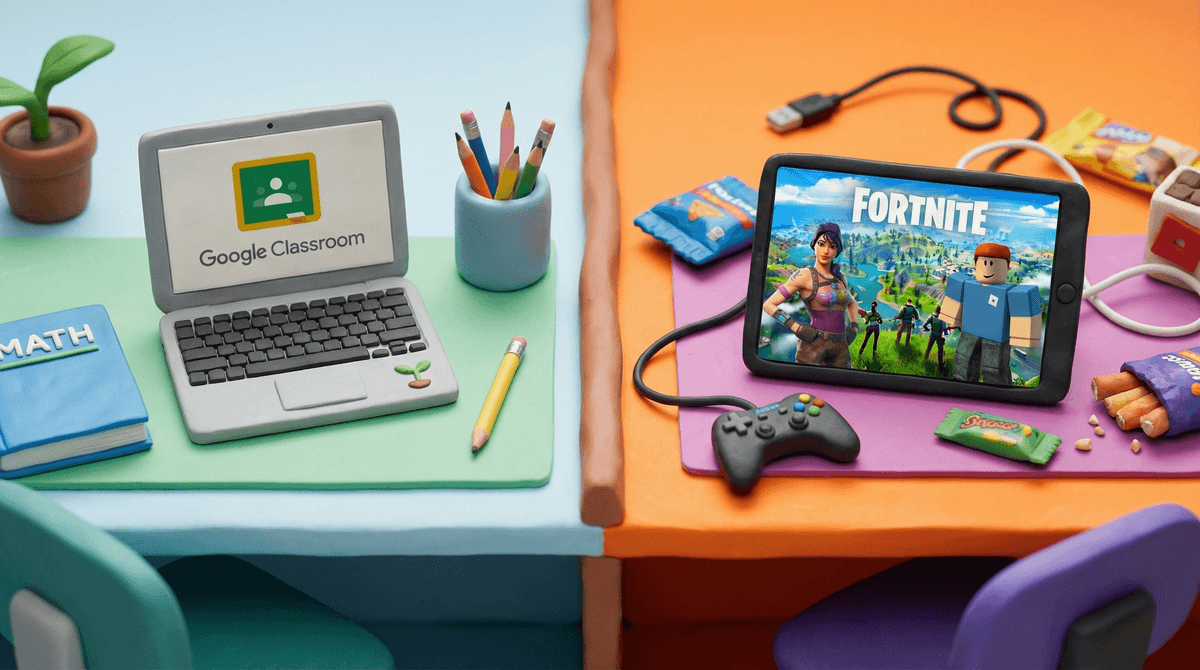
You know the scene: it's 4pm, backpack hits the floor, and your kid makes a beeline for their device. Meanwhile, that math worksheet and reading log are sitting in the bag like unwanted vegetables. The homework-screen time negotiation has begun, and honestly? It's exhausting for everyone.
The challenge isn't just about "too much screen time" — it's about the constant mental switching between homework focus and the dopamine hits of notifications, games, and videos. Kids are trying to do algebra while their brain is still thinking about that Roblox obby they were building, or wondering what their friends are saying on the group chat.
And here's the thing: screens aren't going away. Many homework assignments require screens now. So we're not talking about an all-or-nothing situation. We're talking about helping kids develop the executive function skills to manage competing demands — which, let's be honest, most adults still struggle with.
A few things are making this particularly challenging in 2026:
Apps are designed to be sticky. TikTok, YouTube Shorts, Fortnite — these aren't just fun, they're engineered to keep attention. Asking a kid to "just turn it off" and switch to homework is like asking them to leave a party where everyone's having fun to go sit alone and do taxes.
Homework often sucks at competing. Let's be real — a worksheet on fractions can't compete with the production value and engagement of modern digital content. Kids aren't lazy; they're just human beings responding to stimuli.
The social pressure is real. When "everyone" is online after school, doing homework feels like FOMO incarnate. Your kid isn't just choosing homework over fun; they're choosing to miss out on social connection.
Executive function is still developing. The part of the brain that handles "I should do the hard thing first" doesn't fully mature until the mid-20s. Expecting perfect self-regulation from a 10-year-old is setting everyone up for frustration.
Let's get realistic about what different ages can actually handle:
Elementary (Ages 5-10)
At this age, kids need external structure — they can't reliably self-regulate yet. They might have 15-30 minutes of homework, and they need you to create the environment where it happens.
- Expect to physically separate them from devices during homework
- They need breaks every 15-20 minutes
- Screen time works better as a "when homework is done" reward at this age
- Don't expect them to remember to do homework on their own
Middle School (Ages 11-13)
This is the training wheels phase. They have more homework (30-60 minutes typically) and are starting to develop some self-regulation, but it's inconsistent at best.
- They can start learning to use devices for homework, but will need guardrails
- Expect them to try to multitask (spoiler: they can't actually do it well)
- Social pressure peaks here — missing the group chat feels like a crisis
- They need help creating systems, not just willpower
High School (Ages 14-18)
Now we're in guided independence territory. They have 1-2+ hours of homework and need to start owning their process, but they still need support.
- They should be developing their own systems (with your input)
- Some can handle background music or having their phone nearby; others absolutely cannot
- The stakes are higher, so the conflicts can be more intense
- Your role shifts from enforcer to consultant
1. The "After-School Transition" Window
Most kids need 20-30 minutes to decompress after school before they can focus on homework. Fighting this is like swimming upstream. Let them have it — but make it bounded.
Try: "You get 30 minutes of Minecraft / YouTube / whatever, then we do homework, then you get more free time after."
The key is making it a known quantity, not an open-ended scroll session.
2. Create a Homework Zone (That's Not Their Bedroom)
Homework in the bedroom with a device is like trying to diet in a bakery. It's technically possible, but why make it harder?
- Kitchen table, dining room, or a specific homework spot
- Phone goes in a different room (or in a charging station
 everyone can see)
 - If they need a computer for homework, use website blockers during homework time
- Younger kids can work near you while you're making dinner or doing your own tasks
3. The "Device for Homework" Problem
When homework requires a screen, things get tricky. Kids will absolutely "need to check Google Classroom" and somehow end up on Discord.
Solutions:
- Use a separate device for homework if possible (like a family computer vs. their personal phone)
- Install website blockers during homework hours (Freedom or Forest are solid options)
- Keep phones physically away — even if they need the computer
- For older kids: teach them to put their phone in "Do Not Disturb" mode with only parent calls coming through
4. The Pomodoro Technique (But Make It Kid-Friendly)
The classic "work for 25 minutes, break for 5" can work well, but adjust it for age:
- Elementary: 15 minutes work, 5 minute break
- Middle school: 20-25 minutes work, 5-10 minute break
- High school: 25-30 minutes work, 5-10 minute break
During breaks, they can check their phone, grab a snack, whatever. The key is the break ends — set a timer.
5. Homework First vs. Break First: Know Your Kid
Some kids genuinely work better if they get 30-60 minutes of downtime first. Others will never transition to homework if they start with screens. You know your kid — trust that knowledge over any expert's one-size-fits-all advice.
If homework-first isn't working after genuinely trying it, experiment with downtime-first. Just make the transition time clear and stick to it.
6. Weekend and Long-Term Projects
This is where kids really struggle — and where screen time can completely derail things. A project due Monday will get ignored all weekend if you don't create structure.
Try:
- Sunday morning = project work time (before screens for the day)
- Break big projects into smaller chunks with mini-deadlines
- Use a family calendar everyone can see
- For high schoolers: help them block out time in their own calendar
Yeah, this is the meta-problem. When homework is on Google Classroom, essays are typed, and research is online, the line between "homework" and "distraction" gets real blurry.
For younger kids (elementary): Try to keep homework offline when possible. If they need to type something, let them handwrite it first, then type it with you nearby.
For middle schoolers: They need to start learning to work online without getting distracted, but they need tools and structure:
- Website blockers during homework time
- Phone in another room
- You checking in every 20-30 minutes
For high schoolers: They should be building their own systems, but you can still:
- Require phones to charge in a common area during homework time
- Help them install blockers on their own devices
- Check in on progress, not process
This is legitimate. When social life happens on Discord or Snapchat, being offline during homework time can feel socially isolating.
Some options:
- Set a specific homework hour that's consistent, so friends know when they're unavailable
- Allow a quick check at the midpoint of homework time (like a Pomodoro break)
- Prioritize in-person hangouts on weekends so they're not 100% dependent on digital social time
- Acknowledge it's hard — don't dismiss their feelings about missing out
If you've tried structure, routines, and boundaries, and homework is still a nightly battle, consider:
Is the homework actually reasonable? Some schools assign way too much. If homework is taking significantly longer than the "10 minutes per grade level" rule of thumb (so 40 minutes for a 4th grader), talk to the teacher.
Are there underlying issues? ADHD, anxiety, learning differences — these can all make homework harder, and screen time becomes a coping mechanism. If you suspect something deeper, talk to your pediatrician or school counselor.
Is your kid just exhausted? Between school, activities, and social pressures, kids are tired. Sometimes the screen time battle is actually a rest and downtime issue. Consider whether they're overscheduled.
Balancing screen time and homework isn't about finding the perfect system — it's about finding what works for your specific kid and adjusting as they grow.
What works for your friend's kid might not work for yours. What worked last year might not work this year. And what works on Tuesday might completely fall apart on Thursday. That's normal.
The goal isn't perfect compliance or zero screen time. The goal is helping your kid develop the skills to manage their attention, delay gratification, and get their work done — even when there are way more fun things available. That's a skill they'll need for life, not just for homework.
-
Pick ONE strategy from this guide to try this week. Don't overhaul everything at once.
-
Talk to your kid about what's hard for them. Sometimes they have insights you wouldn't expect.
-
Check out our guide to parental controls if you need technical help blocking distractions during homework time.
-
Be patient with yourself — you're teaching a skill, not enforcing a rule. Skills take time to develop.
And remember: if homework gets done and your kid is generally okay, you're doing fine. Perfect is not the goal. Good enough is actually great.