Canva

Canva

Website

WISE
88%

WISE Score

The ultimate 'fake it 'til you make it' design tool that turns kids into mini-creative directors.

Where to Find

Visit Canva
Screenwise Verdict

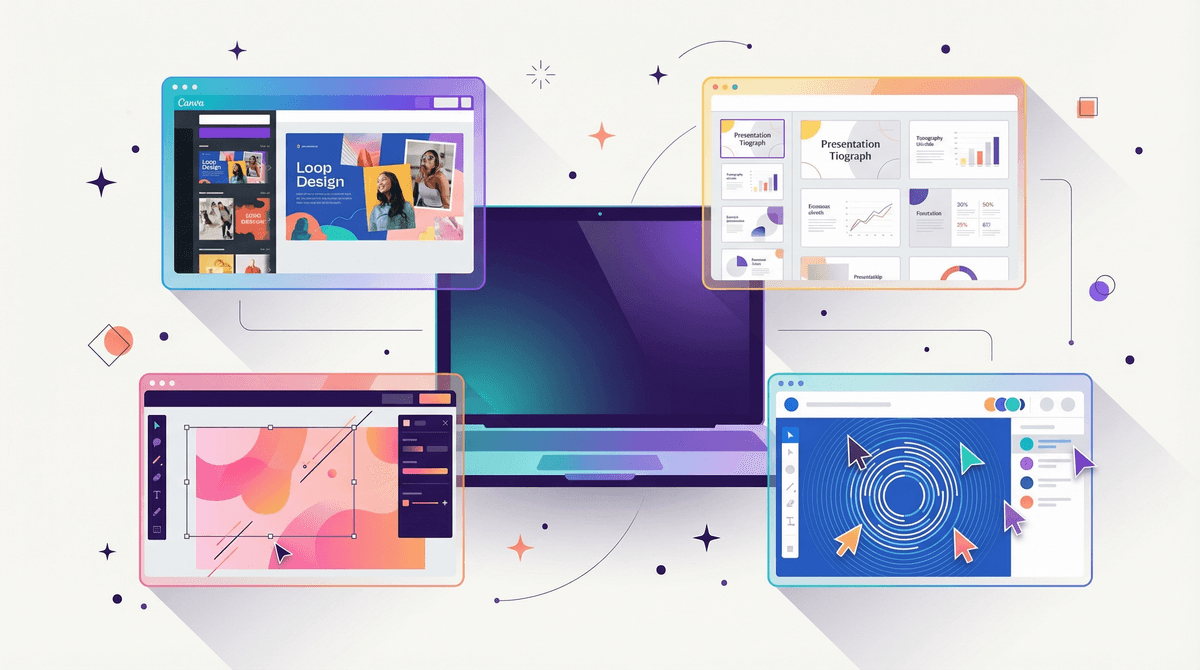
Canva is the rare tool that is actually as good as the hype. It has effectively democratized design, taking the power away from expensive, complicated software like Photoshop and giving it to anyone with a browser. For kids, it’s a massive creative sandbox where they can make anything from a school presentation to a fake cereal box.

However, it isn't a 'kids' app.' It’s a professional tool that happens to be easy to use. That means the privacy settings are geared toward businesses, not children. If your kid is using it, they should ideally be on a school-managed Canva for Education account or a family account where you’ve explicitly discussed what stays private and what gets shared.

Age Fit

Perfect for 7 and up. Younger kids will need help with the interface, but by age 9 or 10, most can run circles around their parents in this app.

WISE Breakdown
Wholesome
85

It's a productive, creative environment focused on building rather than consuming. While the AI tools add a layer of unpredictability, the overall vibe is professional and encouraging.

Imaginative
95

One of the best 'low floor, high ceiling' creative tools available. It lets kids move from templates to original layouts, video editing, and brand building without the steep learning curve of professional software.

Safe
65

Privacy is the main friction point. Data collection for profiling and the potential for third-party plugins/public sharing require active parental oversight. It is not a 'walled garden.'

Enriching
92

Teaches design literacy, visual communication, and technical proficiency. These are direct, marketable real-world skills that translate to almost any future career.

Parent Info
✓

Why It Might Be Great

  • Instant gratification for kids who have big ideas but lack the fine motor skills for traditional drawing.
  • Canva for Education provides a massive library of school-safe assets that are much better than a standard Google Image search.
  • Real-world skills are being built here; knowing your way around a layout tool is basically the new typing.
  • Collaborative features allow kids to work on group projects or family cards together in real-time.
⚠

What to Watch For

  • The 'Magic Studio' AI tools can generate images or text that might bypass standard filters; it's worth keeping an eye on what they're prompting.
  • Public sharing is just a click away. Make sure they know that 'Publish to Web' means the whole world can see their project.
  • Upselling is constant. Even on free accounts, they'll see 'Pro' assets with watermarks that require a subscription to remove.

Conversation Starters

  • "If you were starting a business tomorrow, what would your logo and 'vibe' look like?"
  • "Why do you think this template looks better than that one? Is it the font, the colors, or the spacing?"
  • "Does using AI to make an image feel like 'cheating,' or is it just a new kind of paintbrush?"
  • "Who owns the stuff you make on here—you or the app?"

Deep Dive

The 'New Literacy' in Action

We used to worry about kids learning to code; now, we probably need to worry more about them learning to communicate visually. Canva is the heavy hitter in this space. It’s essentially Lego for graphic design. You don't start with a blank page—which is terrifying for most kids—you start with a structure and then modify it until it’s yours.

The AI Elephant in the Room

Canva has leaned hard into AI with its 'Magic Studio.' This isn't just about making things faster; it's about generating content from scratch. While Common Sense Media and other watchdogs flag the data privacy side of this, the practical side is that kids can now 'summon' images. This is a great time to talk about media literacy and the ethics of AI-generated art.

Professional vs. Educational

If your kid's school uses Canva, stick with that login. The Canva for Education tier is more locked down and includes a filtered library of assets. If you're using it at home, be aware that the standard 'Free' version is a lead-generation machine for their 'Pro' subscription. Your kid will inevitably find the perfect sticker only to realize it's behind a paywall.

Ultimately, Canva is a massive net positive. It moves screen time from 'scrolling' to 'creating,' and that's a win every single time.

What Parents Ask

Ask Anything

Get a personalized guide on any topic

Related Guides