

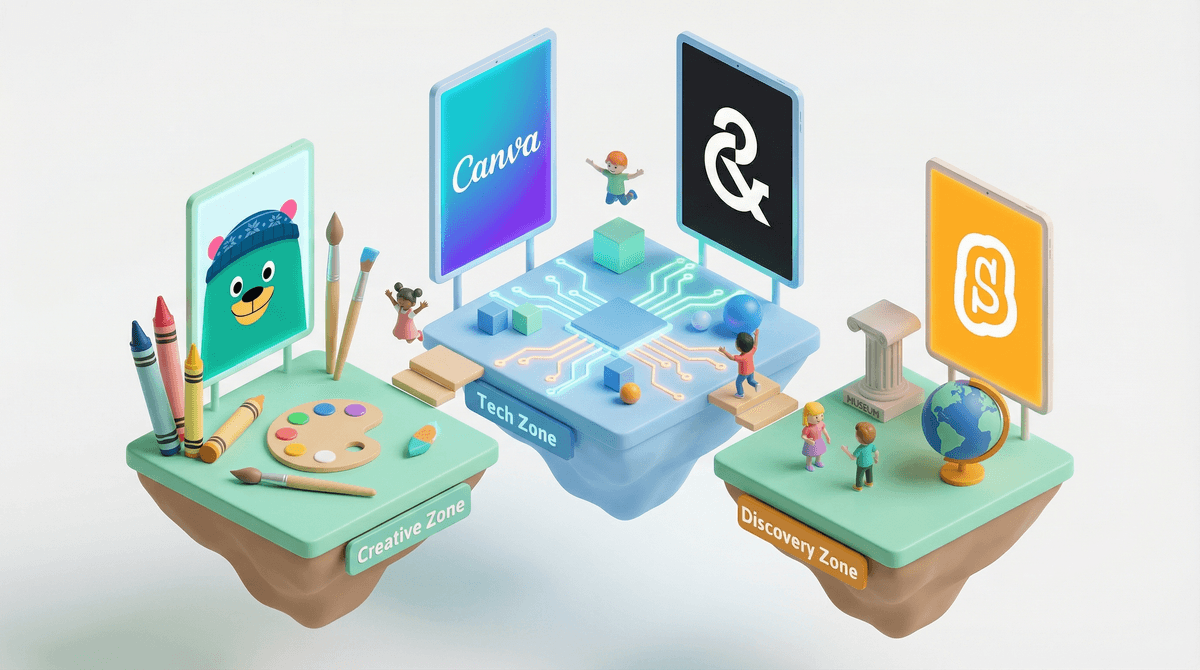
Look, we all know that "free" on the internet usually means you're the product. But here's the thing: there actually are legitimately good, free online activities for kids that aren't just thinly-veiled data collection schemes or ad delivery systems disguised as games.
We're talking about educational platforms, creative tools, coding games, virtual museum tours, and interactive storytelling experiences that don't require a credit card, won't try to upsell you every 30 seconds, and actually deliver on the promise of quality screen time.
The challenge? Finding them. Because they're buried under a mountain of "free-to-play" games that are really "free-to-start-but-$50-later-to-actually-enjoy" and YouTube rabbit holes that start with a science experiment and end with... well, you know.
The average cost of kids' digital entertainment adds up fast. Between streaming services, game passes, in-app purchases, and subscription boxes, families can easily spend $100+ monthly on digital content. And that's before your kid discovers Roblox and starts asking for Robux .
.
But here's what actually matters: quality free content exists, and it's often better than the paid stuff. No paywalls means no pressure to monetize every interaction, which sometimes (not always, but sometimes) means the creators are focused on actual education or creativity rather than extracting maximum dollars per user.
Plus, let's be honest—when you're trying to get dinner on the table and need 20 minutes of peace, knowing you have a go-to list of activities that won't result in surprise charges or your kid watching unboxing videos for three hours straight? That's valuable.
Educational Platforms (Ages 5-12)
Khan Academy Kids (Ages 2-8) is genuinely free—like, actually free. No ads, no in-app purchases, no catch. It's got math, reading, social-emotional learning, and creative activities. The interface is colorful without being overstimulating, and it adapts to your kid's level.
PBS Kids Games offers hundreds of games featuring characters from shows like Wild Kratts and Odd Squad. It's ad-free and covers everything from math to science to problem-solving. The quality is consistent because it's PBS—they're not trying to sell you anything.
Scratch (Ages 8+) is where kids learn to code by making their own games and animations. It's developed by MIT, completely free, and has a massive community of young creators. Yes, there's a social component, but it's moderated and focused on sharing projects, not chatting.
Creative & Making (Ages 6-14)
Canva for Education has a free tier that lets kids design posters, presentations, and digital art. It's like giving them professional design tools without the Adobe subscription price tag.
Boomwriter offers free creative writing activities where kids can contribute to collaborative stories. It's structured enough to guide reluctant writers but open enough for creative kids to run wild.
Chrome Music Lab is a collection of experiments that make learning music interactive and visual. Kids can create songs, understand sound waves, and experiment with rhythm—all in a browser, all free.
Virtual Experiences (All Ages)
Smithsonian Learning Lab offers thousands of digitized artifacts, virtual tours, and educational resources. Your 10-year-old can explore ancient Egypt without leaving the couch. It's legitimately cool and legitimately free.
Google Arts & Culture has virtual museum tours, art projects, and interactive exhibits. The "Art Selfie" feature that matches your face to famous paintings is a surprisingly engaging way to get kids interested in art history.
NASA Kids' Club has games, videos, and activities about space exploration. It's NASA, so the information is accurate, and the content is genuinely interesting rather than dumbed down.
Not all "free" is created equal. Here's what to look for:
Actually free vs. freemium: If an app or site offers a "free trial" or has a "premium" tier heavily advertised, it's designed to convert you to paid. That's not necessarily bad, but it's not what we're talking about here.
Ad-supported "free": Some sites are free because they're serving ads. For younger kids (under 8), this is generally a hard pass. For older kids, it depends on the ad quality and frequency. Educational sites with occasional, age-appropriate ads? Maybe okay. Game sites with flashing banner ads and "CLICK HERE TO WIN"? Nope.
Data collection: Free platforms still collect data. The good ones (like PBS Kids) collect minimal data and don't sell it. The sketchy ones collect everything and monetize it. Check the privacy policy—or at least skim it. If it's 47 pages long and mentions "third-party partners" 80 times, that's a red flag.
The YouTube problem: YouTube is technically free and has amazing educational content (Crash Course Kids, SciShow Kids). But the autoplay algorithm is designed to keep kids watching, not to serve their best interests. If you're using YouTube for free educational content, use YouTube Kids with restricted mode or curate playlists yourself.
Ages 3-6: Stick with closed platforms like Khan Academy Kids and PBS Kids. At this age, the internet should feel like a safe playground, not the wild west. No social features, no ads, no surprises.
Ages 7-10: You can branch out to platforms like Scratch (with supervision) and virtual museum tours. This is a good age to start teaching "how to evaluate if a website is trustworthy." They're old enough to understand that not everything online is what it seems.
Ages 11-14: They can handle more open-ended creative platforms and might actually enjoy virtual museum tours (especially if they're studying related topics in school). This is also when coding platforms like Scratch become actually engaging rather than just "educational."
Free online activities for kids exist, and they're not all garbage. The best ones are:
- Truly free (not free-to-start-but-$50-later)
- Ad-free or minimally ad-supported with age-appropriate ads
- Educational or creative rather than just time-filling
- Safe with appropriate privacy protections
Start with platforms backed by educational institutions (PBS, Khan Academy, Smithsonian, NASA) or nonprofits. They're not trying to monetize your kid's attention—they're trying to educate.
And remember: free doesn't mean unlimited. Quality screen time is still screen time. The fact that your kid is learning to code on Scratch instead of watching unboxing videos doesn't mean they should do it for six hours straight.
Build a shortcut folder: Bookmark 5-7 trusted free sites and put them in a folder your kids can access. Make it easier to choose the good stuff than to default to YouTube or whatever game is currently dominating their friend group.
Test drive together: Spend 15 minutes exploring a new free platform with your kid. See if it actually holds their interest or if it's "educational" in that boring, worksheet-disguised-as-a-game way.
Set up structure: Free doesn't mean free-for-all. "You can pick any activity from the bookmark folder" is still a boundary. It's just a more generous one than "20 minutes of this specific app."
Check in regularly: What's free and good today might get acquired by a company that adds ads and in-app purchases tomorrow. The internet changes. Your go-to list should too.
And if you want to dive deeper into specific platforms or get personalized recommendations, that's what we're here for.