

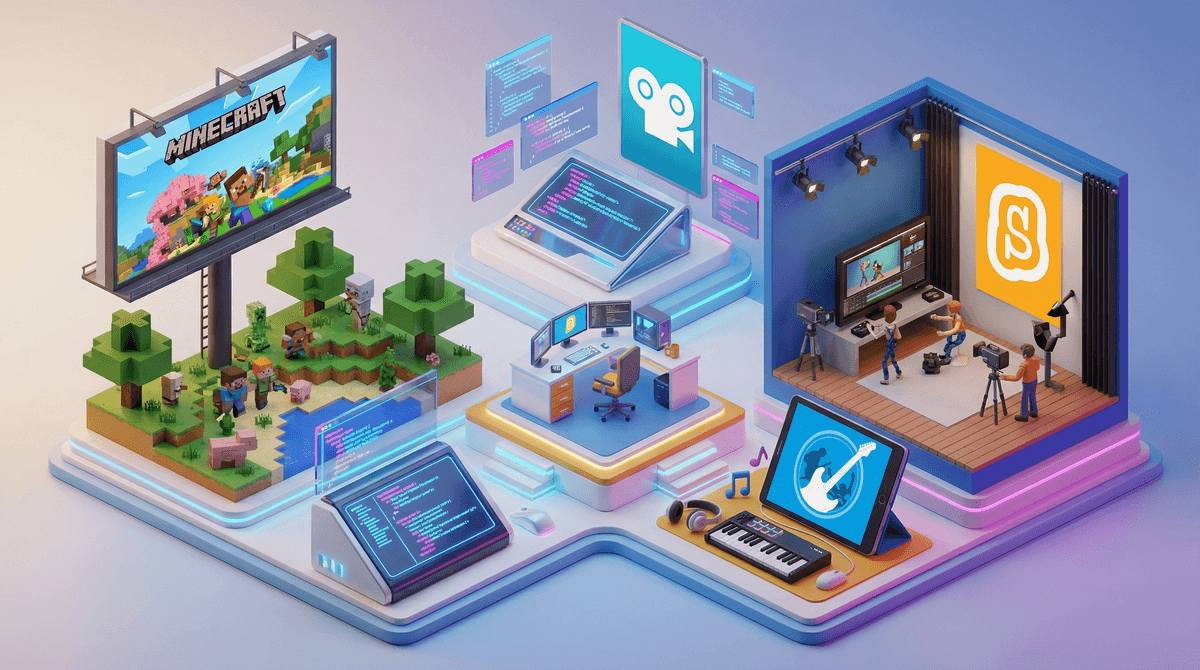
Look, we all know the stats. Kids are spending hours consuming content—YouTube videos, TikToks, Netflix binges, Roblox gameplay. And honestly? That's not inherently evil. But here's the thing: the real magic happens when kids flip the script and start making stuff themselves.
The consumer-to-creator shift is about moving kids from passive consumption (watching someone else play Minecraft for the 47th time) to active creation (building their own worlds, editing their own videos, coding their own games). It's the difference between watching cooking shows and actually making dinner. Both have value, but one teaches you actual skills.
Creating media isn't just about keeping kids "productive" (though let's be honest, that's a nice side effect). It's about developing skills that matter:
Critical thinking and problem-solving. When you're trying to figure out why your Scratch animation won't loop correctly, you're debugging. When you're editing a video and the audio doesn't sync, you're troubleshooting. These are real skills.
Digital literacy. Kids who create content understand how media works from the inside out. They get why that YouTube thumbnail looks that way, how editing can manipulate emotion, why that TikTok went viral. They become harder to manipulate because they understand the tricks.
Self-expression and confidence. Making something—anything—and putting it out there (even if "out there" is just the family group chat) builds confidence. Kids learn their voice matters, their ideas have value.
Actual marketable skills. Video editing, graphic design, coding, audio production—these aren't just hobbies anymore. These are career paths. Your 10-year-old making Roblox games might actually be learning entrepreneurship.
Okay, but here's where it gets real: most kids won't just naturally pivot from consumer to creator without some scaffolding. Consuming is easier. It's passive. It requires no risk of failure.
So how do you actually make this shift happen?
Start Where They Already Are
Don't try to force your Fortnite-obsessed kid to suddenly start making stop-motion films about nature. Start with what they're already into:
-
Love watching gaming videos? Try making one. Minecraft has built-in screen recording on many platforms. Film a 2-minute tour of their latest build.
-
Obsessed with a particular YouTuber? Analyze what makes their videos work. What's the intro? How do they edit? Can your kid recreate that style?
-
Into Roblox? Roblox Studio is free and genuinely teaches game design and basic coding. Yes, they might try to monetize it. That's actually not a bad thing
.
Make Creation Tools as Accessible as Consumption
Here's the secret: if TikTok is two taps away but iMovie requires a password, three confirmations, and a parent download, guess which one wins?
Put creation tools on their devices:
- Ages 6-9: Scratch Jr, Toca Boca apps, simple drawing apps, Stop Motion Studio
- Ages 10-13: Scratch, iMovie or CapCut, GarageBand, Canva, Roblox Studio
- Ages 14+: More advanced tools like Adobe Creative Suite (if you're willing to pay), DaVinci Resolve (free!), Blender, actual coding platforms
Create Low-Stakes Opportunities
The biggest barrier to creation? Fear of it not being good enough. Kids see polished YouTube videos and think that's the standard for attempt #1.
Make creation low-stakes:
- Family film nights where everyone makes a 60-second video about their week
- Remix challenges where you take existing content and transform it (make a new ending for a show, create an alternate soundtrack for a movie scene)
- Collaborative projects where siblings or friends work together so no one person is "responsible" for the final product
Praise Process Over Product
When your kid shows you their first Scratch game or edited video, it's probably going to be... not great. That's fine. That's expected. Do not lead with "that's amazing!" because they know it's not, and now they think you're either lying or have terrible taste.
Instead: "Walk me through how you made this. What was the hardest part? What do you want to try next time?"
Praise the effort, the problem-solving, the iteration. "I love that you figured out how to add sound effects" is better than "this is perfect."
Ages 5-7: Physical creation that can become digital. Draw pictures and photograph them. Build with blocks and film the process. Use voice memos to record stories. Toca Boca apps that let them create worlds and characters.
Ages 8-10: Scratch for coding, stop-motion animation, simple video editing, creating levels in games like Minecraft or Super Mario Maker. This is the sweet spot for "I made a thing!" pride.
Ages 11-13: More complex projects. YouTube channels (private or unlisted at first), Roblox game development, podcast creation, digital art, music production. They can handle longer-term projects and iteration.
Ages 14+: Actual portfolio-building if they're interested. Short films, game mods, coding projects, graphic design work. This can transition from hobby to potential career exploration.
You don't need to ban consumption to encourage creation. This isn't about replacing screen time with "productive" screen time (though that's a nice side effect). It's about showing kids that they can be makers, not just consumers. That their ideas matter. That the internet isn't just something that happens to them—it's something they can shape.
Start small. Start with their interests. Make creation tools accessible. Celebrate the process, not just the product. And maybe, just maybe, you'll find yourself watching your kid's third attempt at a stop-motion video featuring their stuffed animals instead of another random YouTube video about unboxing toys.
Progress, not perfection.
Ready to get started? Here are some concrete actions:
-
This week: Have a conversation with your kid about something they love watching. Ask: "Have you ever thought about making something like that?"
-
This month: Download or set up one creation tool based on their age and interests. Spend 30 minutes exploring it together.
-
This quarter: Create one family project together—a video, a game, a podcast episode, anything. Make it silly, make it low-stakes, make it fun.
Want specific tool recommendations? Check out our guides on getting started with Scratch, Roblox Studio basics, or kid-friendly video editing apps.