Adobe Fresco

Adobe Fresco

app

Everyone, 2014, Art & Design

WISE
91%

WISE Score

4.7

App Store

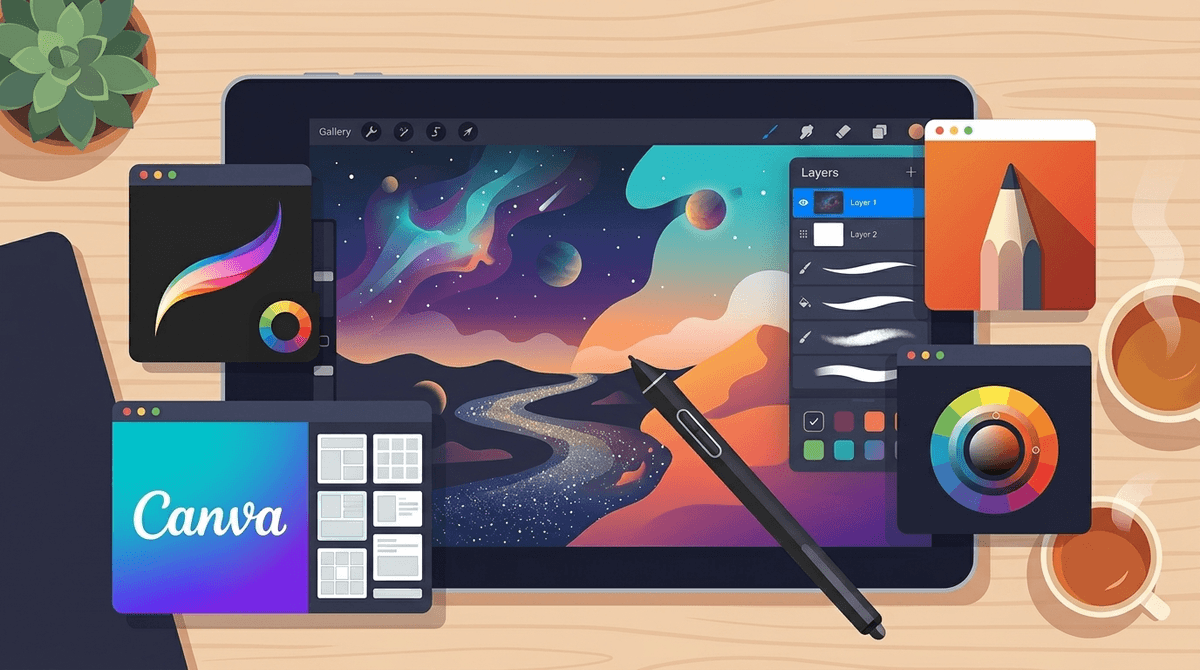
Professional digital painting app that treats your kid like a real artist—because it's what real artists actually use.

Screenwise Verdict

Here's the thing: Adobe Fresco is the real deal. It's not a cutesy kids' drawing app with stamps and stickers—it's professional illustration software that happens to have a kids mode.

If your child is genuinely interested in digital art, this is where you want them spending time. They're learning actual skills with industry-standard tools, not just making rainbow unicorns with pre-set brushes (though they can do that too, if they want). Reddit parents confirm it's legit for skill development, and professional illustrators use it for children's books.

The subscription cost is the main barrier. You need to decide if your kid is committed enough to justify paying for Adobe Creative Cloud. But if they are? This is miles better than most "kids' art apps" because it respects their intelligence and gives them room to grow into genuine artistic capability.

Zero safety concerns, maximum creative potential. Just make sure your kid is actually ready for the learning curve.

Age Fit

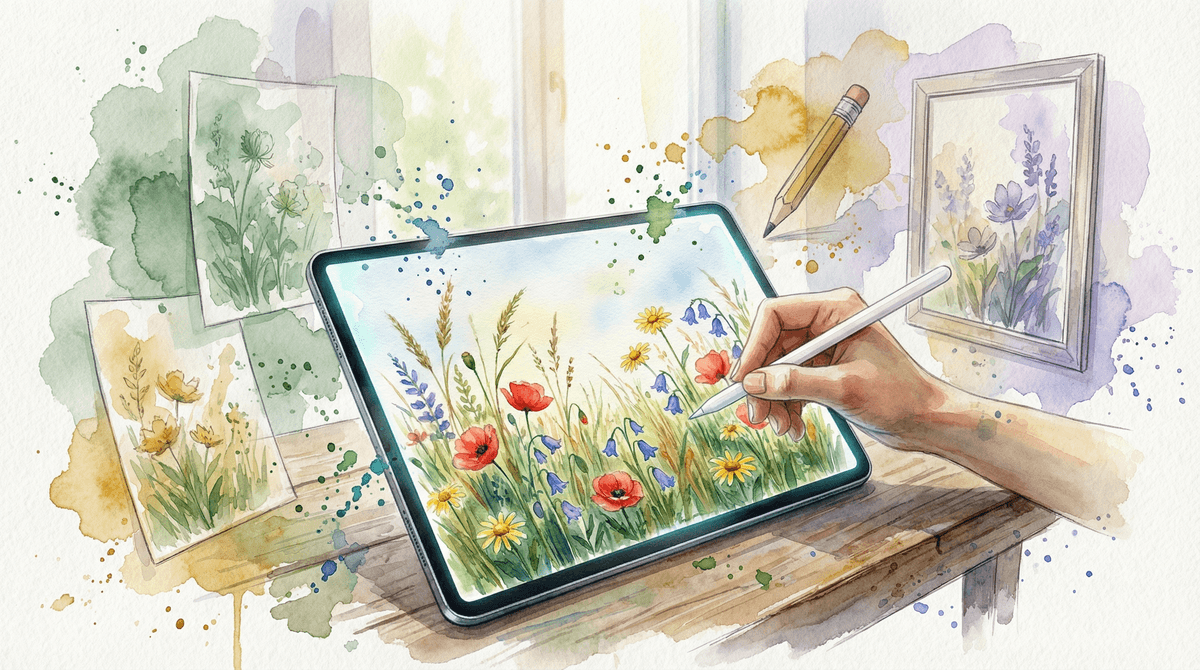
Best for ages 10+ who are genuinely interested in digital art and illustration. Younger kids (7-9) can use it with kids mode and some parental guidance, but this is really for the kid who's moved beyond basic drawing apps and wants real tools. Teens and adults who are serious about art will appreciate that it doesn't patronize them.

WISE Breakdown
Wholesome
88

A pure creative tool with no social features, ads, or manipulative elements. The interface is clean and focused on artistic expression. Kids mode available adds an extra layer of age-appropriate design. No concerning content whatsoever—just digital brushes and a blank canvas.

Imaginative
92

This is literally a blank canvas for imagination. Professional-grade brushes that mimic real-world tools (pencils, markers, airbrushes), unlimited layers, customizable tools, and precision guides mean kids can go from quick sketches to fully finished artwork. The perspective function mentioned in search results is particularly useful for learning technical drawing skills. It's a genuine creative powerhouse.

Safe
95

Extremely safe. No ads, no social features, no chat, no user-generated content exposure. Kids mode available. It's a standalone creative tool with zero concerning elements. The only minor consideration is that it requires an Adobe account, but that's standard for professional creative software.

Enriching
89

Teaches genuine artistic skills—brush control, color theory, layering, composition, perspective drawing. Reddit parent confirmed using it with their 14-year-old to develop drawing skills. Professional illustrators use it for children's book illustration (per YouTube search results). This isn't a toy app; it's a real tool that builds transferable creative skills. The learning curve is real, which is actually enriching.

Parent Info
✓

Why It Might Be Great

  • Professional-grade tools (unlimited layers, blend modes, customizable brushes) that don't dumb things down for kids
  • Clean, distraction-free interface lets them focus on actual creating, not navigating menus
  • Perspective guides and technical tools teach real illustration skills—parents report using it to develop their teens' abilities
  • Used by actual children's book illustrators, so your kid is learning industry-standard tools
  • Kids mode available for younger artists who need guardrails
⚠

What to Watch For

  • Requires Adobe subscription—this isn't a free doodle app, it's professional software with a price tag
  • Learning curve is real; younger kids might get frustrated without some initial guidance or tutorials
  • Best for kids who are actually committed to digital art, not just killing time

Conversation Starters

  • "What's the difference between drawing with the pencil tool versus the airbrush? Which one feels more natural to you?"
  • "Can you show me how layers work? What happens when you draw on different layers?"
  • "What kind of art do you want to make with this—characters, landscapes, something else?"
  • "Have you tried the perspective guides yet? Want to try drawing a building or a room together?"

Ask Anything

Get a personalized guide on any topic