

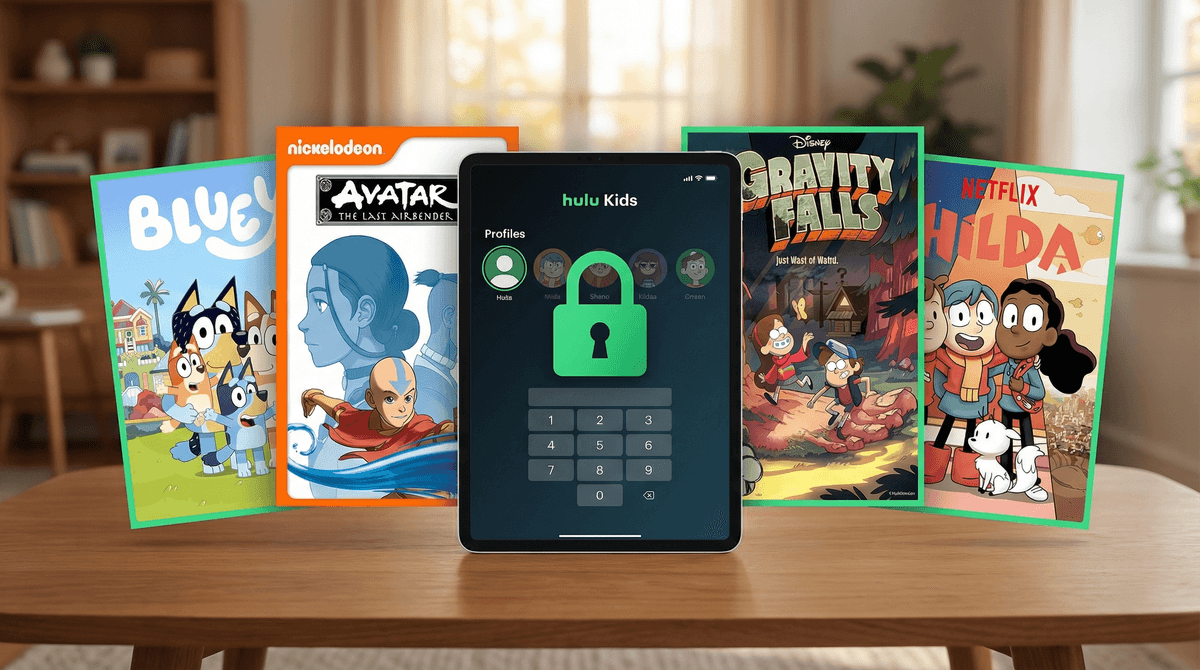
The Ultimate Guide to Hulu Kids Content: Safe Streaming for Every Age
TL;DR: Hulu has solid kids content, but unlike Disney+ or Netflix, it requires more hands-on setup to keep kids in the safe zone. The good news? Once you set up profiles correctly with PINs and ratings locks, you've got access to everything from Bluey to Avatar: The Last Airbender, plus a bunch of underrated gems. Here's how to make it work.
Quick wins:
- Set up a Kids Profile (it's separate from regular profiles)
- Lock your adult profiles with a PIN
- Know that Hulu's "Kids" mode caps at TV-Y7, so tweens need a regular profile with parental controls
- Best shows: Bluey, The Ghost and Molly McGee, Gravity Falls, Bob's Burgers (for older kids)
Hulu is weird because it's trying to be everything: live TV, current shows, back catalog, and yes, kids content. Unlike Disney+ which is basically a walled garden of family-friendly stuff, or Netflix which has pretty robust kids profiles, Hulu's kids experience feels like it was bolted on later.
The platform has three tiers now: Hulu (with ads), Hulu (no ads), and Hulu + Live TV. For kids content specifically, the tier doesn't matter much—you get the same shows. But the profile setup absolutely matters because one wrong click and your 6-year-old is staring at a thumbnail for The Handmaid's Tale.
The Kids Profile
When you create a Kids Profile, Hulu automatically filters content to TV-Y, TV-Y7, G, and PG. That's it. No TV-PG, no PG-13 movies, nothing edgier.
How to set it up:
- Go to your account settings
- Select "Profiles"
- Click "Add Profile"
- Toggle on "Kids Profile"
- Pick a fun avatar (they have decent options)
The Kids Profile interface is simplified—big tiles, easy navigation, and everything is curated. Your preschooler can't accidentally stumble into American Horror Story.
The Problem: Tweens and Teens
Here's where it gets tricky. If your 11-year-old wants to watch Gravity Falls (rated TV-Y7-FV) or The Owl House (TV-Y7), they're fine in the Kids Profile. But if they want Avatar: The Last Airbender (TV-Y7-FV, but some episodes hit harder) or anything rated TV-PG like The Simpsons, they need a regular profile.
For tweens/teens, create a regular profile and:
- Don't enable Kids Mode
- Set a content rating limit (you can cap at TV-PG or PG-13)
- Require a PIN for anything above that rating
- Most importantly: Lock YOUR profile with a PIN so they can't just switch over
This is the part most parents miss. If you don't PIN-lock the adult profiles, your kid will 100% figure out they can just click over to Mom's profile and watch whatever.
Preschool (Ages 2-5)
Bluey — Obviously. If you're not watching Bluey, start now. It's the gold standard for preschool content that doesn't make parents want to throw the TV out the window. Every episode is 7 minutes of genuinely good storytelling about imaginative play, emotional intelligence, and family dynamics. Plus the parents are actually competent, which is refreshing.
Curious George — Classic, gentle, problem-solving focused. George gets into situations, figures them out, minimal chaos. Good background viewing for when you need 20 minutes to make dinner.
Sesame Street — Hulu has a solid back catalog. Still educational, still wholesome, still Elmo.
Elementary (Ages 6-9)
The Ghost and Molly McGee — Genuinely funny, great friendship dynamics, and the main character's relentless optimism is actually endearing rather than annoying. A ghost named Scratch gets stuck haunting an overly cheerful girl, and they become unlikely friends. Solid writing, good messages about empathy without being preachy.
Big City Greens — Country family moves to the big city, chaos ensues. Fast-paced humor, surprisingly sweet family relationships, and the grandma character (Gramma) is legitimately hilarious.
Hilda — This one's a gem. A fearless blue-haired girl has adventures in a world full of magical creatures. Beautiful animation, thoughtful storytelling, and genuinely interesting mythology. If your kid liked Gravity Falls or The Wild Robot, they'll love Hilda.
Tweens (Ages 10-12)
Gravity Falls — Two words: watch it. Twins spend the summer with their great-uncle in a weird town full of supernatural mysteries. Clever writing, ongoing mystery arc, and humor that works for both kids and adults. Some genuinely creepy moments, but nothing traumatizing. This is the show that gets kids into storytelling.
The Owl House — A human girl accidentally ends up in a magical realm and becomes a witch's apprentice. Great LGBTQ+ representation (the main character's romantic subplot is with another girl, handled beautifully), complex characters, and a genuinely compelling villain arc. Some intense moments in later seasons.
Bob's Burgers — This is rated TV-14, but honestly, it's one of the gentler adult animated shows. A family runs a burger restaurant, and the kids are weird and wonderful. There's occasional mild language and adult references, but the core is about a loving, supportive family. Great for older tweens, especially if you're watching together. Learn more about whether Bob's Burgers is appropriate for your tween .
.
Avatar: The Last Airbender — If your kid hasn't seen it, this is the one. Aang, the last Airbender, must master all four elements to save the world. Incredible character development, complex themes about war and responsibility, and genuinely funny. Some intense battle scenes and emotional moments (character deaths, genocide backstory), but handled with care.
Teens (Ages 13+)
The Simpsons — Hulu has all 30+ seasons. The early seasons (1-10) are genuinely great television. Later seasons are hit or miss, but there's a reason this show has been on for decades. Some adult humor, but nothing too intense.
Futurama — Same creators as The Simpsons, but set in the future. Clever sci-fi humor, surprisingly emotional moments, and generally more cohesive storytelling than later Simpsons seasons.
Adventure Time — This show is wild. Starts as a silly cartoon about a boy and his magical dog, evolves into surprisingly deep storytelling about growing up, relationships, and existential themes. Some episodes are genuinely weird and occasionally dark, but it's beloved for a reason.
Hulu's kids library is decent but not comprehensive. Here's what you won't find:
No Pixar or Marvel shows — Those are locked to Disney+. If your kid wants Loki or Monsters at Work, you need the Disney subscription.
Limited PBS Kids — Some shows like Curious George and Sesame Street are here, but for the full PBS catalog (Wild Kratts, Daniel Tiger, Odd Squad), you're better off with the free PBS Kids app.
No Nick Jr. originals — Paw Patrol and Peppa Pig are on Paramount+. Bluey is the exception because it's distributed by Disney.
The biggest mistake parents make with Hulu is not using PINs correctly. Here's what works:
-
Create separate profiles for each kid — Don't make them share. They'll fight over watch history and recommendations.
-
PIN-lock EVERY adult profile — Not just yours. If Grandma has a profile on your account, lock it.
-
Set content ratings on tween/teen profiles — You can cap at TV-PG or PG-13, then require a PIN for anything above that. This means they can watch Gravity Falls but not Game of Thrones.
-
Use the "Restrict Mature Content" toggle — In profile settings, there's an option to hide R-rated movies and TV-MA shows entirely. Turn this on for tween profiles.
-
Check watch history occasionally — Not to spy, but to see what they're gravitating toward. It's useful data for conversations about what they're watching and why.
Hulu's movie selection for kids is... fine. It's not great, but there are some solid options:
Good picks:
- The Princess Bride — Classic adventure, perfect for ages 8+
- Nausicaä of the Valley of the Wind — Studio Ghibli film, beautiful and thoughtful
- The Lego Movie — Funny, fast-paced, surprisingly clever
- Night at the Museum — Fun family adventure
The catch: Hulu's movie library rotates constantly. That Studio Ghibli film might be gone next month. If you find something good, watch it sooner rather than later.
For a more consistent movie experience, Disney+ or Netflix are better bets.
If you have the Live TV package, your kids can access Disney Channel, Disney Junior, Disney XD, Cartoon Network, and Nickelodeon through the live TV interface. This is actually pretty great for kids who like the experience of flipping channels rather than choosing from a menu.
The downside: Live TV means commercials, and those commercials aren't always kid-appropriate even on kids channels. You'll get promos for other shows, movie trailers, and toy ads. If you're trying to minimize commercial exposure, stick to on-demand content.
Preschool (2-5)
Keep them in the Kids Profile. It's foolproof. Everything is G or TV-Y. The biggest risk is them watching too much Bluey and then trying to recreate elaborate imaginary games that require your full participation for 45 minutes.
Early Elementary (6-9)
Still good in the Kids Profile, but around age 8-9, they might start asking for shows their older siblings or friends watch. This is when you might create a regular profile with content restrictions. Talk about why some shows are for older kids—not because they're "bad," but because they deal with themes that are more interesting when you're older.
Tweens (10-12)
Regular profile with ratings caps. This is the age where they're ready for more complex storytelling (Gravity Falls, Avatar), but you still want guardrails. PIN-lock anything TV-14 or PG-13 and watch those together first to decide if they're ready.
Teens (13+)
More freedom, but keep the PIN on R-rated and TV-MA content. At this age, it's less about blocking everything and more about having conversations about what they're watching and why. Bob's Burgers? Probably fine. Euphoria? Absolutely not, and here's why.
"My kid keeps switching to my profile" PIN-lock your profile. Seriously, this solves 90% of issues.
"The Kids Profile is too limiting for my 10-year-old" Create a regular profile, set content restrictions to TV-PG, and PIN-lock anything above that.
"I can't find anything good" Use the search function. Hulu's recommendation algorithm for kids is mediocre, but if you search for specific shows like Hilda or The Ghost and Molly McGee, you'll find them.
"My kid wants to watch YouTube on Hulu" Not a thing. Keep YouTube and YouTube Kids separate. Here's how to think about YouTube vs. YouTube Kids.
Hulu vs. Netflix for kids: Netflix has a better kids interface and more robust parental controls. Their kids profile is more intuitive, and they have more original kids content. But Hulu has Bluey and current TV shows, which Netflix doesn't.
Hulu vs. Disney+: Disney+ is the safer bet for younger kids—almost everything is family-friendly. But Hulu has a wider range for tweens and teens who are ready for more mature content. If you can swing it, having both is ideal.
Hulu vs. Paramount+: Paramount+ has Nickelodeon shows, which Hulu lacks. If your kid is obsessed with Paw Patrol or SpongeBob, Paramount+ is the move.
Hulu can absolutely work for kids, but it requires more setup than other streaming services. The Kids Profile is solid for younger kids, but once you hit the tween years, you need to get comfortable with PINs, content ratings, and regular profile checks.
The winning strategy:
- Set up Kids Profiles for anyone under 10
- Create restricted regular profiles for tweens
- PIN-lock all adult profiles (seriously, do this)
- Check in on watch history every few weeks
- Watch new shows together first to gauge appropriateness
The content is there—Bluey, Gravity Falls, Avatar, and a bunch of other genuinely good shows. You just need to set up the guardrails so your kids can explore safely.
- Set up profiles today — Don't wait until your kid accidentally clicks on something inappropriate
- Make a family watch list — Let kids add shows they want to watch, then preview them together
- Talk about content ratings — Explain what TV-Y7 vs. TV-PG means and why it matters
- Explore alternatives — Check out the best streaming services for kids to see if another platform might be a better fit
And if you're trying to figure out what else your kids should be watching, reading, or playing, Find streaming picks for your 10-year-old. That's literally what it's there for.