

TL;DR
If your kid is obsessed with Minecraft, modding is the ultimate "level up" from passive consumer to active creator. It’s the difference between playing with Legos and designing the bricks yourself.
- The Goal: Move them from "brain rot" YouTube loops to actual logic and Java coding.
- The Tool: Use CurseForge or Modrinth for safe downloading.
- The Catch: You almost certainly need the Java Edition on a PC or Mac. The "Bedrock" version (on consoles/phones) is mostly a walled garden designed to sell "Minecoins."
- Top Recommendation: Start with the Create Mod for engineering or MCreator to help them build their own first mod without needing to know code yet.
Get a step-by-step guide to installing Minecraft mods safely
At its simplest, a "mod" (short for modification) is just a bit of extra code that changes how Minecraft works. It can be something small, like making the grass look prettier, or something massive, like adding entire solar systems, complex machinery, or—as your kid has likely requested—a Skibidi Toilet that chases them through the woods.
There are two distinct worlds here:
- Java Edition (The "Real" Modding): This is the version played on computers. It’s open-source-friendly. This is where the actual coding happens. If you want your kid to learn Java or see how files work, this is the one.
- Bedrock Edition (The "Marketplace"): This is what’s on iPads, PlayStations, and Xboxes. They don't really have "mods" in the traditional sense; they have "Add-ons." Most of these cost real money in the Minecraft Marketplace. It’s more of a store than a workshop.
If you’re trying to turn a gaming habit into a resume-builder, you want them on Java.
Minecraft is basically the "Ohio" of the digital world—it’s where everything weird and creative happens first. About 70% of kids aged 9-11 are playing Minecraft or Roblox weekly.
Modding takes that "digital LEGO" energy and adds a layer of technical literacy. To mod successfully, a kid has to:
- Understand file directories (where did that .jar file go?).
- Manage version compatibility (why does Mod A crash with Mod B?).
- Learn basic logic and troubleshooting.
- Eventually, look at actual code.
It’s the most "stealth-education" thing in the digital landscape right now.
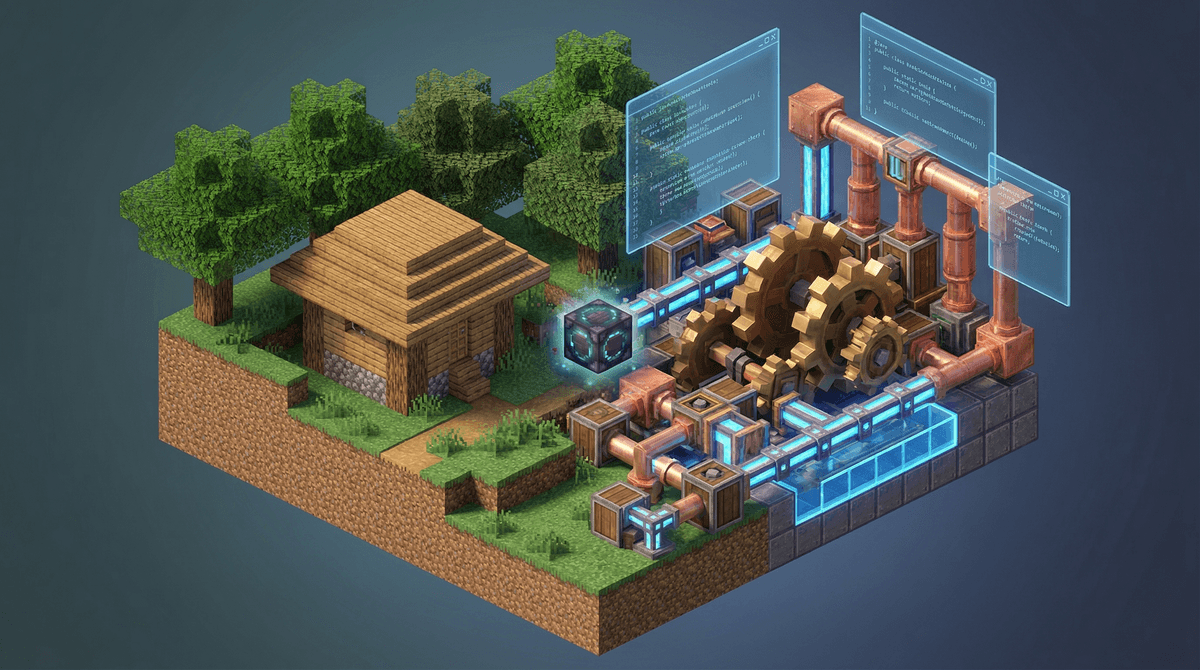
This is the gold standard for educational modding. It adds mechanical components—gears, pulleys, conveyor belts—that allow kids to build actual working factories. It’s basically a mechanical engineering degree disguised as a video game. It’s visually stunning and incredibly rewarding for kids who like to "tinker." Ages: 10+
If your kid says, "I want to make my own sword that shoots lightning," this is the tool. It’s a "what you see is what you get" editor. They don't have to write code yet; they use a visual interface to build the mod, and the software writes the Java for them. It’s a fantastic bridge between playing and programming. Ages: 8-14
For younger kids (elementary age), Tynker offers a more guided, block-based coding experience for Minecraft. It’s less "wild west" than downloading files from the internet and more of a structured curriculum. Ages: 7-11
A "quality of life" mod. It adds a real-time map to the game. It sounds simple, but it teaches kids about spatial awareness and coordinates (X, Y, Z axes), which is a sneaky way to get them doing 3D math. Ages: All
The biggest risk with modding isn't "stranger danger"—it's malware. For years, sketchy websites have used the promise of "Free Minecraft Mods" to trick kids into downloading viruses that turn the family laptop into a brick.
The Golden Rule: Never download mods from random Google searches or "shady" forums.
Stick to these three trusted platforms:
- CurseForge: The industry standard. They have a standalone app that handles the installation for you, which is much safer than manual file dragging.
- Modrinth: A newer, faster, and very clean alternative to CurseForge.
- Feed The Beast (FTB): Great for "Modpacks" (curated collections of mods that are guaranteed to work together).
A Note on YouTube
Your kid is likely learning how to mod from YouTube. While there are great tutorials, there’s also a lot of "clickbait" garbage. If a YouTuber is screaming about a "Secret Mod" and telling kids to click a link in the description that looks like a string of random gibberish, tell your kid to hard-pass.
Check out our guide on safe YouTube channels for Minecraft tutorials
Let’s be real: Roblox is a casino for kids. Minecraft, especially the Java version, is much more of a one-time purchase.
However, once you start modding, your kid might start asking for a Server.
If they want to play their modded world with friends, someone has to host it. You have three options:
- The "Free" way: Hosting on your own computer (Technical, can be a security risk if you don't know what you're doing).
- The "Official" way: Minecraft Realms. It’s safe, but it does not support most mods. This is a common pain point for parents.
- The "Pro" way: Paying $5-$15 a month for a 3rd party host like Apex Hosting or BisectHosting. This allows mods, but it’s a subscription.
No-BS Review: If your kid is serious about modding with friends, Minecraft Realms is a waste of money because it’s too restrictive. You’re better off using a 3rd party host or sticking to single-player.
Instead of "Are you still on that screen?", try these:
- "Can you show me the code for that?" Even if they used MCreator, they can see the "Exported Java." Just looking at it makes it less mysterious.
- "What happens if you change this one variable?" This is the core of scientific experimentation.
- "Is this a mod you downloaded, or one you made?" Encourage the latter. Making a "bad" mod is more impressive than playing a "good" one.
Minecraft modding is one of the few digital activities that actually scales with your kid's intelligence. It starts with "I want a funny hat" and can end with "I understand how to manage a Linux server and write Java functions."
If they’re going to be on the screen anyway, modding is the most productive "brain rot" antidote we’ve got. It’s messy, it will probably crash your computer once or twice, and you’ll have to learn what a "Forge Profile" is, but the payoff in digital literacy is worth the headache.
Next Steps
- Check if you have Minecraft: Java Edition. If they play on a console, they can't do the "real" modding.
- Install the CurseForge App together.
- Look for a "Modpack" like Better Minecraft to see what’s possible before they try to build their own.