

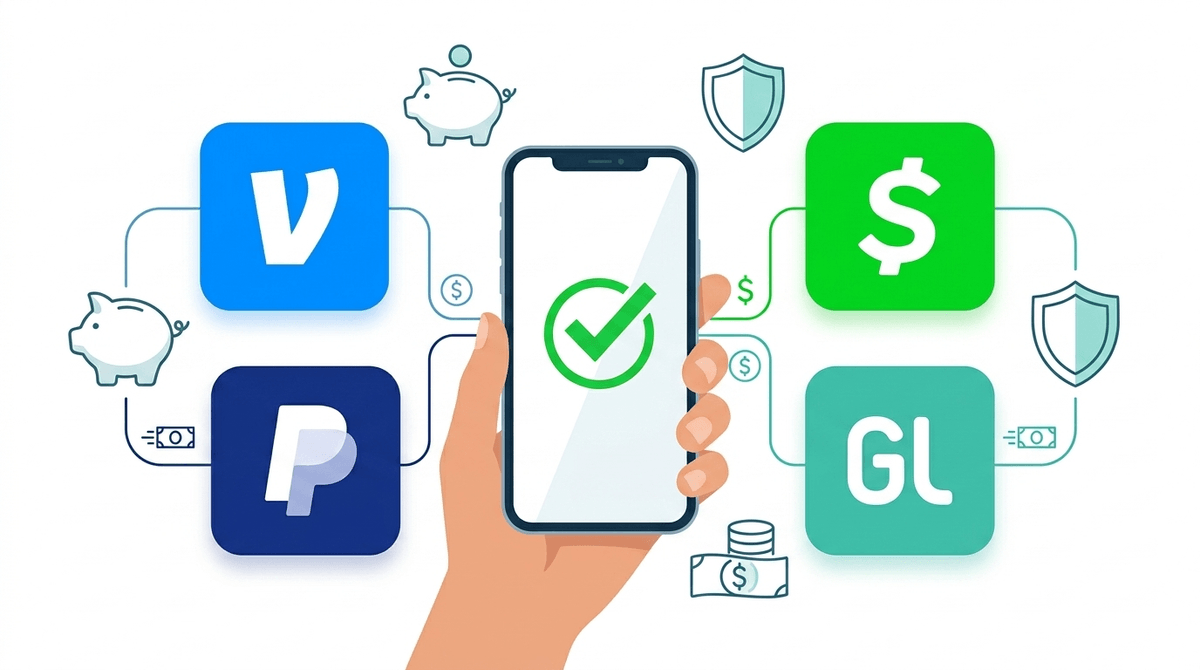
TL;DR: Cash is basically "mid" now. If your kid is 13 or older, they’re likely asking for Venmo or Cash App to pay for boba or split a pizza. Venmo and Cash App both offer specific "Teen" accounts with parental oversight, while PayPal is strictly 18+. For younger kids or parents who want "training wheels," Greenlight is the gold standard, though it comes with a monthly fee.
We’ve all been there: Your kid is heading to the mall or a football game, and you reach for a $20 bill to stick in their pocket. They look at you like you just handed them a rotary phone. To a Gen Z or Gen Alpha kid, physical cash is inconvenient, easily lost, and—dare I say—a little bit "Ohio."
In a world where everything from Roblox skins to Crumbl Cookies is bought with a tap, digital payment apps have become the new "piggy bank." But letting a 14-year-old loose with a digital wallet feels a lot different than giving them a jar of quarters.
Here is the no-BS guide to the big three payment apps, the safety risks you actually need to care about, and how to set these up without accidentally funding a stranger’s "money-flipping" scam.
It’s not just about the money; it’s about the social friction—or lack thereof. When a group of middle schoolers goes out, they don't want to deal with the "I’ll pay you back later" drama. They want to "Venmo" each other instantly.
For them, these apps are:
- Social Currency: Seeing what their friends are buying (on Venmo’s social feed) is a weirdly foundational part of their social lives.
- Independence: Having a Venmo Teen Debit Card makes them feel like an adult, even if they’re just buying a Gatorade.
- Gaming Integration: Many of these apps link directly to platforms like Fortnite or App Store, making it way too easy to spend $50 on "brain rot" content before you’ve even finished your morning coffee.
Venmo finally got the memo that parents were tired of "sharing" their accounts with their kids. They now offer a Venmo Teen Account.
- The Setup: You (the parent) create it from your own app. You own the legal side; they get the login.
- The Perk: It comes with a debit card. You can see every transaction they make in real-time.
- The Catch: Venmo is social by default. While teen accounts are set to "Private" initially, kids love to change those settings. You’ll want to read our guide on Venmo privacy settings to make sure their "Pizza with Sarah" note isn't broadcast to the entire world.
Cash App is arguably the "coolest" app in this space, heavily referenced in internet culture and music.
- The Setup: Teens sign up and "request sponsorship" from a parent.
- The Perk: In late 2025, Cash App rolled out a killer feature called Approved P2P Contacts. This allows you to restrict your kid so they can only send or receive money from people you’ve vetted. This is a massive win for preventing "accidental" transfers to scammers.
- The Catch: The app is very "frictionless," which is great for ease of use but bad for impulsive spenders.
Don't let the YouTube tutorials fool you: PayPal does not have a teen account. If your kid tries to open one with a fake birth year, PayPal’s AI will eventually catch them (usually right when they have $100 in the account), lock the funds, and ban them for life. If they need to use PayPal for something like Etsy or eBay, it’s better to just handle that through your own account.

If your kid is under 13, or if you aren't ready for the "social" aspect of Venmo, these apps are built specifically for families.
This is the "helicopter parent" of money apps, in a good way. You can set store-level controls (e.g., "You can spend $20 at Starbucks, but $0 at Roblox"). It also has great features for chores and automated allowances.
- Cost: Starts around $5.99/month for the whole family.
Step is like the middle ground. It’s a "secured" credit card for teens that helps them build credit without the risk of overspending. It’s free and very popular with high schoolers who want to look like they have a "real" bank account.
The biggest risk isn't that your kid will buy too many V-Bucks in Fortnite. The risk is Social Engineering.
- The "Accidental" Transfer: A stranger sends your kid $50 "by accident" and asks for it back. They send it back, but the original $50 was from a stolen credit card and gets reversed by the bank. Your kid is now out $50 of their own money.
- Money Flipping: Scammers on TikTok or Instagram promise to "turn $10 into $100" if the kid sends it via Cash App. Spoiler: They just block the kid and keep the ten bucks.
- The Public Feed: On Venmo, the default "Public" setting can reveal a lot. If a stranger sees your kid frequently paying "Coach Mike" for "Soccer," they now have enough info to start a very convincing phishing scam.
When you decide to pull the trigger on a digital wallet, don't just hand over the login. Treat it like a driver’s permit.
- The "Audit" Phase: For the first three months, tell them you’ll be doing a weekly "transaction review" together. Not to judge the $7 boba, but to look for weirdness.
- The Scam Talk: Explain that in the digital world, transactions are permanent. There is no "undo" button if they send money to the wrong @Username.
- The Privacy Rule: Make a rule that their transaction feed must stay private. Period.
Digital payment apps are an inevitable part of growing up in 2026. While PayPal is a no-go for minors, Venmo and Cash App have finally built enough guardrails to make them a viable teaching tool for teens 13 and up.
If your kid is younger or prone to making impulsive decisions, stick with Greenlight or a traditional teen checking account. It might feel like a lot of overhead, but teaching them to manage a digital wallet now is a lot cheaper than bail-outs later.
- Check your own app: Open Venmo and see if you have the "Create a Teen Account" option under your profile.
- Set the Privacy: If you go with Venmo, immediately go into the Teen Account settings and set everything to "Private."
- Test a "Bounty": Use the app to pay them for a one-off chore. It’s a great way to test if they actually understand how to move money from the "App Balance" to their debit card.
Get our full checklist for setting up a teen's first debit card