

TL;DR
If you're tired of the "Netflix tax" but don't want your kids falling down a YouTube Kids rabbit hole of brain rot, there are legitimate, high-quality alternatives that won't cost you a dime.
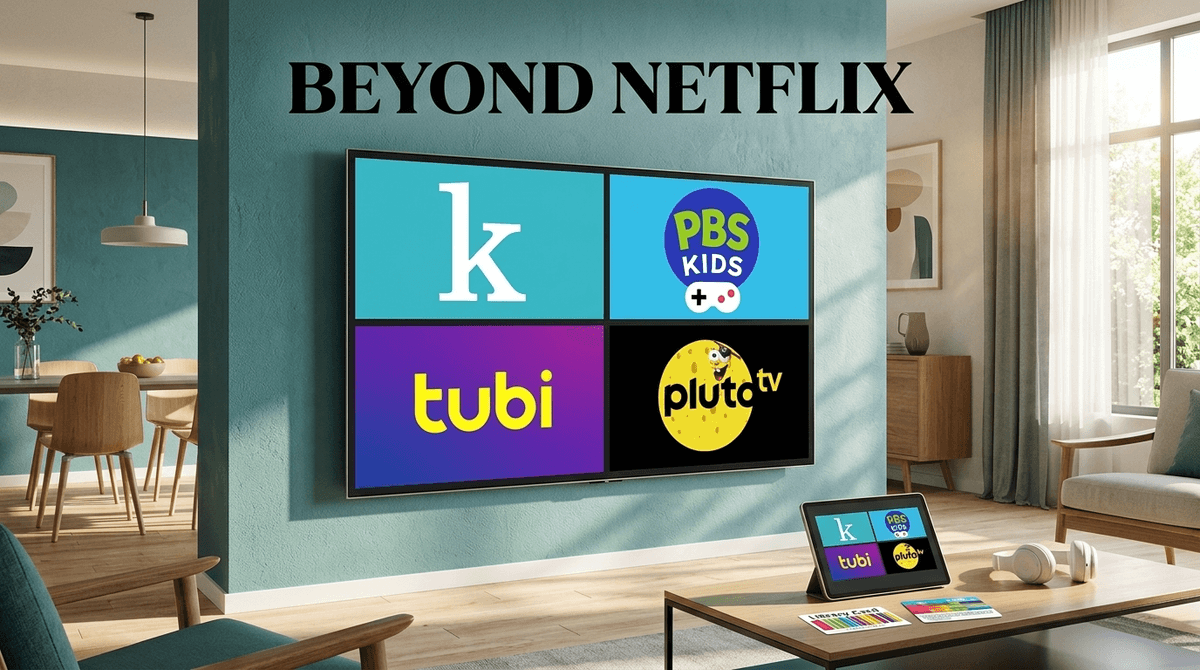
- The Gold Standard: PBS Kids and Kanopy Kids (free with your library card).
- The "Cable" Experience: Pluto TV has dedicated 24/7 channels for things like Dora the Explorer.
- The Deep Library: Tubi has a massive "Kids" section, though the ads can be a bit frequent.
- The Hidden Gem: Storyline Online for celebrity-led read-alouds.
Find free shows based on your kid's age
Between the rising costs of Netflix, Disney+, and Max, the "family entertainment" line item in the budget is starting to look like a car payment. We’ve all been there: you keep the subscription because your kid might want to watch Bluey for the 400th time, but the rest of the month the app just sits there collecting digital dust.
The good news? We are currently in the golden age of FAST (Free Ad-supported Streaming Television). The bad news? "Free" usually comes with a catch—either in the form of intrusive ads, data tracking, or a library full of "Ohio" level weirdness (and not the good kind).
This guide is about finding the sweet spot: saving the money without sacrificing your kid’s attention span to low-quality content.
If you haven't used your library card for digital streaming yet, you are leaving the best "parenting hack" on the table. These services are funded by your tax dollars, meaning they have zero commercials and a much higher bar for quality.
This is arguably the best free resource for intentional parents. Kanopy partners with public libraries to offer a curated selection of films and shows. Their "Kids" section is elite. You’ll find animated versions of classic picture books, Sesame Street, and high-quality documentaries.
- The Vibe: Educational, calm, and visually beautiful.
- Age Range: 2-10.
Similar to Kanopy, Hoopla connects to your library card. While it has movies and shows, it’s also a powerhouse for audiobooks and digital comics. If your kid is obsessed with Minecraft guidebooks or The Baby-Sitters Club graphic novels, you can usually find them here for free.
- The Vibe: A digital extension of your local library branch.
- Age Range: All ages.
We need to talk about why PBS Kids is still the GOAT. In a world of over-stimulating "brain rot" like Skibidi Toilet or those weird "unboxing" videos, PBS remains committed to actual child development.
The PBS Kids Video App is free on almost every device (Roku, Fire Stick, iPad). It offers a live stream of the PBS Kids channel and a massive on-demand library of shows like Wild Kratts, Daniel Tiger's Neighborhood, and Molly of Denali.
- Why it wins: No commercials (just short "sponsored by" clips), no weird algorithms, and content that actually teaches empathy and science instead of just flashing colors at your kid's face.
Learn more about why PBS Kids is the safest bet for toddlers
These are the services that feel most like "traditional" TV. They are free because they are supported by ads. This is where you have to be a bit more intentional.
Tubi has a surprisingly deep library. They have a dedicated "Kids" toggle that filters out the R-rated horror movies. You’ll find things like The Flintstones, Scooby-Doo, and even some newer hits like The Wild Robot (eventually) or LEGO branded content.
- The Catch: The ads. They aren't always perfectly timed, and while they are generally "age-appropriate" in the Kids section, they are still trying to sell your kids toys and sugary cereal.
Pluto TV is owned by Paramount, which means they have the keys to the Nickelodeon kingdom. They have 24/7 channels dedicated to SpongeBob SquarePants and PAW Patrol.
- The Vibe: Great for when your kid just wants "TV on" and doesn't want to scroll through a million choices. It mimics the old-school channel-surfing experience.
If you have a Roku TV, this is already built in. It’s a mix of Pluto and Tubi. They’ve recently started producing their own "Roku Originals," but for kids, the draw is the massive back-catalog of older cartoons and family movies.
When we talk about "free" streaming, we have to address the elephant in the room: YouTube.
A lot of parents use YouTube as their primary "free streaming" service. While there are amazing creators out there, the YouTube algorithm is designed for engagement, not education. This is how kids end up watching "Skibidi" memes or "Ohio" memes—content that is essentially digital junk food. It’s fast, it’s loud, and it’s designed to keep them clicking.
By shifting your family toward apps like Kanopy Kids or PBS Kids, you are moving away from an algorithm-driven experience to a content-driven one. You’re choosing shows with actual narrative arcs rather than 10-second clips of a toilet with a head in it.
Since these services are free, they often have looser parental controls than the "Big Three" (Netflix, Disney+, Max). Here’s how to handle it:
- The "Ads" Talk: If you’re using Tubi or Pluto TV, explain to your kids that the commercials are there to try to get them to want things. It’s a great early lesson in media literacy.
- Profile Locking: Most of these apps allow you to set a "Kids Mode." Do not skip this step. On Tubi, for example, the main library has some pretty gnarly horror movies that you don't want your 6-year-old stumbling into.
- Data Privacy: Free apps often track usage data more aggressively than paid ones. If you are sensitive about data privacy, stick to the library-based apps like Kanopy and PBS Kids.
One thing to watch out for is "off-brand" content. On platforms like Tubi or even YouTube Kids, you’ll see "knock-off" versions of popular movies. Think "The Little Cars" instead of Cars.
These are often low-budget, weirdly paced, and sometimes just plain creepy. They aren't necessarily "harmful," but they are definitely "unwatchable" for anyone with a soul. If the animation looks like it was made on a 2005 toaster, it’s probably best to skip it.
You don’t need to spend $100 a month to give your kids a great digital experience. In fact, some of the best content is hiding in the free apps you probably haven't downloaded yet.
Your Next Steps:
- Download PBS Kids for the most reliable, ad-free experience for younger kids.
- Dig out your library card and sign up for Kanopy. It’s the highest quality "free" content you’ll find.
- Audit your subscriptions. If you find yourself using Pluto TV for your Nick Jr. fix, maybe you can finally cancel that other $15/month service.
Digital wellness isn't just about how much they watch, but what they watch and how it’s being sold to them. Swapping a chaotic algorithm for a curated, free service is a win for your wallet and your kid's brain.