

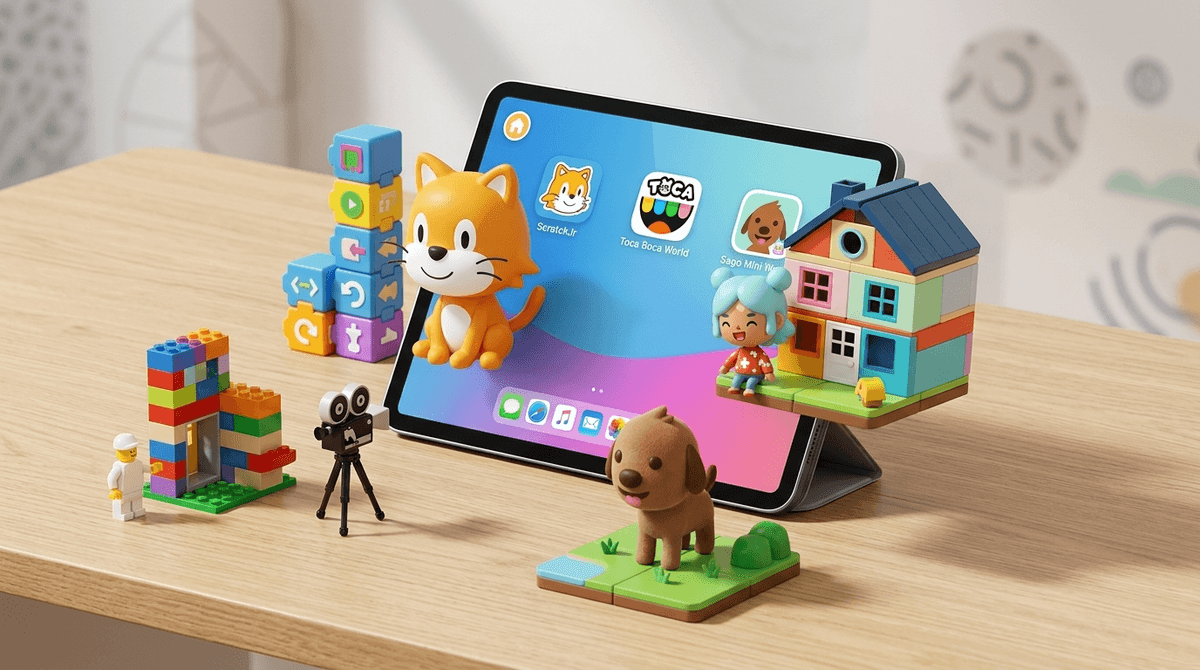
TL;DR: If you’re tired of your kid staring blankly at "Skibidi Toilet" memes or unboxing videos, it’s time to pivot. The best creative apps for young kids (Ages 4-8) function like digital LEGOs—they are tools for construction, storytelling, and logic rather than just passive consumption. Our top picks for 2026 are ScratchJr for early coding, Toca Boca World for digital roleplay, and Stop Motion Studio for making their own movies.
Check out our full list of recommended creative apps for kids
We’ve all been there: you need twenty minutes to cook dinner or take a "real" work call, so you hand over the iPad. Ten minutes later, you look over and your five-year-old is spiraling down a YouTube rabbit hole of loud sound effects and bright colors that feels like "brain rot" personified. It’s a specific kind of parental guilt.
But here’s the reality: in 2026, about 65% of kids in K-2 are using tablets daily. The goal isn't necessarily to reach "zero screen time"—it's to change the quality of that time. We need to move them from being "users" to being "creators." When a kid builds a house in Toca Boca World or codes a cat to dance in ScratchJr, their brain is firing in the same way it does when they’re building a physical LEGO castle. They are problem-solving, storytelling, and exercising spatial awareness.
The term "sandbox" gets thrown around a lot in tech, but for parents, it just means "no set rules." Think of a literal sandbox. There’s no "winning," no "levels," and no "game over." There’s just the sand and the tools you bring to it.
Sandbox apps are the antidote to the addictive "just one more level" loop of games like Candy Crush Saga or the algorithmic pull of YouTube Kids. In a sandbox app, the child is the boss. If they get bored, they stop. They aren't being manipulated by dopamine hits; they're being fueled by their own imagination.
If you haven't seen Toca Boca World (often just called Toca Life), it is essentially a massive, digital dollhouse. Kids can move characters between locations (a mall, a house, a hospital), dress them up, and make them interact.
Why it’s the "New LEGO": It’s pure storytelling. You’ll often hear kids narrating as they play: "And then the baby went to the doctor because he ate a giant diamond!" It’s hilarious, weird, and exactly what they do with physical toys.
The No-BS Take: Toca Boca is notorious for its "in-app purchases." They will constantly show your kid cool new locations (like a spooky mansion or a trendy cafe) that cost $2.99. It can feel like a money pit. However, the base "Free" version is actually quite robust. My advice? Treat it like a physical toy. If they’ve played with the free version for a month, maybe "buy" them a new location as a reward. But definitely password-protect your App Store settings so they don't drain your bank account.
Developed by the geniuses at MIT, ScratchJr is the gold standard for introductory coding. It’s designed for kids who can’t even read yet. Instead of typing code, they snap together colored blocks (like LEGOs!) to make characters move, jump, and talk.
Why it’s the "New LEGO": It teaches the logic of "if this, then that." It’s the foundation of engineering and math, disguised as a cartoon maker. If your kid likes Minecraft but is a bit too young for the complexities of Redstone, this is the perfect starting point.
Get a 15-minute ScratchJr project to do with your kid
For the preschool set (Ages 2-4), Sago Mini World is the "gentle" version of Toca Boca. The characters are adorable animals, the colors are soothing, and there is zero "stress."
Why it matters: A lot of apps for toddlers are "educational" in a way that’s actually just digital flashcards. Sago Mini World focuses on curiosity. "What happens if I put this bird in the bathtub?" It encourages exploration without the pressure of being "right."
This is for the kid who already has a mountain of physical LEGOs or dolls. Stop Motion Studio lets them take photos of their toys, move them a tiny bit, take another photo, and turn it into a movie.
Why it’s a game-changer: It bridges the gap between the physical and digital worlds. It requires patience, focus, and an understanding of how movies are made. It turns the tablet into a production studio rather than a TV.
We hear the term "brain rot" a lot lately—usually in reference to weird YouTube trends like Skibidi Toilet or the nonsensical "Ohio" memes. While these things are mostly harmless cultural phases, the "rot" part refers to the passive nature of the consumption.
When a child is in a creative app:
- Frontal Lobe Engagement: They are planning and executing tasks.
- Fine Motor Skills: Dragging, dropping, and "pinching" to zoom are digital-age motor skills.
- Agency: They are the "Main Character" of their experience, not a spectator.
Learn more about the difference between active and passive screen time
Even with "good" apps, there are two main things parents need to watch out for: In-App Purchases (IAPs) and Data Privacy.
- The Money Trap: Apps like Roblox and Toca Boca World thrive on selling "skins" or "packs." To a 6-year-old, $1.99 doesn't feel like "real" money. It feels like a button.
- Action Step: Go into your phone settings and require a password for every purchase. No exceptions.
- The Community Trap: Most creative apps for the 4-8 age range are "local," meaning they don't have chat functions. However, as they move toward Minecraft or Roblox, the social element kicks in.
- Action Step: Stick to the "Junior" versions or standalone apps until they are at least 8. ScratchJr is safe because it doesn't have a public social feed for the kids.
The best way to ensure an app stays "creative" and doesn't just become another way to zone out is to "co-play" for the first 10 minutes.
Instead of saying "Go play your game," try:
- "Show me how you built that house in Toca."
- "Can you make that character in Scratch turn purple?"
- "Let's take three pictures for your stop-motion movie together."
Once they feel like you’re interested in their "work," they are more likely to treat it as a project rather than a distraction.
In 2026, we have to stop viewing the tablet as a "babysitter" and start viewing it as a "toolbox." ScratchJr, Toca Boca World, and Sago Mini World aren't just games—they are the modern equivalent of a box of crayons and a pile of bricks.
If you’re going to give them screen time, give them the tools to build something. You might be surprised at what they create.
- Download: Start with ScratchJr. It’s free, academic, and high-value.
- Audit: Check your child's current apps. If more than 50% are "auto-play" games with heavy advertising, swap one out for Tayasui Sketches School (a brilliant, simple drawing app).
- Discuss: Ask your kid, "If you could make your own app, what would it do?" You'll learn a lot about how they see the digital world.
Check out our guide on the best drawing apps for kids
Find app recommendations based on your kid's interests