

TL;DR
Circle (specifically the Circle Home Plus) is the "one ring to rule them all" for your home network. It’s a hardware-and-app combo that lets you set bedtimes, filter content, and literally "pause" the internet for every device in your house—from the Nintendo Switch to that smart TV you forgot was connected to the Wi-Fi. It’s perfect for moving the "bad guy" role from you to the software.
Quick Links for the "Referee":
- Circle Parental Controls App
- Roblox (The #1 reason parents hit the "Pause" button)
- YouTube (The land of endless Skibidi Toilet loops)
- Fortnite (Where "one more match" actually means 25 minutes)
Let’s be real: being the "Screen Time Police" is the most exhausting part of modern parenting. You’re trying to get dinner on the table, and you’ve already asked your kid to get off Minecraft four times. By the fifth time, you’re not "parenting with intentionality"—you’re just yelling.
This is where Circle comes in. I like to think of it as the referee. The referee doesn't hate the players; they just enforce the rules of the game so things don't devolve into chaos. If you’re tired of the "five more minutes" negotiations that turn into forty-five minutes of MrBeast videos, Circle might be your new best friend.
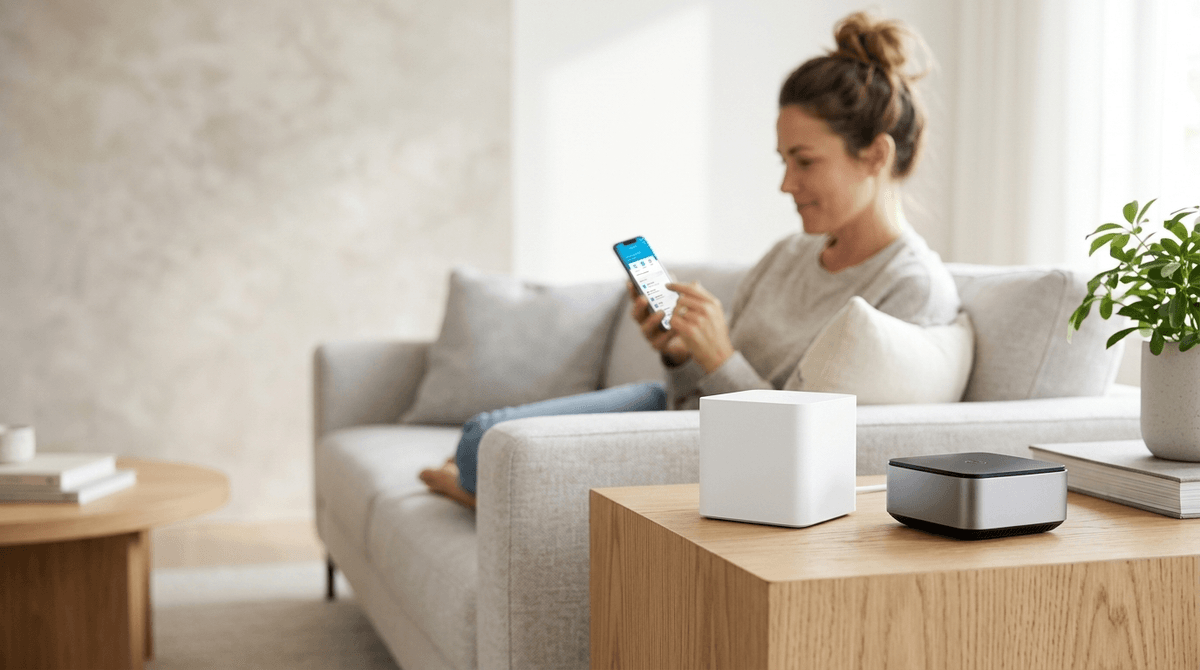
Circle is a parental control system that works at the router level. While there are plenty of apps you can install on a phone, Circle Home Plus is a little white box that plugs into your router and talks to every device on your Wi-Fi.
It’s designed to manage the "unmanageables." Think about it: how do you set a time limit on a PlayStation 5? How do you make sure your 8-year-old isn't watching weird "Ohio" memes on YouTube via the smart TV in the basement? Circle creates a unified dashboard where you can see every device and apply rules to specific family members.
Learn more about how Circle compares to other router-level controls
Most parents start their digital wellness journey by looking at phone settings. But according to community data, kids in grades 3-6 are actually spending a massive chunk of their "unsupervised" time on devices that don't have phone numbers.
We’re talking about:
- Gaming Consoles: Xbox, Switch, and PlayStation.
- Smart TVs: Where YouTube and Netflix live.
- Tablets: Used for everything from Toca Life World to Khan Academy Kids.
Circle allows you to group these devices under one child’s profile. If your son has a 2-hour limit, that limit follows him from the iPad to the Xbox. When the time is up, the internet just... stops. No shouting required.
1. The "Pause" Button
This is the nuclear option, but it’s glorious. You can pause the internet for one person or the whole house. It’s great for family dinner or when someone "forgot" to put their laundry away because they were too busy in Roblox.
2. Bedtimes
You can set a hard disconnect time. At 8:30 PM, the Wi-Fi for the kids' devices cuts out. This is huge because it prevents the "stealth gaming" that happens under the covers.
3. Filters
Circle has four levels: Kid, Teen, Adult, and None.
- Kid: Safe search is on, and social media is blocked.
- Teen: Access to most things, but you can still block specific "brain rot" categories or apps like TikTok if you aren't ready for that yet.
4. Rewards
This is the secret sauce for positive reinforcement. If your kid finishes their chores or spends an hour reading The Wild Robot by Peter Brown, you can "send" them a reward of 30 extra minutes of screen time through the app. It turns tech into a tool for motivation rather than a point of contention.
I promised no-BS, so here it is: Circle isn't a magic wand.
- The "Cellular" Loophole: Circle Home Plus only manages your home Wi-Fi. If your teen has a phone with a data plan, Circle can’t see what they’re doing on 5G unless you install the Circle app on their phone (which uses a VPN to route traffic back through Circle). Teens hate this, and it can occasionally slow down their connection.
- Smart Kids vs. Tech: If you have a tech-savvy middle schooler, they might try "MAC spoofing" (changing their device's ID) to look like a new, unrestricted device. Circle is pretty good at notifying you when a "New Device" joins the network, but you have to stay on top of those alerts.
- Hardware Conflicts: If you have a high-end mesh Wi-Fi system like Eero or Google Nest Wi-Fi, Circle can sometimes cause a slight "bottleneck" in speed because it's inspecting every packet of data.
Ages 5-9: The Training Wheels Phase
At this age, kids don't have the impulse control to stop playing Bluey: The Videogame just because you asked nicely. Use Circle to set hard limits. They learn that "the internet turns off at 7:00," which is a law of nature, not a personal attack from Mom or Dad.
Ages 10-12: The Negotiation Phase
This is the peak Roblox and YouTube era. Use the "Usage" feature in Circle to see where the time is actually going. If they spent 4 hours on YouTube Shorts, that’s a great opening for a conversation about "digital snacks" vs. "digital meals."
Ages 13+: The Transparency Phase
By now, they need more autonomy. Use Circle less for "blocking" and more for "accountability." Maybe the filters are wider, but the Bedtime remains non-negotiable. Sleep is the hill to die on for teens.
One of the biggest misconceptions is that using a tool like Circle is "spying." It’s not. Spying is reading their private texts in Discord. Circle is management.
It’s about knowing that your child is spending six hours a day on Fortnite instead of doing their homework. It’s about ensuring they don't accidentally stumble onto "adult" content while searching for Minecraft mods.
Be open with them. Say: "We use Circle to help us all stay balanced. I have limits on my phone, too, because even adults find it hard to put the screens down sometimes." (Even if your "limit" is just your own dying battery, the sentiment counts.)
When you set up Circle, don't do it in secret. That’s how you breed resentment and "hacker" behavior.
- The "Why": "We love that you love Brawl Stars, but we also love your brain and your sleep. Circle helps us make sure there’s room for both."
- The "How": Show them the app. Show them their profile.
- The "Win": Highlight the Rewards feature. "If you get your math done on Prodigy early, I can literally tap a button and give you an extra 15 minutes of YouTube."
Circle is a powerful tool for the intentional parent who wants to stop being the "bad guy" and start being a coach. It handles the technical enforcement so you can focus on the actual parenting.
Is it perfect? No. Will your kids eventually find a way to complain about it? Yes. But is it better than wandering the house at 10:00 PM trying to figure out which kid is still awake watching Skibidi Toilet on an old iPad?
Absolutely. 100%. Full stop.
Next Steps
- Audit your devices: Walk through your house and see what’s actually connected to your Wi-Fi. You’ll be surprised.
- Set a "Family Bedtime": Not just for the kids. Maybe the whole house goes dark at 10:30 PM?
- Check out the Circle Parental Controls App to see if your current router is already compatible (some Netgear routers have it built-in!).
Learn more about the best parental control hardware for 2026