The Remote-Control Lifestyle
The Xbox app isn't a game; it’s the infrastructure for your kid’s social life. If they are already deep into a console, this app is essentially the remote control for their downtime. The most practical feature here is the remote download. There is a specific kind of domestic peace that comes from a kid being able to trigger a 50GB download from their phone while they’re still at soccer practice so the game is actually ready when they get home.
If you’ve just brought a new Series X or S into the house, so you just got an Xbox is the first thing you should read to understand how this app fits into the broader ecosystem of Game Pass and hardware. It turns the console from a "box under the TV" into a service that follows them around.
The Chat Dilemma
The app’s biggest draw for tweens is the ability to stay in the "Party" without being tethered to the living room. They can voice chat or text while they’re doing homework or hanging out in the backyard. This is where the friction usually starts. Xbox Party Chat is generally a more controlled environment than something like Discord because it’s tied directly to their Microsoft account and your family settings.
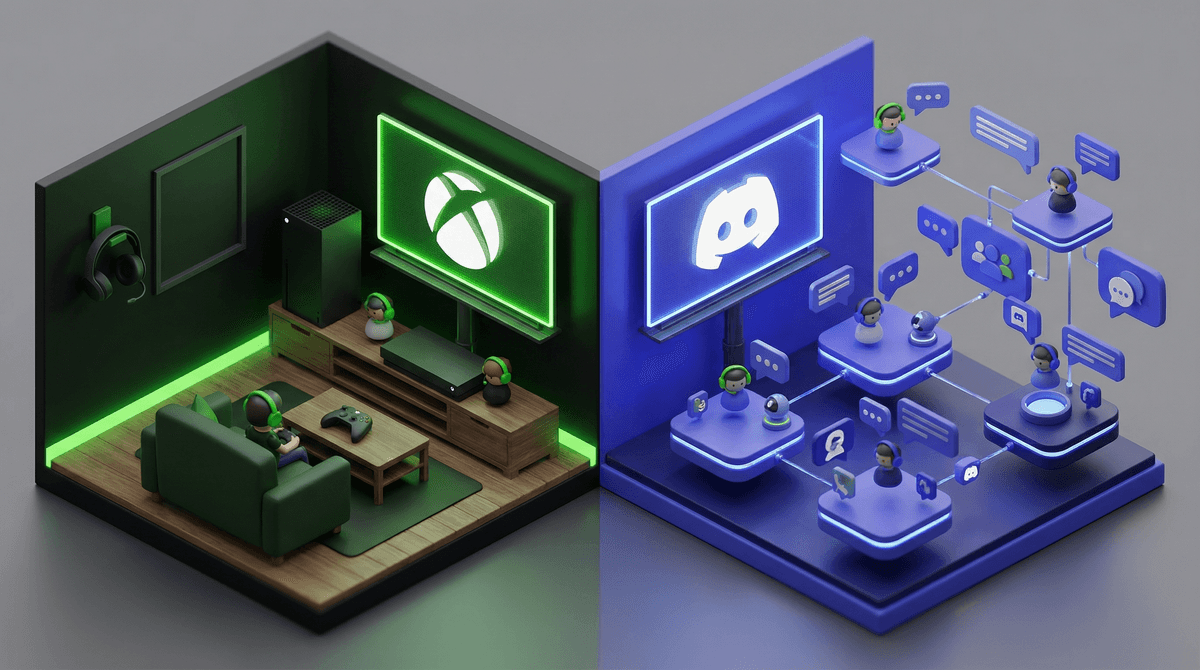
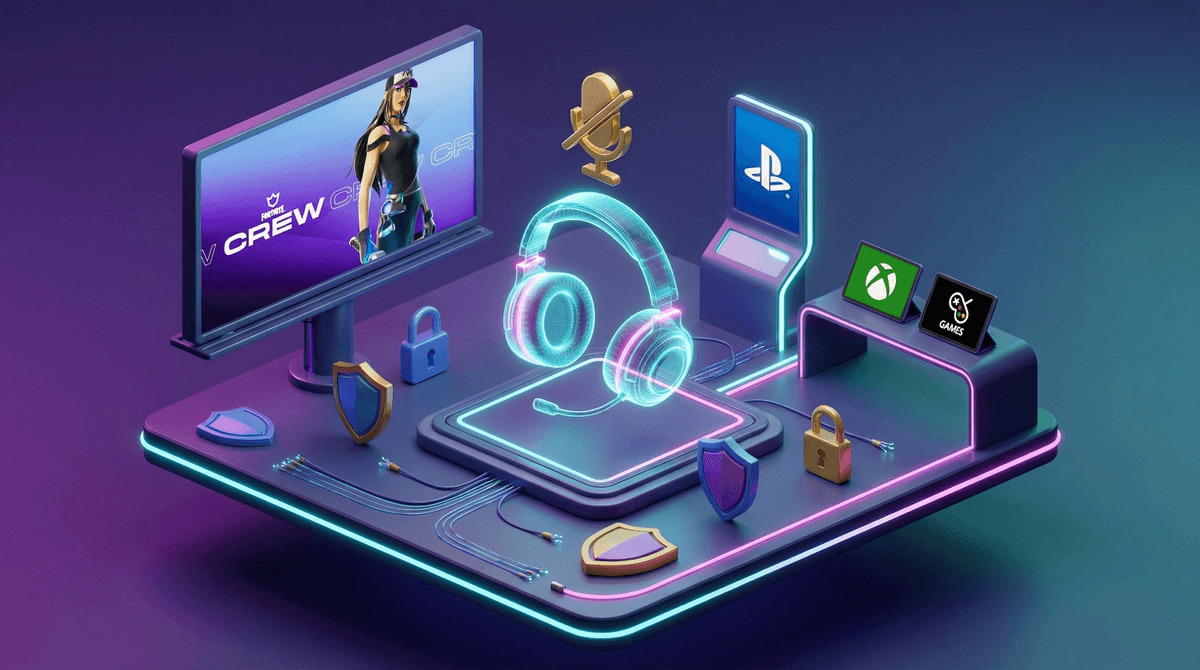
However, many kids will eventually want to migrate their social circle elsewhere. If you’re trying to decide whether to keep them on the native app or let them branch out, checking out Xbox vs Discord: Which Chat Is Safer for Kids? will help you spot the difference in moderation tools. If they are primarily using the app to coordinate matches in games with high-intensity social scenes, you’ll also want to double-check your Fortnite voice chat safety settings to ensure the app’s party features aren't bypassing the boundaries you think you’ve set on the console itself.
Copilot and Getting "Unstuck"
The inclusion of the Gaming Copilot (Beta) is a significant shift in how kids interact with difficult games. In the past, "getting stuck" meant either giving up or heading to YouTube for a twenty-minute video filled with spoilers and potentially loud, obnoxious commentary.
The Copilot acts as a sidekick that offers hints and insights directly. It’s a more elegant way to handle roadblocks. Instead of just handing them the answer, it encourages a bit more problem-solving. It’s the difference between a teacher giving a hint and a classmate letting you copy their homework. For a parent, this is a win because it keeps the kid engaged with the game’s mechanics rather than just mindlessly following a walkthrough.
Browsing vs. Buying
The Game Pass catalog browsing is a double-edged sword. On one hand, it’s a discovery engine that lets kids find weird, creative indie games they might otherwise ignore. On the other, it’s a constant advertisement for "new and shiny" things. Since the app makes it incredibly easy to buy add-ons and DLC, the "Ask to Buy" feature in your Microsoft family settings isn't just a suggestion—it’s a necessity. Without it, the app is a direct pipeline from their curiosity to your bank account.