Eero

Eero

Website

WISE
78%

WISE Score

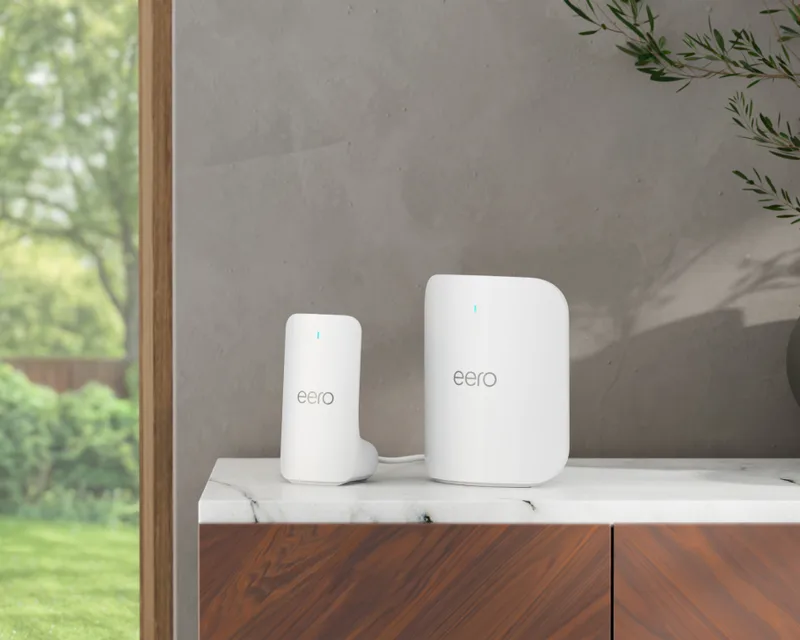
The mesh Wi-Fi system that gives you a 'pause' button for the entire house without the networking headache.

Where to Find

Visit Eero
Screenwise Verdict

Eero is the gold standard for parents who want 'set it and forget it' control over the home network. It’s not the most granular tool for tech-geeks, but it’s the most user-friendly for everyone else. If you want to stop the late-night YouTube spirals without a physical fight over the device, this is the move.

The real magic is in the profiles. Being able to pause 'Leo's Devices' with one tap—affecting his phone, his computer, and his gaming console all at once—is a massive quality-of-life win for any intentional parent.

Age Fit

Best for parents (18+). While kids are the ones being managed, this is a technical infrastructure tool for adults to configure and maintain.

WISE Breakdown
Wholesome
80

It's a utility, not a narrative, but it fosters a healthier home environment by making it easy to set digital boundaries without the nightly screaming match.

Imaginative
10

It's a Wi-Fi router. It's built for connectivity and control, not for sparking creative play or exploration.

Safe
95

As a safety tool, it's top-tier. It provides network-level protection and content filtering that's hard for younger kids to bypass.

Enriching
30

It doesn't teach a kid anything directly, but it creates the space for enrichment by limiting 'brain rot' time and protecting against malware.

Parent Info
✓

Why It Might Be Great

  • Profile-based control lets you group every device a kid owns—iPad, Switch, laptop—under one 'off' switch.
  • Dead-zone killer mesh technology ensures the Wi-Fi actually reaches the bedrooms so kids aren't huddling in the kitchen to finish homework.
  • Eero Plus (the paid tier) adds the heavy lifting: blocking specific apps like Roblox or YouTube at the network level.
  • Internet scheduling means the Wi-Fi just dies at 9:00 PM for the kids, making the 'house rules' the bad guy instead of you.
⚠

What to Watch For

  • Subscription creep is real; the most useful features like content filtering and app blocking are locked behind the Eero Plus monthly fee.
  • MAC address spoofing is the 'level 2' move for tech-savvy teens—if they know how to rotate their device ID, the router might not recognize it as 'theirs.'
  • Amazon ownership means your network data is living in the Amazon ecosystem, which is a privacy trade-off some families might not love.

Conversation Starters

  • "I’m setting up a Wi-Fi schedule so the house 'goes to sleep' at 9 PM—how should we handle exceptions for big school projects?"
  • "The router flagged some weird phishing links on your laptop; let's look at what those sites were trying to do."
  • "If you notice the Wi-Fi is paused, it's usually because we agreed chores would be done first—let's check the list together."

Ask Anything

Get a personalized guide on any topic