

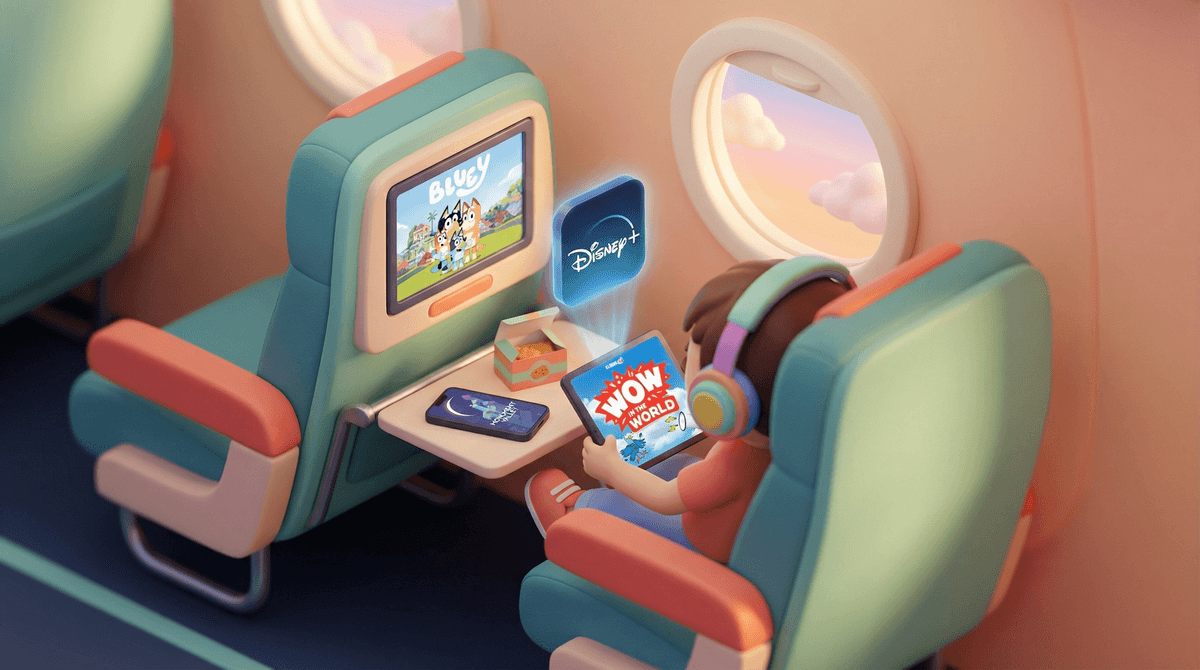
Look, we've all been there. You're boarding a flight, the cabin door closes, and your kid suddenly realizes their favorite show won't load without WiFi. Cue the meltdown at 30,000 feet while everyone around you silently judges your life choices.
Pre-flight download apps are your secret weapon against this nightmare scenario. These are apps that let you download content before you leave the ground — movies, shows, games, audiobooks, podcasts — so your kids can access everything offline without needing WiFi or burning through expensive in-flight data.
The key word here is preparation. You need to download this stuff while you're still on solid ground with good WiFi, ideally the night before or morning of your flight. Once you're in airplane mode, it's too late.
In-flight WiFi is expensive, slow, and often doesn't work for streaming anyway. Most airlines charge $8-20 per device for WiFi that struggles to load a single webpage, let alone stream Bluey in HD.
But here's the thing that matters more: screen time on flights is not regular screen time. This is survival mode. You're trapped in a metal tube with recycled air and crying babies (maybe your own). The normal rules don't apply here. If your kid watches 4 hours of shows on a cross-country flight, you're not failing at digital wellness — you're being a pragmatic human.
That said, having the right apps downloaded makes a huge difference between "my kid watched some quality content and played educational games" versus "my kid watched YouTube autoplay spiral into unboxing videos for 3 hours."
Netflix
Netflix lets you download tons of kids shows and movies for offline viewing. The selection is huge, and the quality is solid.
What to download:
- Bluey (ages 2-8) — honestly, adults love it too
- Avatar: The Last Airbender (ages 8+) — the animated series, not the movie
- The Wild Robot (ages 6+) — if it's available yet
- Encanto (ages 5+) — you'll have the songs stuck in your head, but worth it
Pro tip: Download episodes, not just movies. Movies are great but if your kid gets bored 20 minutes in, you're stuck. With episodes, they can switch shows without needing WiFi.
Disney+
Disney+ has the entire Disney/Pixar/Marvel/Star Wars catalog available for download. The interface is clean and the downloads are reliable.
What to download:
- Classic Pixar films — Toy Story, Finding Nemo, Inside Out
- The Mandalorian (ages 10+) — surprisingly not too violent for most tweens
- Whatever Disney Channel show your kid is currently obsessed with
Amazon Prime Video
Amazon Prime Video also allows downloads. The kids' section has some hidden gems that aren't on Netflix or Disney+.
Apple TV+ / HBO Max / Others
Most major streaming services now offer downloads. Check what you're already paying for — you might have access to more than you think.
Libby
Libby connects to your local library and lets you borrow audiobooks and ebooks for free. Seriously, if you're not using this app, you're leaving money on the table.
Download a few audiobooks before your flight. Even if your kid isn't typically into audiobooks, the captive audience situation of a plane might be the perfect time to try.
Great for flights:
- Percy Jackson series (ages 9+) — the audiobooks are excellent
- Diary of a Wimpy Kid (ages 8-12)
- Harry Potter (ages 8+) — the Jim Dale versions are chef's kiss
Spotify / Apple Podcasts
Download kid-friendly podcasts. They're great for younger kids who might not sit through a full movie.
Top picks:
- Wow in the World (ages 6-10) — science stories that are actually entertaining
- Story Pirates (ages 5-10) — kids' stories turned into sketch comedy
- Brains On! (ages 6-12) — science podcast that doesn't talk down to kids
Alto's Adventure / Alto's Odyssey
Alto's Adventure is a beautiful, calming endless runner game. No ads, no in-app purchases, completely playable offline. It's like the anti-Roblox.
Monument Valley 1 & 2
Monument Valley is a gorgeous puzzle game that works perfectly offline. It's like playable art. Kids and adults both love it.
Minecraft (with caution)
Minecraft works offline in single-player mode. But here's the catch: if your kid is used to playing on servers with friends, offline Minecraft might feel boring to them. Test this before the flight.
Stardew Valley
Stardew Valley (ages 10+) is perfect for flights — it's engaging, completely offline, and time just disappears when you're playing it. Plus, it's actually teaching resource management and planning skills.
Avoid These
Skip anything that requires constant internet connection or has aggressive monetization. Roblox won't work offline. Most battle royale games won't work. And you definitely don't want your kid discovering they can't access their favorite game 10 minutes into the flight.
Storage Space is Real
Each downloaded movie or show takes up 1-3GB of space. If your kid's iPad is already full of screenshots and Gacha Life characters, you need to clear space BEFORE download day.
Download on WiFi, Not Data
Downloading a 2-hour movie on your cellular data will destroy your plan. Do this at home on WiFi or you'll get a very angry text from your phone carrier.
Test Everything
Download stuff the night before, then put the device in airplane mode and make sure everything actually works offline. Nothing worse than discovering your downloads didn't actually download when you're already in the air.
Headphones Are Non-Negotiable
Buy good kids headphones with volume limiting. Your seatmates do not want to hear Bluey at full volume for 4 hours. Also, the free airline headphones are terrible and won't fit kids' heads properly.
Have a Backup Plan
Even with perfect preparation, kids get bored. Bring physical books, coloring supplies, card games like Uno, or travel-sized board games. Screens are great, but variety helps.
The best time to download apps and content for your flight was yesterday. The second best time is right now, before you're frantically trying to do it in the airport with spotty WiFi while your kid is asking for snacks every 30 seconds.
Focus on variety: some shows, some movies, some games, some audiobooks or podcasts. Different kids have different attention spans and preferences, and what works at hour one might not work at hour three.
And remember: flight screen time is not normal screen time. You're not ruining your kid by letting them watch more TV than usual. You're surviving a uniquely challenging parenting situation with the tools available to you. Anyone who judges you for this has clearly never flown with children.
- Tonight: Check your device storage and delete old stuff
- Tomorrow morning: Download content on home WiFi
- Before leaving for airport: Test everything in airplane mode
- At the airport: Don't panic-download stuff on airport WiFi (it's terrible)
- On the plane: Hand over the device and enjoy 20 minutes of peace
Want more specific recommendations? Get age-appropriate content for your flight length .
.
Safe travels. You've got this.