Epic Books is the Netflix of kids' reading — and that's mostly a good thing. | Screenwise

A parent’s playbook

Epic Books is the Netflix of kids' reading — and that's mostly a good thing.

Best for ages 3–12. Set up a curated reading list first, activate the parent dashboard, and pair it with physical books so the screens don't eat the whole habit.

WISE 83

The bottom line

A Netflix-style library of 40,000+ kids' books that actually gets kids reading—if you can navigate the overwhelming selection.

Epic is one of those rare apps that does exactly what it promises: gets kids reading.

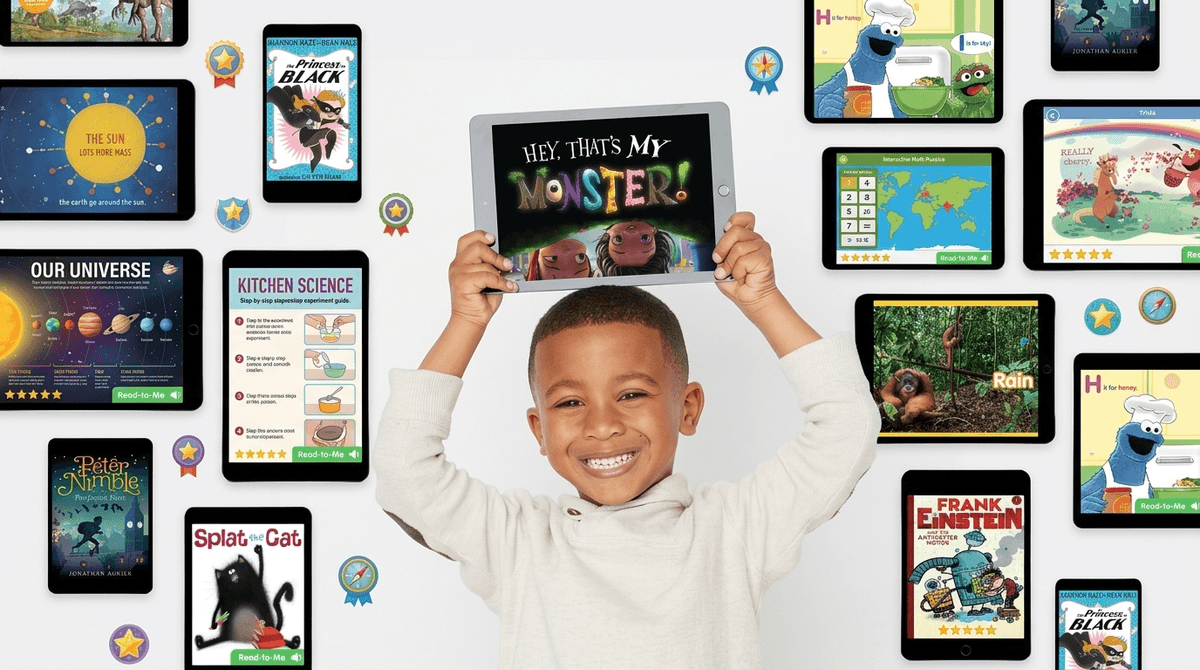
The library is legitimately huge, with popular series like Dog Man, Magic Tree House, and National Geographic books that kids actually want to read.

The educational tools (reading level filters, vocabulary features, quizzes) are solid, and teachers genuinely use this in classrooms.

The fact that it's free for schools is a big win for equity.

The downsides?

The interface can feel overwhelming—40,000 books sounds great until you're scrolling endlessly trying to find something good.

Some parents complain about quality control, noting that not every book in the library is a winner.

And yes, it's another subscription, though at $7.99/month it's cheaper than buying a few new books.

Bottom line: If you have a reluctant reader or a kid who burns through books faster than you can visit the library, Epic is worth the trial.

Just know you might need to curate some reading lists yourself to avoid the 'too many choices' paralysis.

Wholesome

88/100

Curated digital library for kids ages 2-12 with age-appropriate content, parental controls, and individual child profiles. The app promotes reading as a positive activity with rewards and reading buddies. Content is screened for kids, though some parent reviews note quality control concerns with the sheer volume of books available.

Imaginative

82/100

Access to 40,000+ books, audiobooks, and learning videos spanning diverse topics lets kids explore their interests freely. Multilingual options (English, Spanish, French, Chinese) and various formats (read-to-me, audiobooks, ebooks) encourage discovery. However, it's a consumption platform rather than a creation tool—kids read and watch but don't build or make anything themselves.

Safe

75/100

Kid-safe curated library with no ads in the subscription version and parental dashboard for monitoring. Age rating of 4+ on App Store. However, parent reviews on Common Sense Media mention concerns about 'anyone can search anything' and lack of quality control, suggesting some questionable content may slip through. The free educator version is ad-free, but the family version requires paid subscription after trial. No social features or chat to worry about.

Enriching

90/100

Directly builds reading skills and literacy—95% of parents report improved reading skills according to Epic's data. Features like Spotlight Words, Dictionary Lookup, quizzes, and the ability to filter by reading level (AR, DRA, F&P) provide genuine educational scaffolding. Teachers can assign books and track daily reading progress. The breadth of content (40,000+ titles) means kids can deep-dive into topics they care about.


Is Epic Books right for your kid specifically?


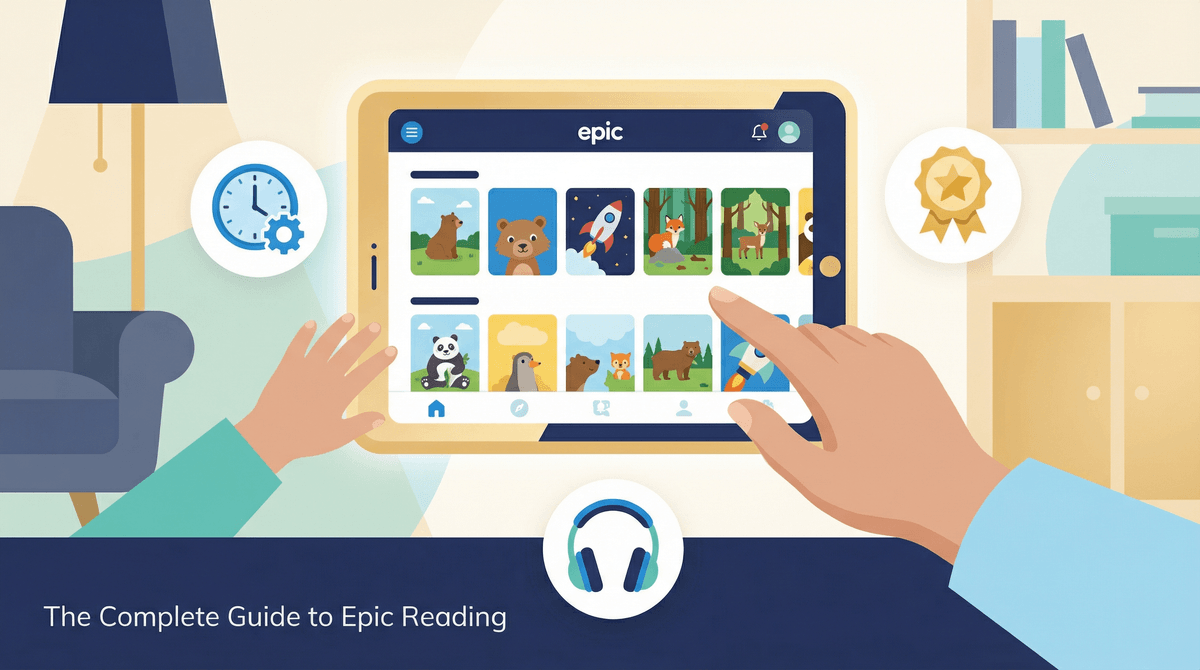
Epic is a digital library — 40,000+ books, audiobooks, read-to-me titles, and learning videos — available on any Apple device for $7.99/month. The comparison to Netflix is apt and not entirely a compliment: the catalog is enormous, the interface is designed to keep kids scrolling, and the quality varies wildly from one title to the next. But unlike Netflix, the thing kids are doing when they stay on it is reading. That's the core trade-off.

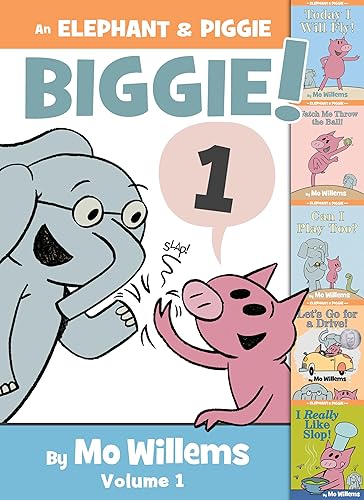
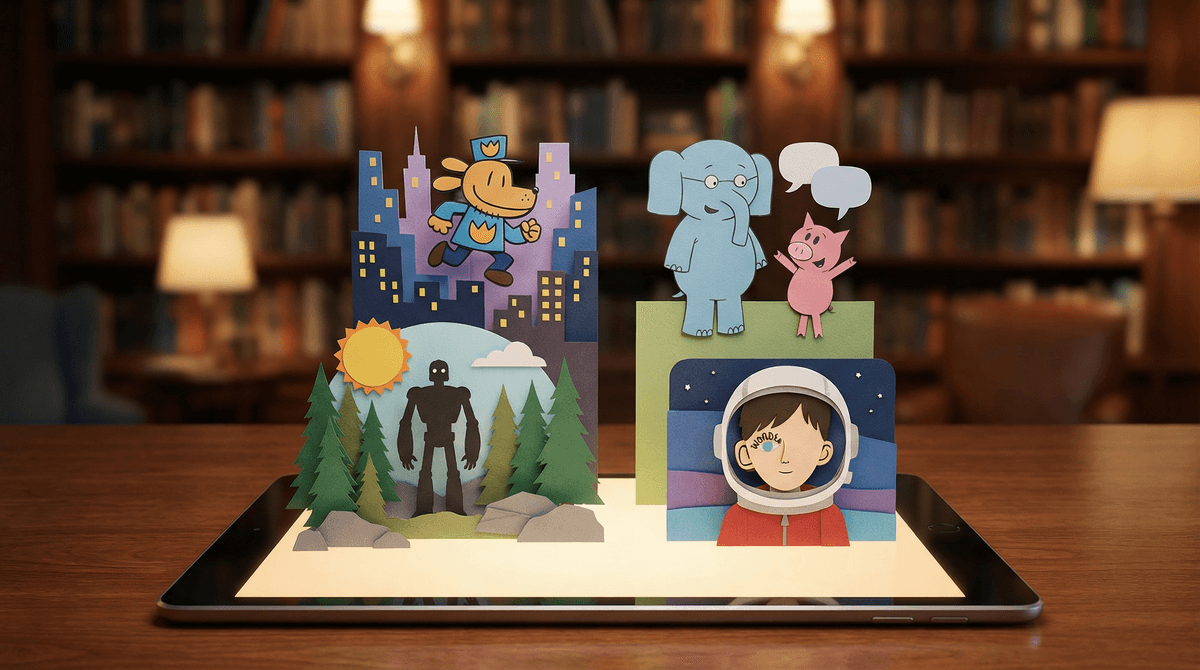
The library runs deep where it matters most for kids. Dog Man, Magic Tree House, National Geographic Kids, Elephant & Piggie — the books kids actually beg for in bookstores are here, in full series, with no trip to the library and no waiting list. A kid who inhales a series can go from book one to book twelve in a weekend. For the kid who burns through books faster than you can buy them, this is genuinely life-changing.

The WISE scores tell the mixed story clearly. Epic scores 90 on Enriching — the highest of its four dimensions — because it actually builds reading skills. The vocabulary tools (Spotlight Words, Dictionary Lookup), the reading-level filters (AR, DRA, F&P), and the teacher-assignment features are real educational scaffolding, not gamification theater. The Wholesome 88 reflects a genuinely curated, ad-free, kid-safe environment with individual profiles and a parent dashboard. But the Safety score drops to 75 because with 40,000 titles and a search bar, some questionable content does slip through. The Imaginative 82 is the honest admission that this is a consumption platform — kids read and listen, they don't build or create.

The read-to-me and audiobook formats deserve a real mention here. These aren't lesser-than — they build the language comprehension strands of literacy (vocabulary, syntax, background knowledge, narrative structure) that print-only reading can't fully develop on its own. For early readers, reluctant readers, or kids in the car for an hour, being read to by a talented voice actor with sound effects is legitimate literacy practice. It doesn't replace decoding work for kids learning phonics, but it absolutely counts.

The honest parent reality is this: Epic works when you do a small amount of curation work upfront. Left completely alone, a six-year-old will spend twenty minutes browsing and reading nothing. Spend fifteen minutes with your kid building a reading list — their favorite series, a nonfiction obsession, a few read-to-me titles they can tackle independently — and the app transforms from a frustrating buffet into a genuinely useful reading tool. That's the whole playbook.



The real risk on Epic isn't the content. It's the paradox of choice.

Forty thousand books sounds like an unambiguous win. In practice, for a seven-year-old (or honestly, for most adults), a library that large without a strong guide produces browsing paralysis. Kids will tap covers, flip to page three, abandon the book, and repeat — accumulating screen time without reading a single thing all the way through. This isn't a bug unique to Epic; it's how human brains respond to overwhelming optionality. The fix is straightforward: build curated reading lists with your kid before they open the app solo, and set a house rule that they finish what they start before moving on. The app's "Assignments" feature (usually used by teachers) works just as well for parents who want to steer without hovering.

The other thing worth knowing: the Safety score of 75 is earned honestly. Epic does curate its library for kids, but with 40,000 titles, quality control is imperfect. Parent reviews consistently flag that the search bar is basically open — type in a topic and you'll get everything in the catalog on that topic, not everything appropriate for your specific kid. The parent dashboard lets you see what your child has been reading, but it's a rearview mirror, not a windshield. The practical move: for kids under 7, set up the reading list yourself and encourage them to stay on it. For older kids, spot-check the dashboard periodically, especially around topics you're not expecting.

One more thing: read-to-me books and audiobooks on Epic are genuinely great for early readers, but the line between "independent reading time" and "passive listening while zoning out" can blur fast. Watch for headphones in, eyes wandering — that's a listening session that stopped being active a few chapters ago. For kids working on decoding, mix in print books alongside the Epic audiobooks so the eyes-on-text practice doesn't disappear entirely.


Where to start.

Build a Series Reading List Together

**Before your kid opens the app solo, spend fifteen minutes building a reading list.** Search for one series they already love — Dog Man, Big Nate, Magic Tree House, Diary of a Wimpy Kid — and save all the books to their profile. This single step eliminates 80% of the paradox-of-choice problem and sets them up for the satisfying binge-read that makes Epic actually worth the subscription. Good for ages 5 and up; for under-5, you're probably co-reading anyway.

Read-to-Me for the First Independent Session

**For early readers (ages 3–6), start with the Read-to-Me section rather than ebooks.** These titles feature professional voice actors, music, and sound effects — they're genuinely engaging, and they build vocabulary and listening comprehension while the decoding skills catch up. Elephant & Piggie, Pete the Cat, and Mo Willems titles are all in the library and are excellent entry points. Let the first few sessions be joyful and low-pressure; the independent reading habit will follow.

More →

Activate the Parent Dashboard Before Handing Over the App

**The dashboard is the app's best parenting feature and the most under-used one.** Go to your parent profile, set each child's reading level (Epic will filter recommendations to their range), and turn on reading progress notifications. You'll get a weekly summary of what they read and for how long. This takes five minutes and means you'll actually know whether Epic is being used for reading or being used as a browsing toy.

More →

Use the Nonfiction Rabbit Hole Strategy

**Find your kid's current obsession — sharks, volcanoes, soccer, space, Minecraft — and search it in Epic.** The nonfiction catalog is legitimately strong (National Geographic Kids alone is worth the subscription), and a kid who discovers they can deep-dive into any topic on demand becomes a self-directed reader fast. This works especially well for reluctant readers who think "reading" means fiction they don't care about. Ages 6–12 is the sweet spot for this move.


After they play.

A few things worth asking when they put the controller down:

  • What's the best book you've found on Epic so far — and did you finish it or leave it in the middle?
  • If you could add one book or series to Epic that isn't there yet, what would it be?
  • When you listen to a read-to-me book, do you feel like you're really reading — or is it different? What's different about it?
  • You've read [book title] on Epic — if you could give it a star rating and one sentence review, what would you say?
  • Would you rather have a huge library like Epic where you can read anything, or a small library of just the best books? Why?

What other families are actually doing.

The next time your kid says “but everyone” about a phone, a TikTok account, or a new app — here’s the actual data by grade.

What kids are watching, by grade

Sign in to personalize this guide with data from families in your school, city, and community

YouTube Access by Grade

No YouTube
Supervised
Independent

TV Access by Grade

No TV
Has TV

FAQ.

Real questions parents actually ask about Epic Books


Want recs for your kid specifically?

Take the 5-minute Screenwise family survey. We’ll use it to surface the shows, games, and books that actually fit your kid — not just the generic top 10.

Take the 90-second Gut Check