

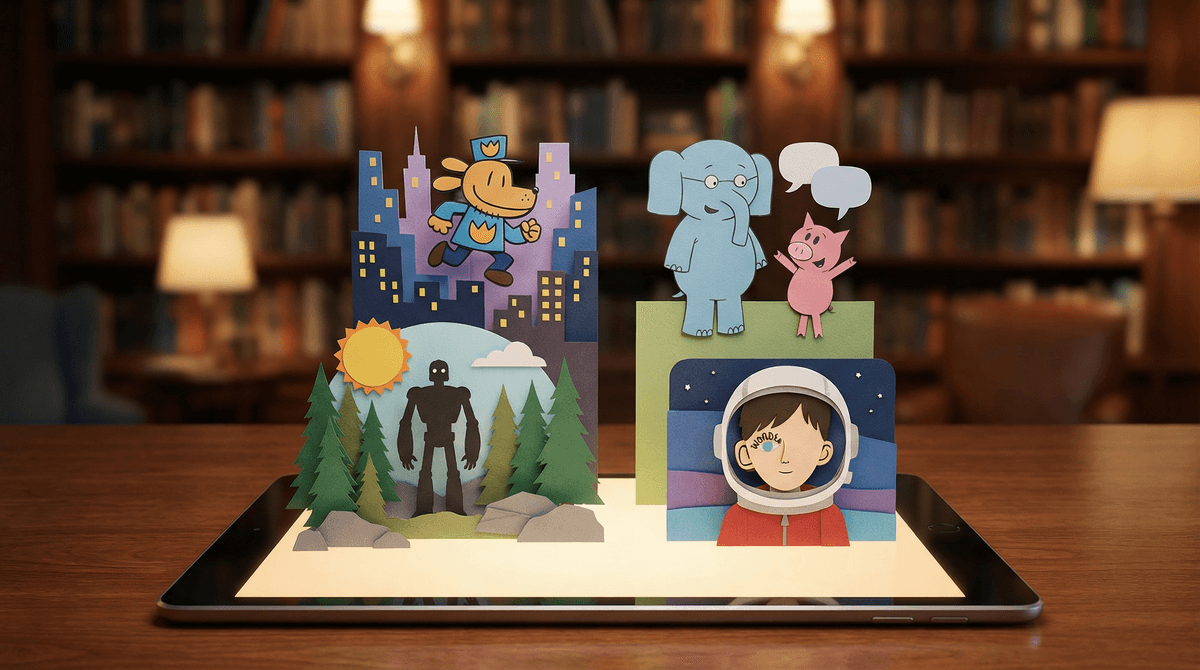
Epic's 40,000-Book Library: How to Find Safe, Age-Appropriate Reads for Your Elementary Reader
Epic is a digital library with 40,000+ books, and yes, that's both amazing and overwhelming. The good news: their age filters actually work pretty well, and you can set up kid profiles that keep your second grader from stumbling onto dystopian teen fiction. The bad news: you'll still want to spot-check because their "ages 6-8" category is doing some heavy lifting.
Quick wins:
- Set up individual profiles for each kid with their actual age
- Use the "Read-To-Me" filter for beginning readers
- Check the "Parental Controls" section to lock down age ranges
- Browse their curated collections instead of search (better quality control)
- Download books at home so kids aren't browsing unsupervised on the bus
Epic is basically Netflix for kids' books—a subscription service ($12.99/month or $79.99/year) with a massive digital library of picture books, chapter books, graphic novels, and educational videos. It's wildly popular in elementary schools (many teachers use the free educator version), which means your kid has probably already used it and knows exactly how to navigate it better than you do.
The platform works on tablets, phones, and computers, and includes read-aloud features, comprehension quizzes, and reading badges that appeal to the gamification-loving hearts of modern children.
Epic hits the sweet spot of "feels like screen time but counts as reading" for kids. The app interface is colorful and intuitive, there are videos mixed in with books (nature documentaries, how-to content), and the badge/reward system makes finishing books feel like leveling up in Roblox.
Plus, for reluctant readers, the audio read-aloud feature removes the friction of decoding while still building comprehension and vocabulary. And for voracious readers, the unlimited access means they're not rationing their library card holds or waiting for the next book fair.
Here's where it gets tricky: Epic's age categories are broad strokes, not precision instruments. Their age bands are:
- Ages 0-3 (board books, very simple picture books)
- Ages 3-5 (picture books)
- Ages 6-8 (early readers, longer picture books, early chapter books)
- Ages 9-12 (middle grade chapter books, graphic novels)
But "ages 6-8" includes both Pete the Cat and Dog Man, which are worlds apart in reading level and humor sophistication. And the 9-12 category sweeps in everything from Diary of a Wimpy Kid to Percy Jackson to books that deal with heavier themes like divorce, bullying, or even death.
The other issue: Epic includes a lot of licensed content (think movie tie-ins, YouTube personality books, branded content) that isn't necessarily high-quality literature. Your kid can absolutely spend an hour reading books based on video game characters or influencer merchandise, which... fine, it's reading, but it's not exactly Charlotte's Web.
Step 1: Create individual profiles for each kid
Don't use a family profile. Each child should have their own profile with their actual age and reading level set. This helps Epic's algorithm recommend appropriate books and keeps your kindergartener from seeing middle grade content.
Step 2: Turn on age restrictions
In the parent dashboard (accessible via the parent profile or website), you can lock each child's profile to their specific age range. Toggle on "Restrict content to age range" and Epic will hide books outside that band.
Step 3: Adjust reading level separately from age
This is key for advanced or struggling readers. You can set age restrictions for content maturity (so your 6-year-old doesn't see scary books) while still allowing access to higher or lower reading levels. A second grader reading at a fourth-grade level can access those books without getting exposed to middle school themes.
Step 4: Turn off videos (optional)
If you want Epic to be books-only, you can disable video content in parental controls. The videos are generally fine—nature docs, educational content—but they do blur the "reading time" boundary.
Use curated collections, not search
Epic's homepage features curated collections like "Award Winners," "Beloved Characters," "Books About Friendship," etc. These are much better vetted than random search results. Start here.
Browse by specific interest + age
Instead of searching "funny books," try "funny books for ages 6-8" or use their topic tags (animals, adventure, science, etc.) combined with age filters. The more specific you are, the better the results.
Check the "Educator Picks" section
Teachers have collectively flagged quality books, and this section tends to have less branded content and more actual literature.
Look for familiar authors and series
If your kid loved The Wild Robot from the library, search for Peter Brown's other books on Epic. Following authors and series you already trust is a shortcut to quality.
Preview books before adding to their library
You can read any book on Epic yourself first. If you're unsure about content, skim it quickly (especially the middle and end where heavier themes often appear).
Licensed/branded content overload
Books based on Minecraft, Among Us, YouTube stars, or toy brands aren't inherently bad, but they're often lower quality and more commercial than original fiction. If your kid's entire reading list is branded content, gently steer them toward other options.
Graphic novels with complex themes
Graphic novels are amazing for reluctant readers, but some in the 9-12 category deal with mature themes (war, trauma, identity struggles) that might be too heavy for younger elementary kids. Amulet is fantastic but genuinely scary in places. Smile by Raina Telgemeier is sweet but deals with middle school social dynamics that might not resonate with a 7-year-old.
"Educational" books that are just ads
Some books in Epic are essentially extended advertisements for products or services. They're rare, but they exist. If a book feels like a commercial, it probably is.
This is the eternal struggle: your second grader reads at a fifth-grade level, but fifth-grade books often have fifth-grade content (crushes, more complex family dynamics, scarier scenarios).
Here's how to navigate it:
-
Prioritize high-quality middle grade that skews younger - Books like Frindle by Andrew Clements or The Vanderbeekers series have sophisticated vocabulary and plot without heavy themes.
-
Lean into nonfiction - Biographies, science books, and history are great for advanced readers because reading level and content maturity align better. A second grader can absolutely handle a book about space exploration or ancient Egypt written at a higher level.
-
Preview and discuss - If your kid wants to read something that feels borderline, read it together or read it first and talk about it. This is actually a great opportunity for connection.
-
Check out alternatives to Epic - Sometimes a more curated library app or just going to the actual library with a librarian who knows your kid is the better move.
Ages 5-7 (Kindergarten-2nd grade):
- Elephant & Piggie series by Mo Willems (perfect for beginning readers)
- The Bad Seed and other books by Jory John
- Press Here by Hervé Tullet (interactive and fun)
- Ivy + Bean series (early chapter books)
- National Geographic Kids books (great for nonfiction lovers)
Ages 8-10 (3rd-5th grade):
- Wonder by R.J. Palacio (have tissues ready)
- Hatchet by Gary Paulsen (survival adventure)
- The One and Only Ivan by Katherine Applegate
- Who Would Win? series (high-interest nonfiction)
- Wings of Fire series (fantasy with dragons, very popular)
Ages 10-12 (5th-7th grade):
- Percy Jackson series (mythology adventure)
- The Wild Robot by Peter Brown
- Refugee by Alan Gratz (historical fiction, mature themes handled well)
- New Kid by Jerry Craft (graphic novel about race and identity)
- The 39 Clues series (mystery/adventure)
Epic is a tool, not a replacement for physical books, library trips, or bedtime read-alouds. Here's how to keep it in balance:
Set time limits - Even though it's reading, unlimited screen time for reading can still mean too much screen time overall. 20-30 minutes of Epic is plenty.
Prioritize physical books for bedtime - The blue light from screens before bed isn't ideal, and there's something special about the physical ritual of bedtime stories.
Use Epic for convenience, not default - Epic shines for car rides, waiting rooms, and times when carrying physical books is annoying. But the library should still be your primary source.
Mix in audiobooks - Epic's read-aloud feature is great, but dedicated audiobook platforms like Libro.fm or Audible often have better narration and a different selection.
Epic is genuinely useful for elementary-aged kids if you set it up thoughtfully. The age filters work reasonably well, the curated collections are solid, and the sheer volume of content means there's something for every interest level.
But it requires active parenting. You can't just hand over the tablet and assume everything your kid encounters will be appropriate or high-quality. Set up profiles correctly, browse together initially, and check in regularly on what they're reading.
And remember: reading branded content about video game characters still counts as reading. It's not the hill to die on. If Epic gets your reluctant reader to engage with books, that's a win. You can gradually steer them toward higher-quality content once the reading habit is established.
Next steps:
- Download the Epic app and set up individual profiles for each kid
- Turn on age restrictions in parental controls
- Browse curated collections together and add 10-15 books to each kid's library
- Set a daily reading time limit (20-30 minutes is plenty)
- Check in weekly on what they're reading and add new books based on their interests
Want more reading recommendations? Check out our guides on best chapter book series for reluctant readers or graphic novels that aren't just brain candy.