

Managing Screen Time with Epic: When Digital Reading Counts (and When It Doesn't)
TL;DR: Epic is a legitimately good reading app with 40,000+ books, but those videos and audiobooks complicate the "screen time" math. Here's how to make it work without the guilt spiral.
Quick recs:
- Best for independent readers: Dog Man series
- Best for reluctant readers: Diary of a Wimpy Kid
- Best chapter books on Epic: Percy Jackson
- Best read-to-me option: The Wild Robot by Peter Brown
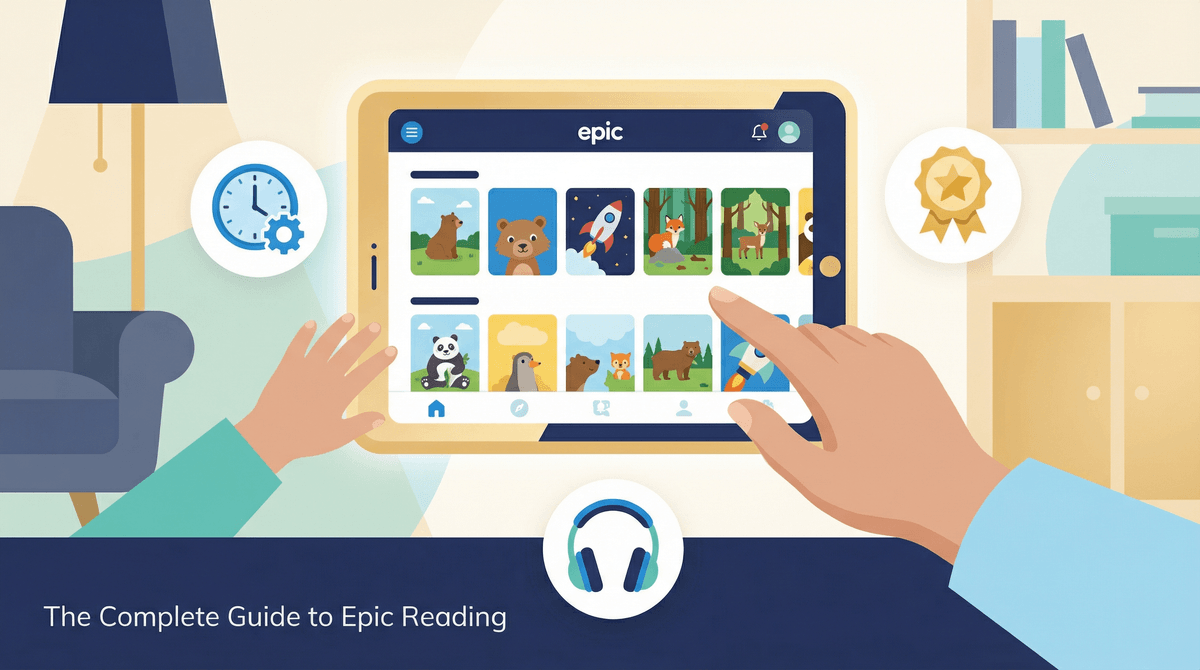
Epic is basically the Netflix of kids' books—a subscription app ($12.99/month or $79.99/year) with over 40,000 books, audiobooks, and educational videos for kids 12 and under. It's got everything from board books to middle-grade novels, comics, nonfiction, and yes, those "learning videos" that are... let's just say of varying quality.
The app is hugely popular in elementary schools (many teachers use the free classroom version), which means your kid has probably already discovered it and formed strong opinions about whether the narration voice for Captain Underpants is acceptable.
Here's where it gets messy: Is Epic "screen time" or is it "reading"?
The honest answer? Both. And it depends.
If your kid is reading actual text on the screen—even if it's Big Nate or graphic novels—that's reading. Full stop. The medium doesn't make it less legitimate. Your brain is doing the same comprehension work whether you're holding a paperback or swiping on an iPad.
But Epic also has:
- Read-to-me books (audiobooks with highlighted text)
- Audiobooks (just audio, no text)
- Educational videos (some great, some... not)
And this is where you need to make some family decisions about what counts as what.
Let's address the elephant in the room: Do audiobooks count as reading?
Depends who you ask. Research shows that listening comprehension and reading comprehension activate similar brain regions, and audiobooks absolutely build vocabulary, story comprehension, and a love of literature. Kids who listen to books above their reading level can access more complex stories and ideas.
But audiobooks don't build decoding skills—the actual mechanics of reading words. So for a 6-year-old still learning to read, audiobooks are great for language development but shouldn't replace practice with actual text.
Practical approach: Audiobooks are fantastic for:
- Long car rides
- Kids who struggle with reading but love stories
- Accessing books above their reading level
- Bedtime when everyone's too tired for one more page
But they probably shouldn't be the only way your kid consumes books if they're still building reading skills.
Epic's videos are... inconsistent. Some are legitimately educational (think National Geographic-style content). Others are basically YouTube Kids with a thin educational veneer.
The rule of thumb: If you wouldn't count it as "learning time" on YouTube, don't count it on Epic just because it lives in a reading app.
Most families I know either:
- Turn off video access entirely in Epic's settings
- Set clear boundaries ("Videos only after you've read two books")
- Preview videos first and create a "yes" list
Epic does let you disable videos in the parental controls, which honestly might be the move if your kid keeps gravitating toward them instead of actual books.
Ages 3-5: Epic has solid picture books and early readers, but at this age, physical books are probably better for building page-turning skills and that cozy reading relationship. If you do use Epic, stick to read-aloud mode together.
Ages 6-8: This is Epic's sweet spot. Tons of early chapter books, graphic novels, and high-interest nonfiction. Good options:
Ages 9-12: Epic has plenty of middle-grade content, but honestly, at this age many kids are ready to graduate to Libby (the library app) or Kindle where they can access more current titles and YA content.
The badge/reward system: Epic uses gamification—badges, reading streaks, recommendations. Some kids love this motivation. Others find it stressful or get more focused on earning badges than enjoying books. Know your kid.
The algorithm: Like any platform, Epic's recommendations are based on what your kid clicks on. If they read one Minecraft guide, suddenly everything is Minecraft. You can influence this by adding books to their library yourself.
The "just one more chapter" trap: Digital reading can actually make it harder for some kids to stop (no physical sense of the book ending). Set timers if needed.
School vs. home accounts: If your kid uses Epic at school, they might have a separate account from home. This can be good (different content access) or annoying (they can't finish that book they started at school).
Set clear categories:
- Reading books with text = counts as reading time
- Audiobooks = counts as listening/rest time (different bucket)
- Videos = screen time (if you allow them at all)
Use it strategically:
- Morning reading before school
- Quiet time on weekends
- Traveling or waiting rooms
- Reward after homework
Balance with physical books: Epic shouldn't replace library trips and book ownership entirely. There's something about choosing and owning books that builds reader identity.
Create book lists together: Spend 10 minutes once a week adding books to your kid's Epic library so they're not just clicking whatever the algorithm serves up. Check out graphic novels for reluctant readers or chapter books for 8-year-olds for ideas.
Epic is genuinely great for:
Reluctant readers: The low-stakes, high-choice environment can hook kids who resist physical books. Dav Pilkey books and graphic novels are gateway drugs to reading.
Voracious readers: If your kid burns through books faster than you can get to the library, Epic's unlimited access is a lifesaver (and cheaper than buying everything).
Niche interests: Your kid obsessed with sharks? Space? Ancient Egypt? Epic has deep nonfiction collections that most home libraries can't match.
Kids with reading challenges: Adjustable text size, read-aloud features, and dyslexia-friendly fonts make Epic genuinely accessible.
Epic is a tool. Like Minecraft or Duolingo, it can be educational and valuable or it can be a time-suck depending on how it's used.
Count actual reading as reading. Don't guilt yourself because the book is on a screen instead of paper. If your kid is decoding words and following a story, that's reading.
Be honest about audiobooks and videos. They have value, but they're different activities. Label them accurately in your family's screen time framework.
Use Epic's parental controls. Turn off videos if they're a distraction. Set daily time limits. Curate the library.
Keep physical books in the mix. Epic shouldn't be the only way your kid experiences books, but it doesn't have to be all-or-nothing either.
The goal isn't perfect screen time management—it's raising kids who love stories and see themselves as readers. If Epic helps with that, it's doing its job.
- Set up Epic's parental controls: disable videos, set time limits, review reading history
- Create a family definition of what "counts" as reading vs. screen time
- Make a list of 10 books to add to your kid's Epic library this week
- Consider alternatives to Epic like Libby or Kindle if your kid is aging out
- Check out how to raise a reader in the digital age for more strategies
And if you're still wondering whether that 90-minute Epic session counts as screen time... let's talk about it .
.