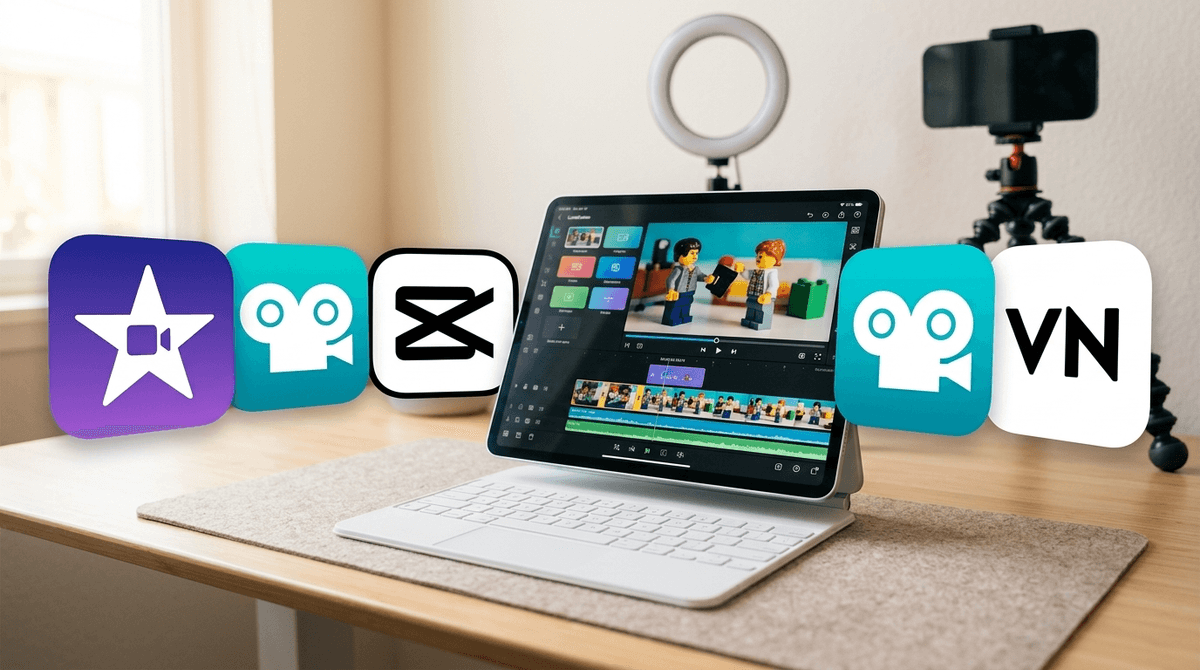
VivaVideo has evolved from a simple 2013 trimmer into a full-blown AI content factory. While the tech is undeniably impressive—allowing kids to generate 'AI hugs' or clone their own voices—it’s clearly built to feed the TikTok and Reels machine.
For a teen looking to up their editing game for a school project or a hobby, it’s a powerful tool. However, the safety signals are flashing yellow. Between the public-by-default profiles and the potential for creating deepfake-adjacent content, this isn't an 'install and forget' app. It’s a 'let’s sit down and check the settings together' app. If your kid just wants to trim a video of the dog, there are much safer, quieter tools out there.
Age Fit
Best for 13 and up. Younger kids don't need a 'viral-ready' toolkit, and the privacy risks associated with default public profiles and AI generation require a level of digital maturity that middle schoolers are just starting to develop.
WISE Breakdown
Wholesome
50
While it promotes 'heartwarming family memories,' the app is fundamentally a factory for 'viral-ready' social media content, prioritizing clout and trends over quiet, focused creativity.
Imaginative
88
The AI toolset—from voice cloning to smart tracking—is genuinely impressive. It allows kids to realize complex visual ideas without needing a film degree.
Safe
42
Profiles are public by default, and safety reviews flag exposure to mature themes, profanity, and suggestive content. AI features like voice cloning and 'AI kiss' effects carry high potential for misuse or bullying.
Enriching
65
It teaches the mechanics of modern video production (timing, transitions, layering). However, the reliance on AI to 'do the magic' can bypass the actual learning process of manual editing.
Parent Info
✓
Why It Might Be Great
Pro-level tools like keyframing and chroma key are made accessible for beginners.
AI features like auto-captions and smart tracking save hours of tedious work on school projects.
Encourages kids to think critically about visual storytelling, pacing, and rhythmic beats.
⚠
What to Watch For
Profiles are set to public by default, meaning anyone can see your child's creations unless you manually change it.
The 'AI Voice Clone' and 'AI Kiss' features are cool tech, but they can easily be used for mean-spirited deepfakes or bullying.
Safety reports indicate the app's community templates can occasionally expose users to mature themes or crude humor.
Conversation Starters
"If you clone your voice with AI, who owns that recording? Is it still 'you'?"
"Why do you think the app wants your profile to be public by default? Who does that benefit?"
"What's the difference between a funny AI edit and something that might hurt someone's feelings or privacy?"