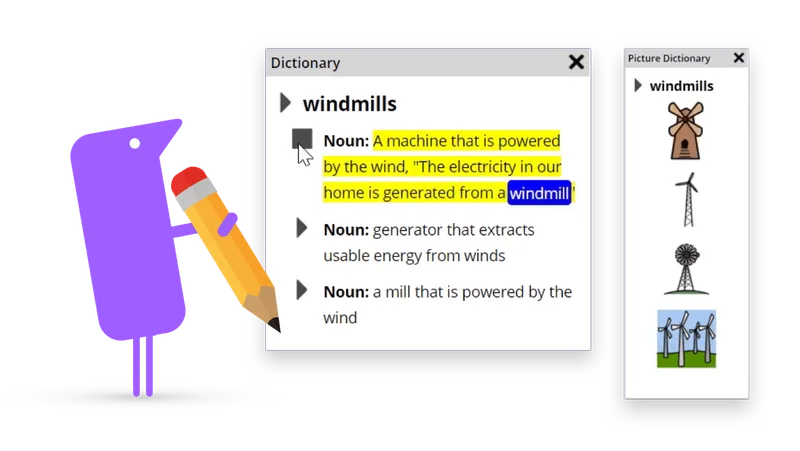
Read&Write for Chrome

Read&Write for Chrome

Website

WISE
90%

WISE Score

The ultimate 'cheat code' for kids who struggle with reading and writing—it turns the web into a much friendlier place.

Screenwise Verdict

Read&Write for Chrome is one of those rare tools that actually lives up to the hype. It’s not a toy, and it’s definitely not 'entertainment,' but for a kid who finds schoolwork physically or mentally exhausting, it’s a lifesaver.

It’s basically a layer of armor for the internet—it filters out the noise and gives kids the leg up they need to keep up with their peers. If your school provides it for free, it's a no-brainer. If you're paying out of pocket, try the 30-day trial first to see if your kid actually uses the features or if it just sits in their toolbar gathering digital dust.
Age Fit

Great for any kid from 1st grade through college. If they're old enough to have a Chromebook and a writing assignment, they're old enough to use this.

WISE Breakdown
Wholesome
92

It's a pure educational utility. There's no fluff, no 'brain rot' content, and it’s designed entirely to support a child's confidence and focus without any weird social pressure or chaotic pacing.

Imaginative
72

While it's a tool rather than a creative world, it acts as a massive unlock for kids who have stories in their heads but can't get them on the screen. It removes the 'blank page' paralysis.

Safe
96

Very high safety marks. No ads, no hidden chat rooms, and no predatory loops. It's a Chrome extension that stays in its lane. Privacy practices are solid, though it does require a Google login.

Enriching
98

This is the gold standard for assistive tech. Whether a kid has dyslexia, ADHD, or just struggles with spelling, this builds real-world literacy skills and academic independence.

Parent Info
✓

Why It Might Be Great

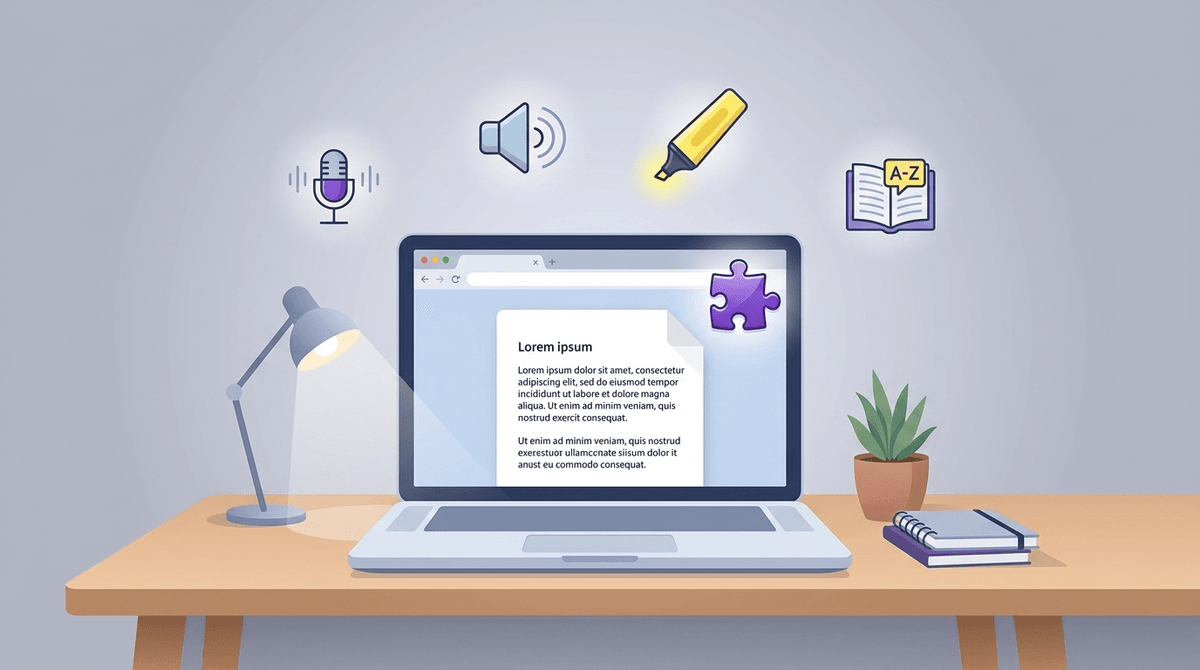
  • Text-to-speech that actually sounds decent and highlights as it goes, which is huge for keeping kids on track.
  • The 'word prediction' is like a super-smart autocorrect that helps kids with dyslexia get their ideas down without the spelling frustration.
  • Screen masking lets kids block out all the sidebar junk and ads so they can actually focus on the article they're supposed to be reading.
  • It works across Google Docs and PDFs, so it follows them from their research to their final essay.
⚠

What to Watch For

  • The price tag is real—the free version is pretty stripped down, and the full subscription is an annual commitment if your school doesn't pay for it.
  • It can be a little glitchy on certain websites or with complex PDF layouts, which might frustrate a kid who's already struggling.

Conversation Starters

  • "Which voice do you like listening to best? Does the fast or slow speed help you understand it better?"
  • "Does using the word predictor make you feel like you can write faster, or does it get in your way?"
  • "What’s the most annoying part of reading stuff online that this tool helps fix?"

Ask Anything

Get a personalized guide on any topic