The Workbench of the 21st Century
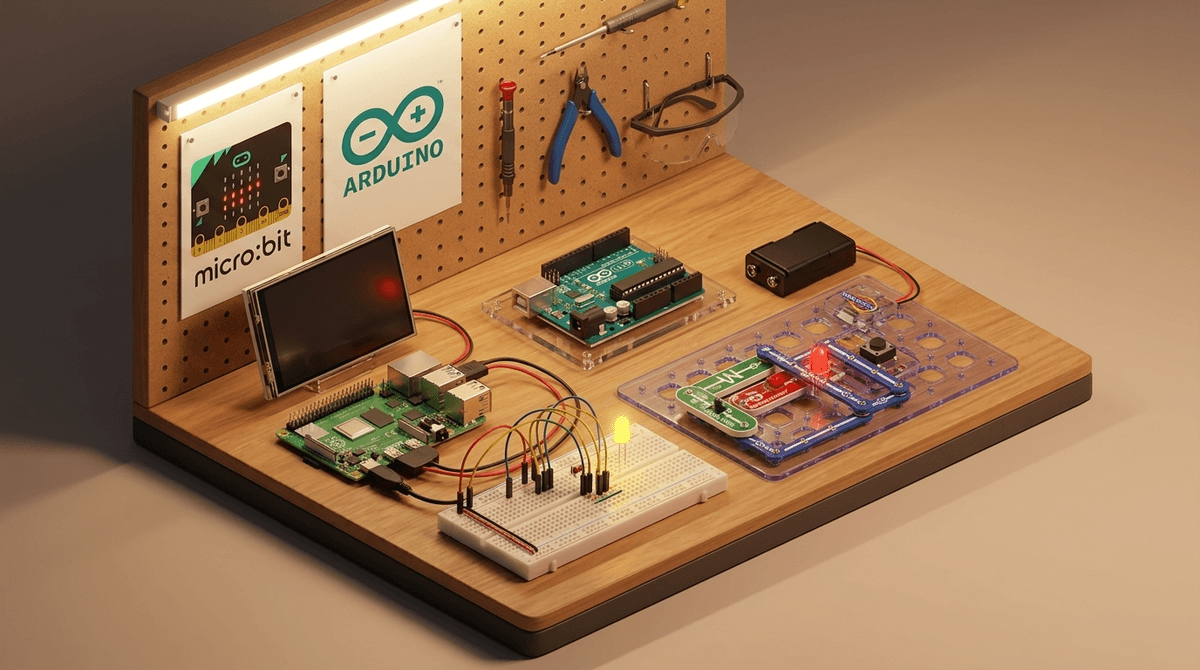
If you want your kid to do more than just 'consume' content, the Raspberry Pi ecosystem is where you start. The website serves as the central hub for a global movement of digital makers. It’s important to distinguish the website from the hardware: the site provides the free instructions, while the Pi itself is the tiny, affordable computer you buy to run those instructions.
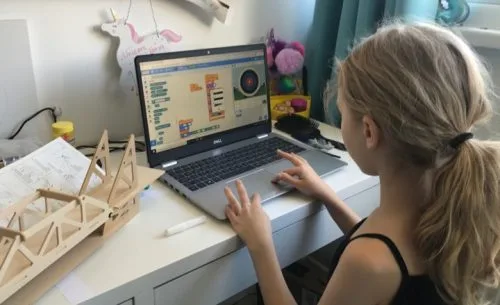
What makes this site special is the Project Pathways. They don't just dump a list of code on you; they guide a kid through the 'why' behind the 'what.' A 7-year-old can start with Scratch (visual block-based coding) and within a year be tinkering with Python to control LED lights or cameras.
Why it beats the alternatives
Unlike many 'coding for kids' apps that feel like glorified mobile games, Raspberry Pi feels like a professional toolkit. It treats kids with respect. The documentation is clear, the projects are genuinely fun, and the skills are transferable to the real world. If your kid learns Python here, they are learning the same language used by engineers at NASA and Google.
The 'Parent-as-Assistant' Phase
Be prepared: you cannot just hand a Raspberry Pi to an 8-year-old and walk away. The first hour involves flashing an SD card, plugging in peripherals, and probably a few 'why isn't this working?' moments. Use this as an opportunity for co-engagement. Once they get the first LED to blink or the first character to move in Scratch, the lightbulb goes on, and they'll likely take the wheel from there.
For families who have opted out of the 'closed' ecosystems of consoles and tablets, this is the open-source antidote. It’s messy, it’s technical, and it’s deeply rewarding.