The Free Browser-Game Trade-off
Free web game portals have been a fixture of kid culture since the Flash era. Poki takes that same formula and modernizes it for touchscreen devices and Chromebooks. The draw is speed: click a thumbnail and start playing immediately without downloading an app or making an account.
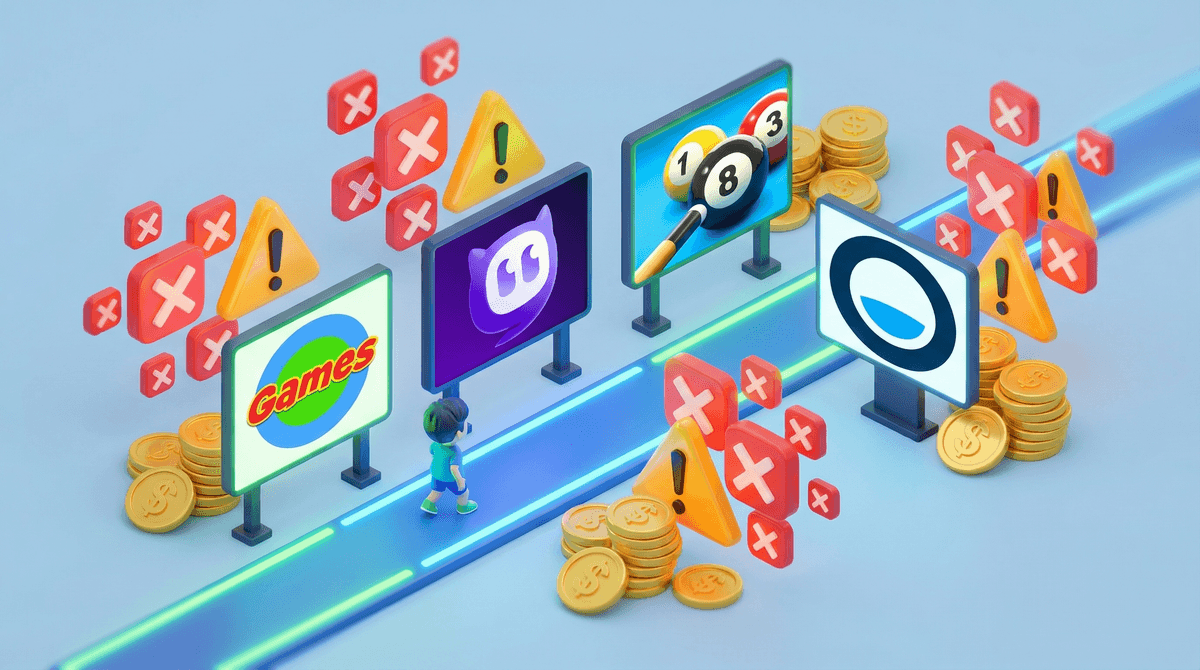
That convenience is paid for by advertising. Poki relies heavily on video ads that pause play between levels, side banners, and rewarded ads. Many of these ads use dark patterns—like fake 'X' buttons or start prompts—that trick younger kids into opening external browser tabs.
Curation and Unmoderated Chat
While Poki claims to curate its library of 1,500+ games, quality and content vary wildly. You will find legitimate hits like Subway Surfers right next to cheap knockoffs featuring cartoon violence or crude themes. Furthermore, because Poki embeds games built by hundreds of independent developers, some multiplayer .io games include open text chat channels that bypass Poki's site framework.
How to Handle Poki at Home
If your kid frequently lands on Poki, the single best move is installing a reliable browser ad blocker like uBlock Origin. Removing the ad layer eliminates the main safety friction—deceptive links and tracking. For a cleaner experience altogether, consider redirecting game time to curated platforms like Apple Arcade or standalone offline indie games.