

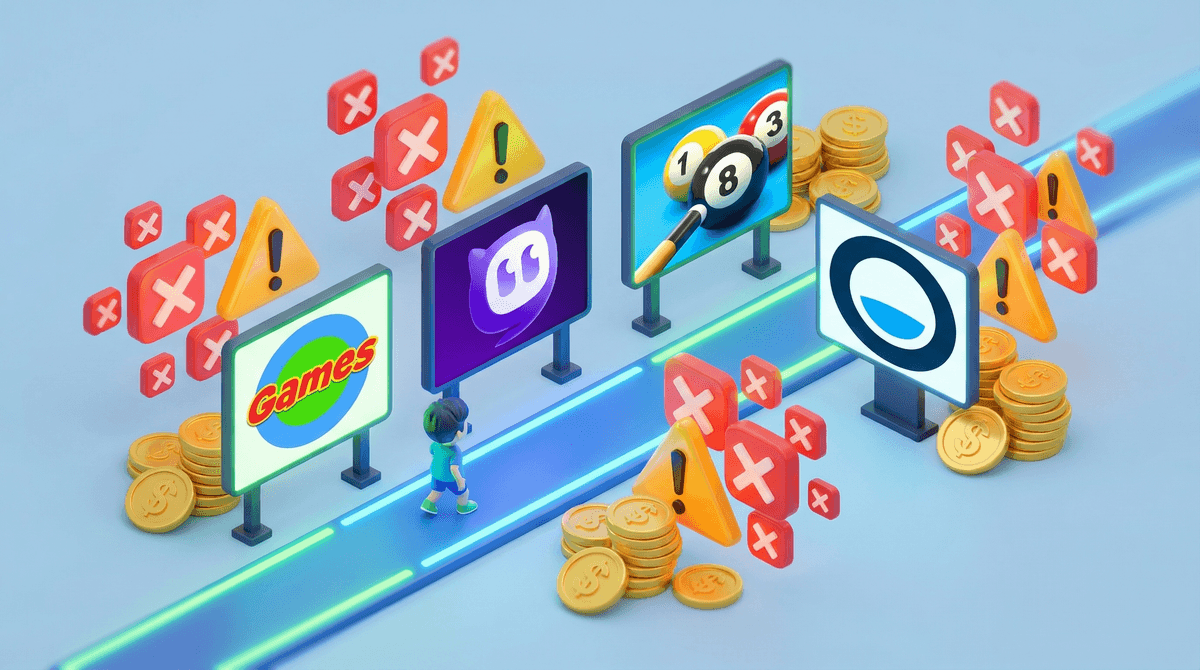
You know those moments when you need 20 minutes to make dinner and your kid asks "Can I play a game on your laptop?" Before you know it, they're deep in some website with flashing banner ads, auto-playing videos, and a suspicious "DOWNLOAD NOW" button that definitely doesn't look safe.
Free online gaming sites like Poki, CrazyGames, Miniclip, and Coolmath Games have become the go-to for quick entertainment. They're browser-based, require no downloads (usually), and offer everything from puzzle games to racing to dress-up games. The appeal is obvious: instant access, no commitment, and hey—it's free!
Except it's not really free. And that's what we need to talk about.
These sites are designed to be frictionless. No account needed, no parent approval, just click and play. Your kid can jump from a platformer to a cooking game to some weird physics simulator in minutes. The variety is genuinely impressive—thousands of games across every genre imaginable.
Plus, these sites are often unblocked at school (looking at you, Coolmath Games), which gives them a certain forbidden-fruit appeal. And let's be real: some of these games are actually pretty fun. Not every free game is garbage.
Here's where things get messy. Free online gaming sites make money somehow, and it's usually through a combination of:
Advertising overload: Banner ads, video ads, pop-ups, and those sneaky "X" buttons that actually open new tabs. Some sites are more aggressive than others, but most are serving ads that aren't vetted for kids. We're talking dating site ads, sketchy mobile game ads with suggestive imagery, and those "You won't last 5 minutes playing this game!" ads that are... not great for 8-year-olds.
Data collection: Many of these sites use cookies and trackers to build profiles on users—including kids. They're collecting browsing habits, game preferences, and device information. Most don't have robust age verification, so they're treating your 10-year-old like an adult user for data purposes.
In-game purchases and premium accounts: Some free sites offer ad-free experiences or exclusive games for a subscription fee. Others embed games that push you toward purchasing virtual currency or upgrades. The line between "free browser game" and "monetization funnel" can get blurry fast.
Malware and phishing risks: Not all free gaming sites are created equal. Some sketchy ones bundle malware with downloads, use fake "Download" buttons that lead to viruses, or try to collect personal information through fake "registration" forms.
Ages 5-8: These kids need heavily curated experiences. Free gaming sites are generally too chaotic for this age group. The ads alone can be overwhelming or inappropriate. Better options: PBS Kids, ABCmouse, or actual kid-focused platforms with real content moderation.
Ages 9-12: This is prime free-gaming-site territory. Kids this age can navigate browsers, want variety, and are starting to seek out games independently. If you're going to allow these sites, stick to the more reputable ones (Coolmath Games tends to be cleaner than most), use an ad blocker, and have the "some ads are lying to you" conversation early. Also: supervise the first few sessions so you can see what they're encountering.
Ages 13+: Teens are going to find these sites regardless. The focus shifts to teaching critical thinking: How do these sites make money? Why are they showing you these ads? What information should you never give a random gaming site? This is also when you can introduce them to Steam for actual free-to-play games that are higher quality (though with their own monetization concerns).
Not all free gaming sites are equal. There's a spectrum from "reasonably safe with some ads" to "digital minefield." Here's a quick hierarchy:
More reputable: Coolmath Games, PBS Kids Games, National Geographic Kids, Funbrain Middle ground: Poki, Miniclip, Armor Games Proceed with extreme caution: Any site you've never heard of, sites with "download" in the name, or sites that immediately hit you with pop-ups
Ad blockers are your friend. Install uBlock Origin or similar on any device your kid uses for browser gaming. It won't catch everything, but it'll eliminate a huge chunk of the problematic ads. Learn more about setting up ad blockers for kids .
.
Teach "stranger danger" for websites. Kids need to understand that not every "Download" button is real, not every "You've won!" message is true, and they should never, ever enter personal information (name, age, email, location) on a random gaming site.
Consider the opportunity cost. Twenty minutes on a free gaming site isn't going to ruin your kid. But if it's becoming the default entertainment, it's worth asking: what else could they be doing? Minecraft has creative value. Roblox has social connection (with its own concerns, sure). Even Among Us involves strategy and communication. Random browser games are mostly just... time fillers.
If you're looking for free gaming that's actually designed with kids in mind:
- PBS Kids Games: Educational, ad-free, actually free
- Scratch: Kids can play AND create games, learn coding
- Prodigy Math: Gamified math practice (freemium model, but functional free tier)
- Minecraft Classic: The original browser version is still free
- Library apps: Many public libraries offer free access to educational gaming platforms
Free online gaming sites aren't inherently evil, but they're designed for a general internet audience—not specifically for kids. The "free" model means your child is the product, through attention (ads) and data (tracking).
If you're going to allow these sites, do it with guardrails: ad blockers, supervision for younger kids, clear rules about what information never gets shared, and ongoing conversations about how these sites actually work.
But honestly? For most families, it's worth investing in one or two quality gaming experiences—whether that's a Nintendo Switch with carefully chosen games, a Minecraft account, or even a Steam library of actual free-to-play games. The value-per-hour is better, the content is more intentional, and you're not playing whack-a-mole with sketchy ads.
- Audit what they're actually playing: Sit with your kid and have them show you their favorite free gaming sites. You'll learn a lot.
- Install an ad blocker on any device used for browser gaming
- Have the "how free sites make money" conversation: Even young kids can grasp "ads pay for the games"
- Set boundaries: Maybe free gaming sites are fine for 30 minutes after homework, but not the default weekend activity
- Explore alternatives: Check out our guide to age-appropriate gaming alternatives
The goal isn't to eliminate all free gaming—it's to make sure you and your kid understand what you're actually signing up for when you click "Play Now."