Building an Inclusive Gaming Rig
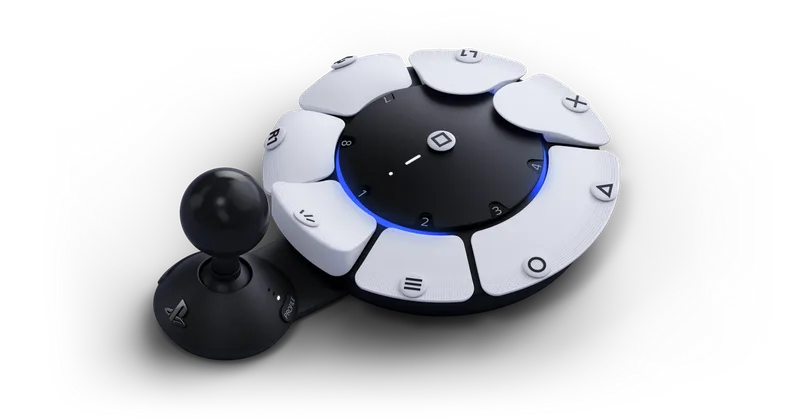
Traditional gamepads assume two hands, ten agile fingers, and the grip strength to hold a dense block of plastic for hours. The Access Controller throw out those assumptions entirely. Built as a flat, circular hub, it allows players to push buttons using palms, elbows, or individual fingers without ever having to 'hold' the controller itself.
Hardware Customization and Mounting
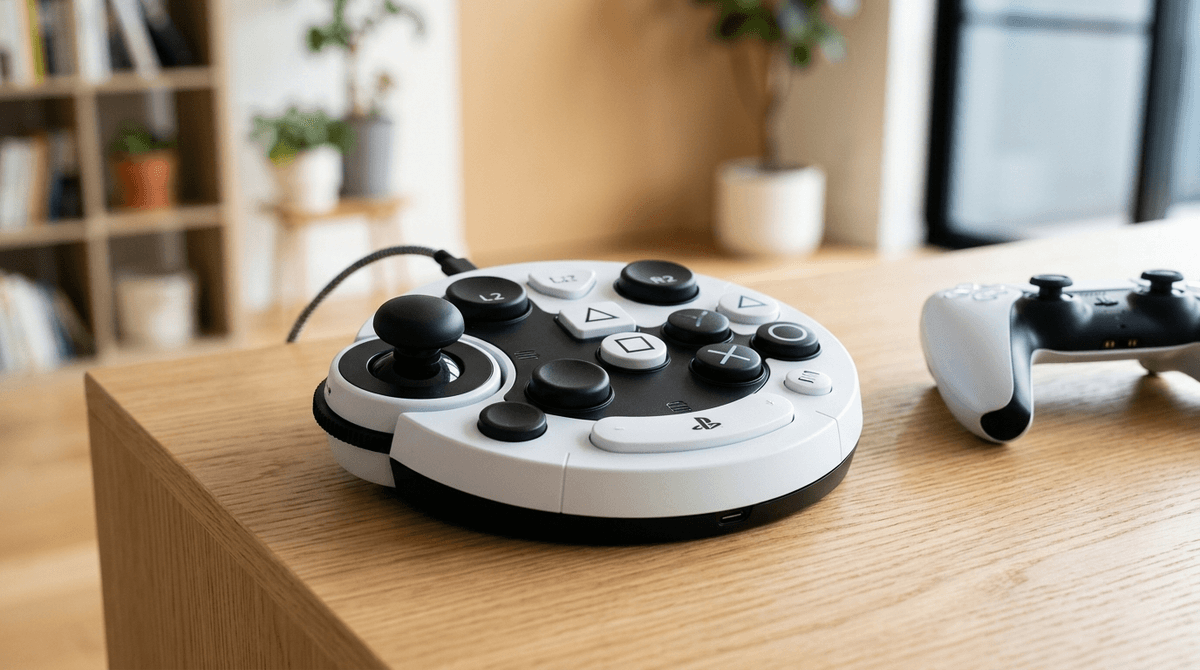
Out of the box, the kit includes magnetic button caps in several shapes: flat, pill-shaped, concave, and overhang styles that trigger with lighter pressure. The analog joystick mount extends or retracts with a single latch, allowing you to set the precise reach required. If your child plays from a wheelchair or specialized seating, the bottom of the hub features industry-standard AMPS mounting threads, making it easy to attach to articulated arms or lap trays.
Software Mapping and the DualSense Combo
On the PS5 console, configuration lives natively in the Accessibility menu. You can map single buttons, assign two buttons to the same physical key, or disable unused inputs to prevent accidental misclicks. Up to three profiles can be saved to the controller hardware itself, so switching from a simple platformer to a complex RPG takes two button presses.
In practice, the Access Controller works best as part of a modular setup. You can link two Access Controllers together, or pair one Access Controller with a standard DualSense controller as a single virtual gamepad. This co-pilot style setup lets a parent assist with tricky camera controls while the child handles movement and actions, or lets a player use their dominant hand on a standard controller while using the Access unit for supplementary inputs.