The Shift to AI-Assisted Creativity
In 2026, the question isn't whether kids will use AI, but how they’ll use it. KineMaster has done a solid job of integrating AI as a set of power tools rather than a 'generate-everything' button. Features like AI Auto Captions and Vocal Separators are genuine time-savers that professional editors use. Teaching a kid to use these tools to enhance their own footage is a great way to build 'human-in-the-loop' AI literacy.
KineMaster vs. The Social Editors
If your kid is just trying to hop on the latest TikTok trend, they’ll probably stick to CapCut because the templates are more 'plug and play' with current viral music. KineMaster is the move for the kid who wants to make a short film, a detailed Minecraft let's play, or a school project that needs to look distinct. It supports 4K 60FPS exports, which is overkill for a quick Reel but essential for anyone taking their YouTube channel seriously.
The Friction Points
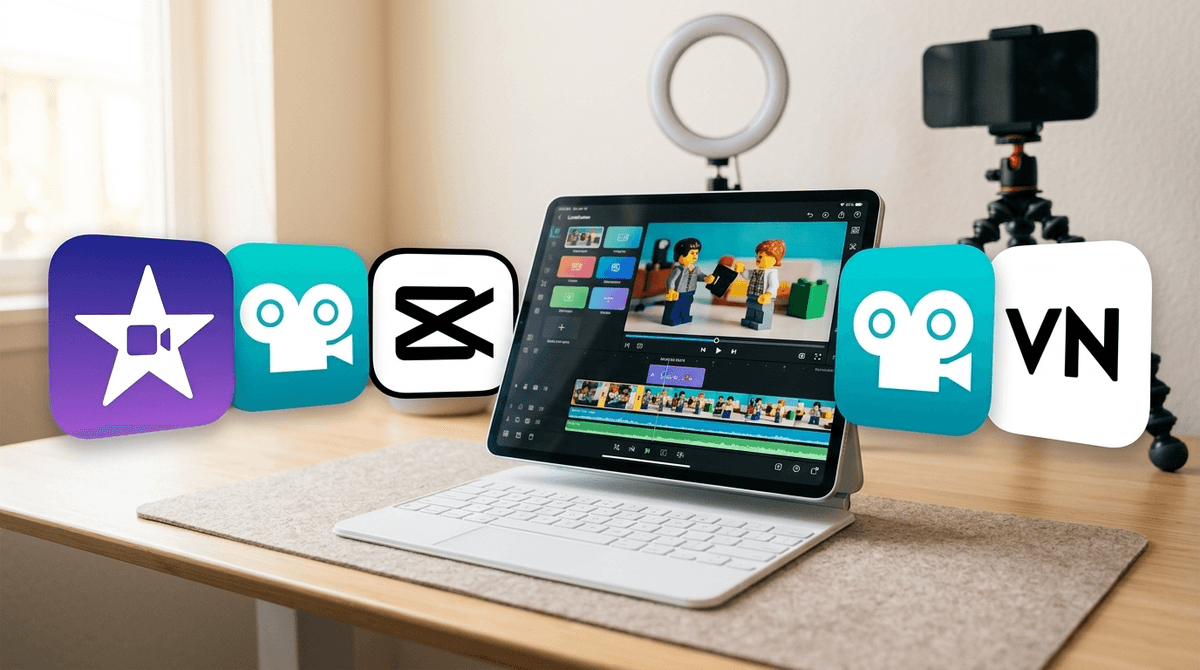
The interface can be a lot. It offers both portrait and landscape editing, but the landscape mode is where the real work happens. On a phone, the timeline can feel cramped. If they're getting serious about it, moving them to a tablet with a stylus will transform the experience from 'fiddly app' to 'creative workstation.' Also, keep an eye on the KineCloud usage; it’s a convenient backup tool, but like all cloud services, it’s another account to manage and eventually another thing to pay for.