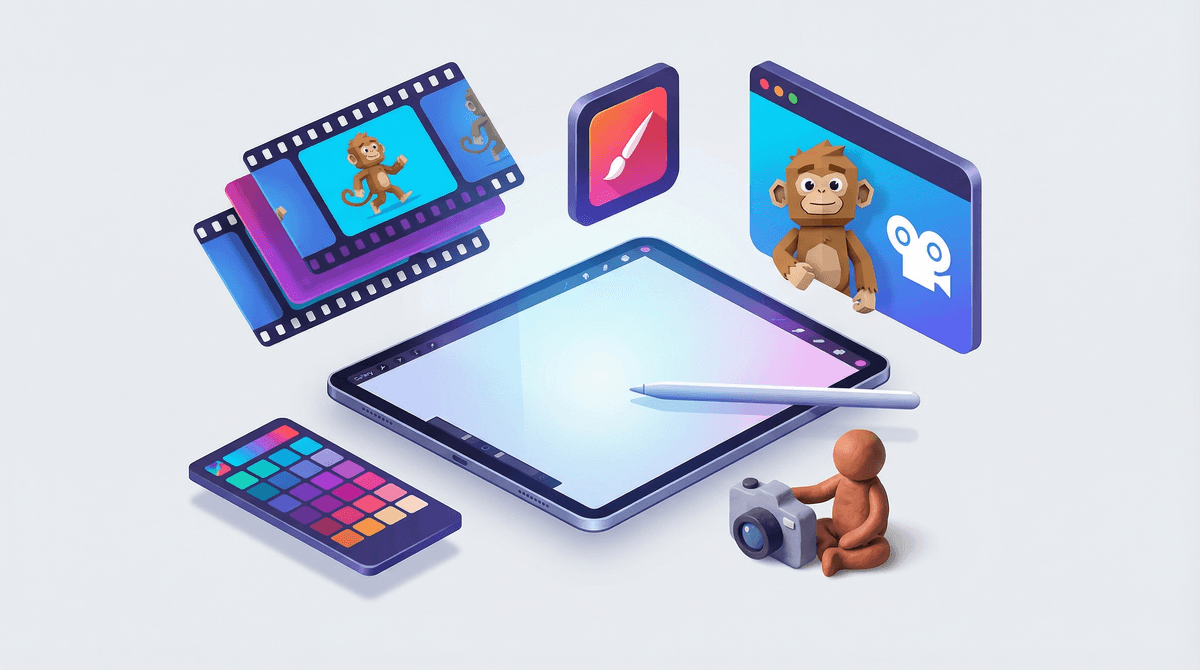
iMotion is a classic example of using screens as creative tools rather than consumption sponges. It gives kids complete control over frame-by-frame animation, letting them turn physical toys, clay, or drawing pads into mini movies with minimal technical friction.
The main point of irritation isn't the content—it's the freemium subscription model. Keep your Apple ID purchase settings locked down so kids don't accidentally tap into the paid subscription tier while exporting their work.
Age Fit
Best for ages 6 and up. Kindergarteners can manage simple projects with a parent propping the iPad steady, while elementary kids will quickly run the whole production solo.
WISE Breakdown
Wholesome
92
Pure utility app focused entirely on creative creation without violent content, inappropriate feeds, or toxic social dynamics.
Imaginative
95
Turns a tablet or phone into a frame-by-frame animation studio, encouraging kids to build physical story worlds with toys, clay, and paper.
Safe
82
No account registration or built-in chat features. However, aggressive subscription upsells can lead to accidental purchases if device controls are unlocked.
Enriching
90
Teaches fundamental animation concepts, spatial awareness, frame rates, and patience through hands-on experimentation.
Parent Info
✓
Why It Might Be Great
Hands-on creation over consumption: Shifts screen time from passive scrolling to active movie production.
Accessible onion-skinning: Overlays previous frames so kids can line up character movements precisely.
Zero account friction: Operates locally on the device without requiring emails, sign-ins, or personal data.
⚠
What to Watch For
Subscription pop-ups: Free functionality is fine, but aggressive weekly and yearly subscription prompts can lead to accidental taps.
Accidental file deletion: Younger kids can easily overwrite or delete raw frame sequences if they miss the save flow.
Conversation Starters
"How many photos do you think we need to make your minifigure walk smoothly across the table?"
"What happens to the story if we speed up the frame rate from 5 frames per second to 12?"
"Let's sketch a quick 3-panel storyboard before we start moving objects around."
Deep Dive
Turning Screen Time Into Studio Time
If you want to shift your kid's iPad habit from passive YouTube binges to actual skill-building, stop-motion animation is one of the lowest-friction entry points available. iMotion has been an App Store staple for years because it gets out of the way and lets physical objects do the work.
Kids set up a tablet on a tripod or prop it against a stack of books, line up their toys, and snap photos frame by frame. The app instantly stitches those photos into a fluid video. It teaches spatial planning, narrative pacing, and the kind of deliberate, methodical patience that modern digital feeds usually erode.
Managing the Subscription Friction
Like many legacy utility apps, iMotion shifted toward subscription upsells. The core capture tools work fine for free, but your child will encounter prompts asking for weekly or yearly subscriptions to unlock higher resolution exports or additional tools. For a young kid working independently, those pop-ups are easy to misclick. Turn on iOS In-App Purchase restrictions before handing over the device.