Creative Cloud by Adobe

Creative Cloud by Adobe

app

WISE
92%

WISE Score

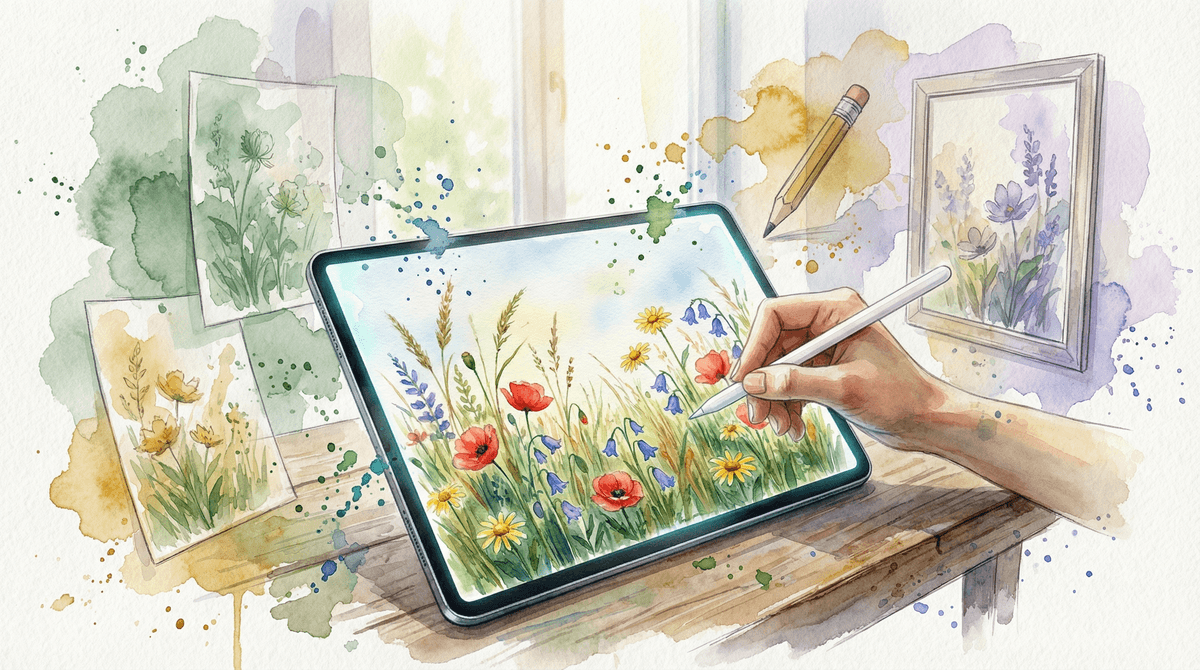
The industry-standard powerhouse that turns a screen into a professional workshop for design, film, and digital art.

Screenwise Verdict

Creative Cloud is the antidote to 'brain rot' screen time. It is a high-ceiling, low-floor environment where the only limit is the user's skill and imagination. If your kid is spending hours here, they aren't just staring at a screen—they're building a craft.

That said, don't just hand over a login and walk away. The social layers like Behance and the new AI-generative features require an intentional parent to help set the guardrails. It's expensive and difficult to master, but for a kid with a creative spark, it's the best investment you can make in their digital life.
Age Fit

Best for 12+ due to the sheer complexity. While younger kids can play in Adobe Express, the main Creative Cloud suite requires the patience and technical literacy of a middle or high schooler.

WISE Breakdown
Wholesome
85

It's a professional workspace. There are no manipulative dopamine loops, no 'streaks,' and no algorithm trying to keep you scrolling. The tone is neutral and task-oriented, though the steep learning curve can lead to genuine frustration for younger users.

Imaginative
98

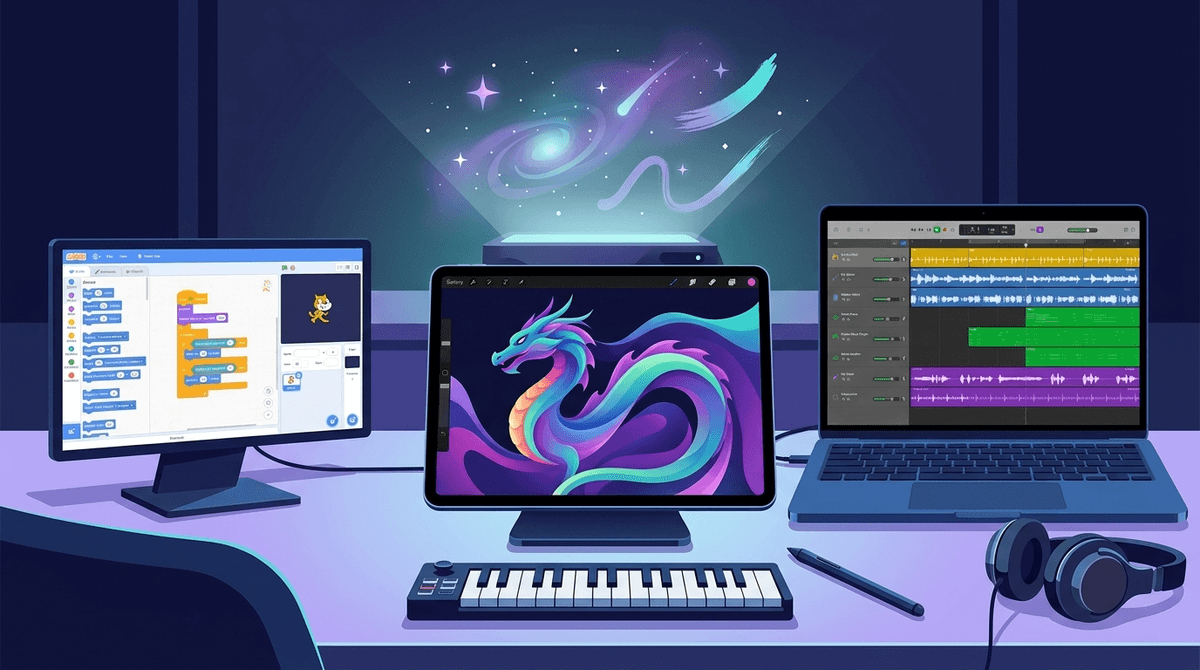
This is the literal gold standard for digital creativity. Whether it's 3D modeling, vector illustration, or film editing, these tools provide a near-infinite canvas for a kid's ideas. It's the move from consuming media to architecting it.

Safe
82

School-managed accounts are very secure and FERPA-compliant. However, the broader ecosystem includes Behance (a social network for artists) and Adobe Portfolio, where kids can encounter mature content or interact with strangers if privacy settings aren't dialed in on personal accounts.

Enriching
96

These are real-world vocational skills. A kid who masters Premiere Pro or Illustrator isn't just 'playing on a computer'; they are building a professional portfolio and learning the mechanics of modern communication.

Parent Info
✓

Why It Might Be Great

  • Real-world skills that translate directly to college and careers in any creative field.
  • The ultimate sandbox for kids who have outgrown basic drawing apps and want to make 'real' things.
  • Comprehensive toolset covers everything from podcasting (Audition) to high-end photo manipulation (Photoshop).
  • AI integration via Adobe Firefly allows kids to learn the skill of 'human-in-the-loop' AI prompting and ethical editing.
⚠

What to Watch For

  • The subscription trap is real; if you aren't getting this through a school, the monthly cost for the 'All Apps' plan is a significant commitment.
  • Behance exposure is the main safety hurdle. It's an integrated social network for pros, meaning your kid is one click away from seeing professional art that might include nudity or mature themes.
  • Hardware demands are high. These apps will choke a cheap Chromebook; you generally need a solid Mac or PC with a real GPU to use the heavy hitters like Premiere or After Effects.

Conversation Starters

  • "Which of these 20 apps actually feels like a tool you'd use every day?"
  • "How does using AI to generate an image feel different than drawing it from scratch?"
  • "If you could design a logo for your own brand, which tool would you start with?"
  • "Why do you think professionals use these instead of free apps like Canva or CapCut?"

Ask Anything

Get a personalized guide on any topic