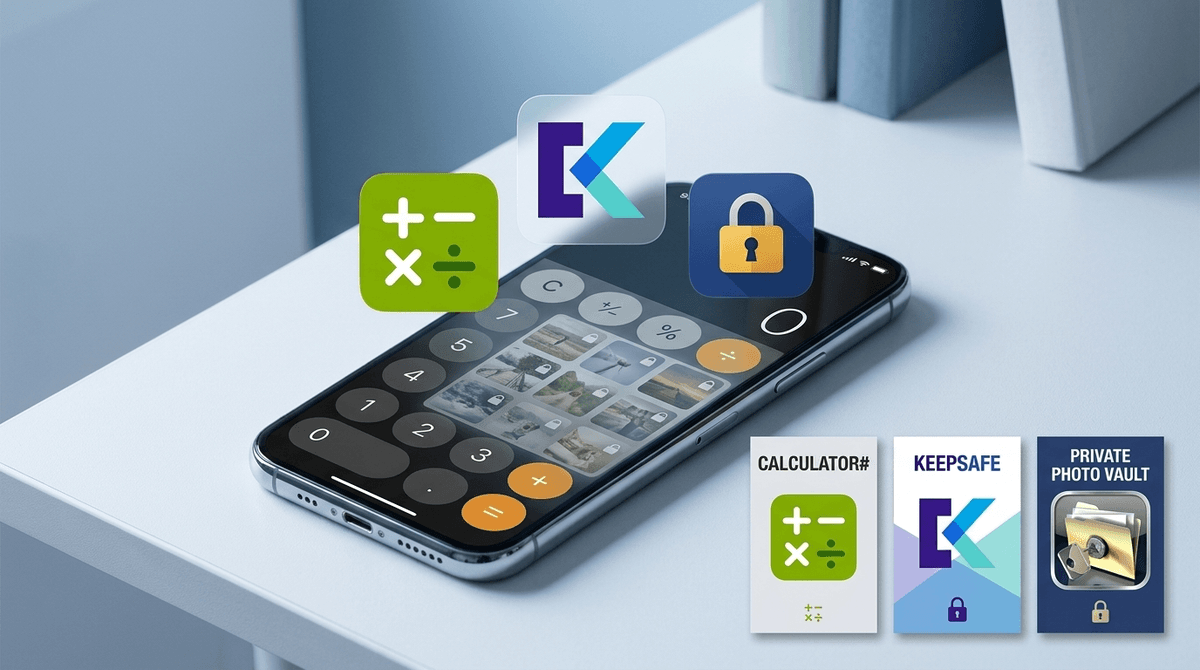
The Architecture of a Vault App
Vault apps aren't complicated, but they are effective. On the surface, Calculator# functions as a normal, working calculator. But typing a specific sequence of numbers—or scanning a fingerprint—unlocks an encrypted file directory completely isolated from the standard iOS Photo Library or File system.
What makes Calculator# particularly sticky for teens is its secondary feature set:
- Built-in Web Browser: Downloads files directly into the hidden vault without logging history to Safari or Chrome.
- Automatic Gallery Wiping: Imports a photo from the camera roll and immediately wipes the original source file so no trace remains in the main library.
- Hack Monitoring & Panic Triggers: Logs unsuccessful PIN attempts and allows the user to swipe quickly to a realistic fake crash screen if someone looks over their shoulder.
Privacy vs. Secrecy
Every teenager deserves a reasonable expectation of privacy—a personal diary, private chats with friends, and room to grow. But vault apps cross the line from privacy into deliberate secrecy.
When teens install tools like Calculator#, it is almost always to store content they know violates house rules, school policies, or safety boundaries (such as explicit photos, hidden social accounts, or unmonitored browsing).
If you discover this app on a device, deleting it is only step one. The real work is sitting down to discuss why they felt the need to hide their digital life behind a decoy icon in the first place.