The First Step Toward Mobile Independence
When kids reach 3rd or 4th grade, neighborhood boundaries expand. They walk home from school, ride bikes to the park, and stay late for extracurriculars. Handing a kid a full smartphone at this stage introduces algorithmic feeds, open web access, and constant notification friction before they have the self-regulation to handle it.
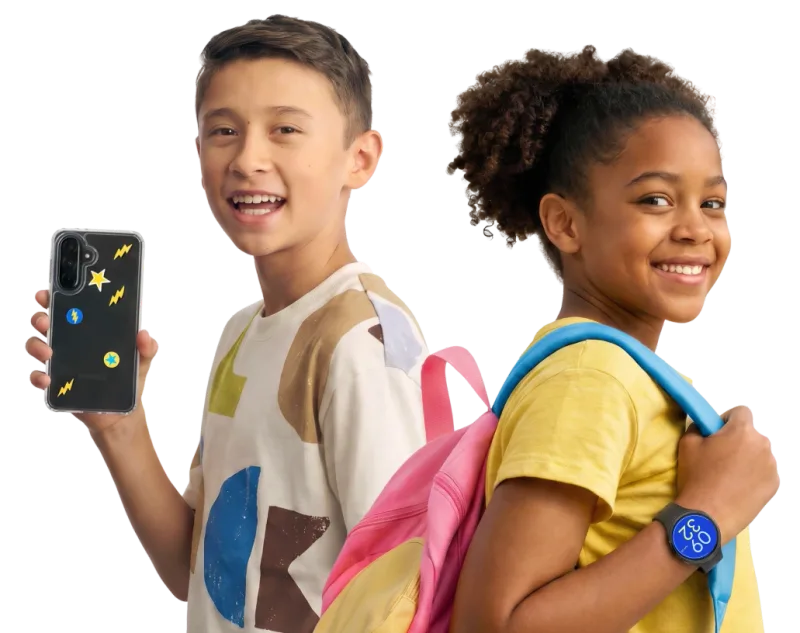
Smartwatches bridge that gap cleanly. The Bark Watch strips away the app store, web browser, and mobile games entirely. The interface is simple: time, steps, text messages, and phone calls to pre-approved contacts. Because the watch stays strapped to their wrist, it is also harder to leave on a park bench than a phone.
Bark Monitoring vs. Basic Whitelisting
Most kids' smartwatches (like the Verizon GizmoWatch or Gabb Watch) focus strictly on contact whitelisting. The Bark Watch includes Bark's signature content monitoring software on text messages, photos, and video attachments. If your kid receives or types messages containing references to bullying, self-harm, drug use, or explicit content, the Bark dashboard alerts your phone with context.
This monitoring cuts both ways. While it provides an early warning system for real social trouble, parents should expect occasional false positives. Teen slang, phonetic typos, and sarcastic jokes often trigger minor alerts that require a quick read and dismiss.
Bark Watch vs. Apple Watch in Standalone Mode
If your family uses iPhones, an Apple Watch set up via Family Setup is the main competitor to the Bark Watch. Apple Watch offers polished hardware and seamless integration with iOS Find My, but setting up strict text monitoring or blocking non-whitelisted iMessage contacts takes significant manual configuration. The Bark Watch comes pre-configured with strict guardrails straight out of the box, making it a better fit for parents who want a turnkey safety setup.