Animation Creator HD

Animation Creator HD

app

4+, 2024, Entertainment, Graphics & Design

WISE
58%

WISE Score

4.7

App Store

Frame-by-frame animation app with real tools but sketchy social features and subscription pressure—there are better options.

Screenwise Verdict

This app has the bones of something good—real animation tools that teach legitimate skills—but it's wrapped in a problematic package. The subscription model is annoying (why does a drawing app need weekly charges?), and the Cineverse social platform is a red flag without clear moderation.

If your kid is genuinely interested in animation, the one-time-purchase miSoft version ($3.99) or the free "Animation Creator HD Free" are better starting points. This 2024 version feels like it's trying to monetize kids' creativity rather than nurture it.

For tweens and teens who can navigate social features responsibly and won't rack up subscription charges, it's functional. But it's not the standout animation app you'd hope for—just okay with too many strings attached.

Age Fit

SaferKid says 12+ because of the social sharing features and potential exposure to user-generated content with mild inappropriate themes. Younger kids (8-10) could use it with parental supervision and sharing features disabled, but honestly, there are cleaner alternatives.

WISE Breakdown
Wholesome
55

The app itself is a neutral creative tool, but SaferKid flags low levels of cartoon violence, horror themes, crude humor, and mature content in user-generated animations shared on the Cineverse community. The sharing feature exposes kids to unfiltered content from other users, which can include inappropriate themes. The tool doesn't inherently promote positive values or cooperation—it's just a canvas.

Imaginative
82

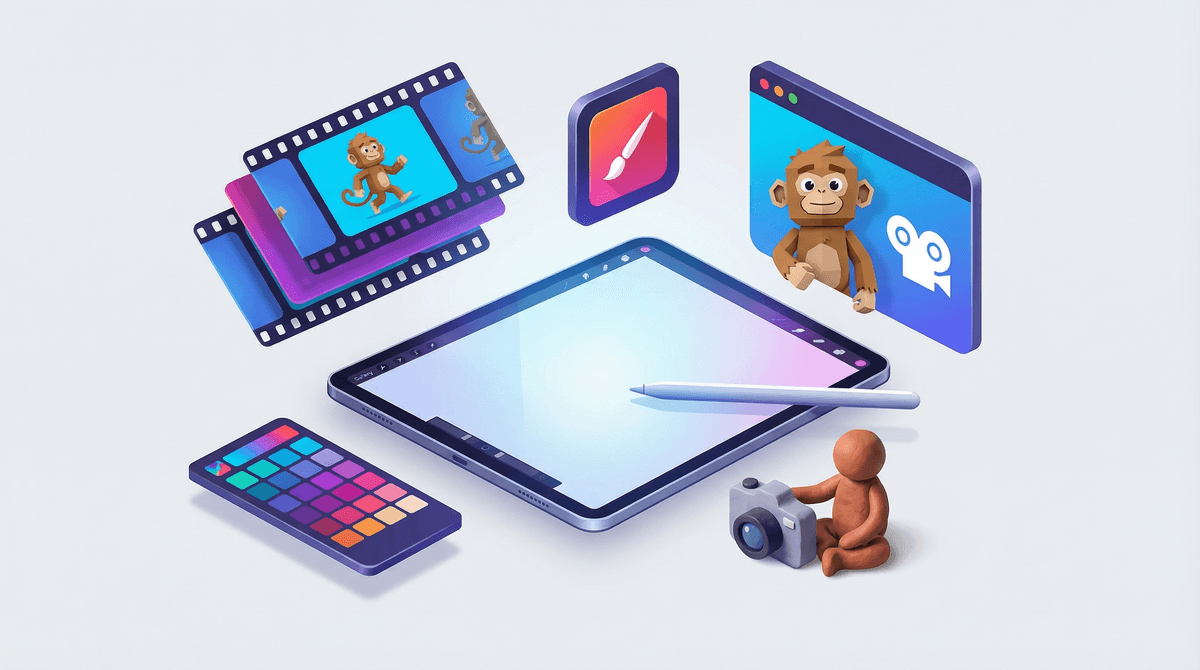
Frame-by-frame animation is genuinely creative and teaches fundamental animation principles. Onion skinning, customizable brushes, layer support, and the ability to export as GIF or video give kids real tools to bring their ideas to life. This is proper skill-building creative work, not just coloring in templates.

Safe
48

SaferKid assigns a 12+ rating with flags for cartoon violence, horror, crude humor, and mature themes—all at 'low' levels but present nonetheless. The Cineverse sharing platform is the main concern: it's essentially user-generated content without clear moderation details. The app also has subscription pressure (weekly/monthly/yearly unlimited access), which is manipulative for a creative tool. No mention of robust parental controls or content filtering.

Enriching
70

Learning frame-by-frame animation teaches patience, planning, timing, and visual storytelling—legitimate skills used by professional animators. The built-in tutorials help kids learn technique. However, the app doesn't guide kids toward meaningful projects or provide structure beyond the technical tools. It's enriching if kids are self-motivated, but won't teach broader lessons about storytelling or character development.

Parent Info

Why It Might Be Great

  • Teaches genuine animation fundamentals: onion skinning, frame-by-frame drawing, timing, and motion
  • Professional-grade tools (layers, customizable brushes, export to GIF/video) that match what real animators use
  • Built-in tutorials help kids learn technique without needing external resources
  • Can develop patience and planning skills—animation forces you to think ahead and work methodically

What to Watch For

  • Cineverse sharing platform exposes kids to unfiltered user-generated content (SaferKid flags low levels of violence, horror, crude humor)
  • Subscription model for unlimited access feels predatory for a kids' creative tool—weekly/monthly/yearly charges add up fast
  • No clear parental controls or content filtering mentioned
  • The paid miSoft version ($3.99 one-time) or free alternatives might be better starting points than this subscription trap

Conversation Starters

  • "What story are you trying to tell with your animation? Let's storyboard it first."
  • "How many frames do you think you need to make that movement look smooth?"
  • "Want to show me your animation before you share it online? Let's talk about what you're posting."
  • "What's the hardest part about animating—the drawing or getting the timing right?"

Ask Anything

Get a personalized guide on any topic