From Consuming to Creating
We talk a lot about 'brain rot' and the passive scroll, but Adobe Premiere Pro is the ultimate antidote. When a kid moves from watching YouTube to trying to make a YouTube video, their entire relationship with media shifts. They start seeing the 'seams'—the edits, the lighting, the sound design.
Premiere Pro is the industry standard for a reason. It is incredibly deep and, at times, incredibly frustrating. It will crash. It will demand a decent computer. It will require them to watch tutorials. But that friction is where the learning happens.
The AI Factor
By 2026, Adobe has baked generative AI (Firefly) into almost every corner of this app. It's tempting for a kid to just 'prompt' their way to a finished product. The move here is to encourage them to use AI as a utility (like cleaning up bad audio or extending a background) rather than a substitute for their own creative choices.
The 'Pro' vs 'Express' Trap
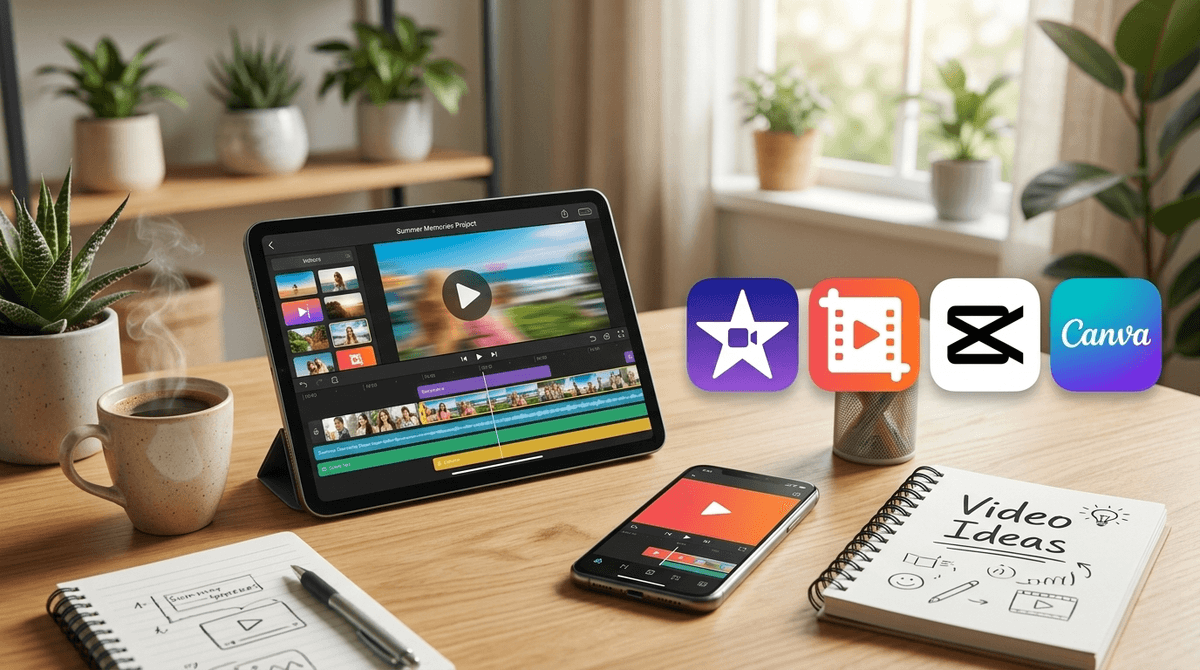
Adobe often bundles these names together. If your kid is on a phone or a tablet, they are likely using Adobe Express or Premiere Rush. These are 'Premiere Lite'—great for quick social clips. But if they really want to learn the craft, they eventually need to sit down at a desktop with the full version of Premiere Pro. That’s where the real magic (and the real work) happens.