

TL;DR: Video editing is the ultimate "bridge" from passive consumption to active creation. If your kid is obsessed with YouTube or Roblox, editing is how they move from being a "zombie" viewer to a digital architect.
We’ve all seen it: the "zombie stare." It’s that glazed-over look kids get when they’ve been scrolling through YouTube Shorts for forty minutes, absorbing a chaotic stream of "Skibidi Toilet" remixes and "MrBeast-style" challenges. It feels like brain rot because, honestly, a lot of it is.
But there is a flip side. About 30% of kids today say they want to be "content creators" when they grow up. While we might roll our eyes at the thought of another "unboxing" video, the actual skill of video editing is one of the most valuable forms of digital literacy a kid can learn. It’s essentially modern-day writing. It requires logic, pacing, technical problem-solving, and a deep understanding of how to communicate an idea.
The problem? Most parents think "video editing" means buying a $2,000 MacBook and learning Adobe Premiere Pro, which is a recipe for a household meltdown.
You don't need all that. Your kid likely already has a powerful editing studio in their pocket or on their tablet. Here is how to help them start "making" instead of just "taking," without anyone losing their mind.
When a kid watches a video, they are a passenger. When they edit a video, they are the driver. They have to decide: Where does this clip start? Why is this funny? How do I make the music match the mood?
This shift moves them away from the dopamine-loop of the algorithm and into "Flow State." It turns screen time into a craft. Plus, it gives them a healthy skepticism of the media they consume. Once a kid knows how to use a "Green Screen" effect or a "Jump Cut," they stop believing everything they see on the internet is real.
Learn about the benefits of creative screen time
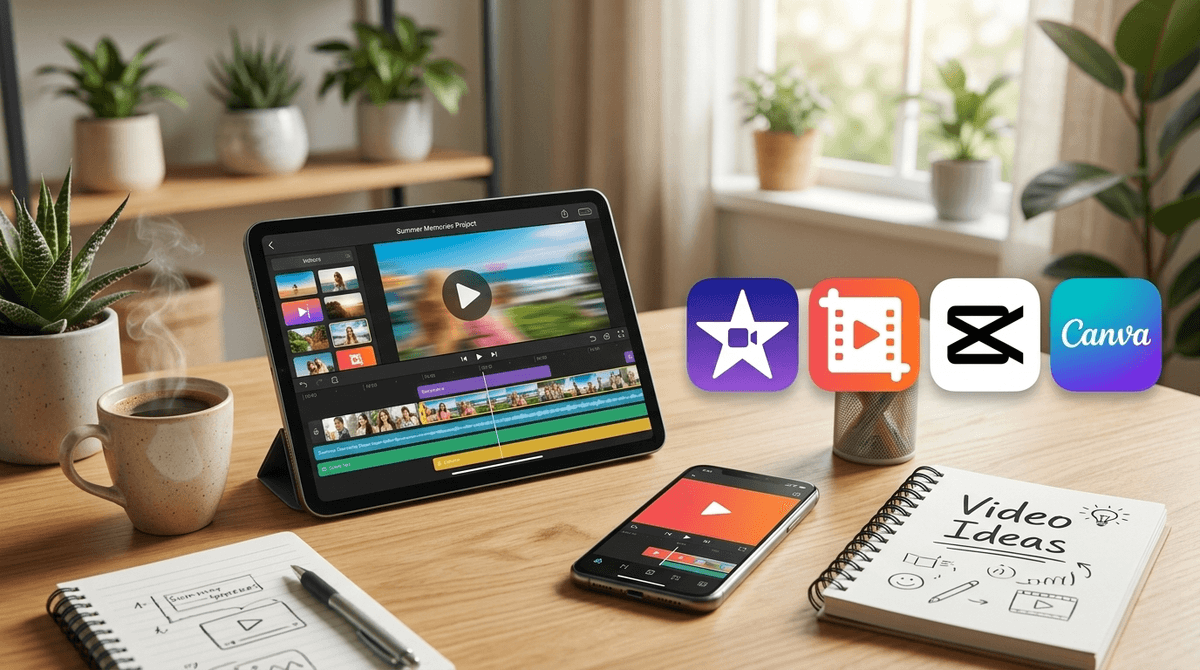
You don't need professional software to start. In fact, starting too big is the fastest way to make a kid quit. Here are the tools actually worth your time.
If you have an iPhone, iPad, or Mac, this is the gold standard. It’s free, it doesn't have ads, and it doesn't try to sell your kid "pro" filters every five seconds.
- The Pro: The "Magic Movie" and "Storyboards" features are incredible. They literally give kids a template (like "Product Review" or "Science Experiment") and tell them exactly what shots to take.
- The Con: It can feel a little "basic" to older kids who want the flashy effects they see on TikTok.
This is the app your kid probably wants. It’s owned by ByteDance (the same company that owns TikTok), and it is designed specifically for making viral-style videos.
- The Pro: It has the best "auto-captions" and trending effects. It’s what the "pros" on YouTube use for quick edits.
- The Con: It is very "social-heavy." It pushes users to share their creations and has a community feed that can be just as distracting as TikTok itself. Also, the privacy settings are... well, they're what you'd expect from ByteDance. Read our full guide on CapCut privacy here.
Most people think of Canva for posters, but their video editor is surprisingly robust and very "drag-and-drop."
- The Pro: It’s browser-based, so it works on school Chromebooks. It’s perfect for school projects or making a "tribute" video for a grandparent’s birthday.
- The Con: The library of "Pro" elements is tempting and hidden behind a paywall, which can lead to "Mom, can I buy this one sticker?" requests.
Wait, isn't this for coding? Yes, but many kids use Scratch to create "Animations" or "MAPs" (Multi-Animator Projects). It teaches the logic of "frames" and "timing" without needing a camera.
The biggest hurdle isn't the software; it's the "Now what?" phase. A kid sits down to "edit a video," realizes they don't have any footage, and goes back to watching MrBeast.
1. Start with a "Found Footage" Project Don't make them film anything yet. Have them take 10 photos and 3 videos from your last family vacation or a trip to the park. Their goal: Make a 30-second "trailer" for the weekend.
2. The "Silent Movie" Challenge This is a great way to teach storytelling. Have them film a simple task (like making a peanut butter sandwich) but they aren't allowed to talk. They have to use text on screen and music to tell the story. This forces them to learn the actual tools of the editor.
3. Focus on "The Hook" If they are obsessed with becoming a YouTuber, teach them the "3-second rule." They have 3 seconds to tell the viewer what the video is about. This turns a rambling 10-minute video of them playing Minecraft into a structured piece of content.
Check out our guide on teaching kids digital storytelling
This is where intentional parenting kicks in. There is a massive difference between editing a video and posting a video.
- The Drafts Folder is Your Friend: Encourage your kid to edit as much as they want, but establish a rule that nothing gets "Published" or "Uploaded" to YouTube or TikTok without a second pair of eyes (yours).
- The "Private" Link: If they want to show their friends, teach them how to use "Unlisted" links on YouTube or "Private" folders in Google Drive. They get the satisfaction of sharing without the "public" exposure.
- The Face-Free Rule: For younger kids, suggest they start with "POV" (Point of View) videos where they are filming their Lego builds or their Squishmallows rather than their own faces.
You're going to see some weird stuff. They might want to edit a video of a toilet with a head coming out of it because that is the current "peak comedy" for their grade level.
Instead of saying "This is stupid," ask "How did you do that transition?" or "Where did you find that sound effect?" When you focus on the technical effort, you validate their creativity without necessarily having to love the "Ohio" memes they are obsessed with.
A note on "Entrepreneurship": Some parents wonder if this is "teaching them a job." Maybe. A good video editor can make $50-$100 an hour doing freelance work. But more importantly, it's teaching them persistence. Editing is tedious. It’s "fiddly." When a kid spends two hours trying to get a clip to line up perfectly with a beat of music, they are building a focus muscle that Roblox alone won't give them.
Learn more about the "Creator Economy" and kids
Video editing is one of the few "high-screen-time" activities that actually leaves a kid better off than when they started. It turns them from a consumer into a producer.
If your kid is showing interest:
- Ages 7-10: Download Clips and let them play with the "Live Titles" feature.
- Ages 11-14: Set up a Canva account and show them the video templates for school.
- For the "Pro" Kid: If they’ve outgrown iMovie, look into DaVinci Resolve—it’s professional-grade software that is (shockingly) free.