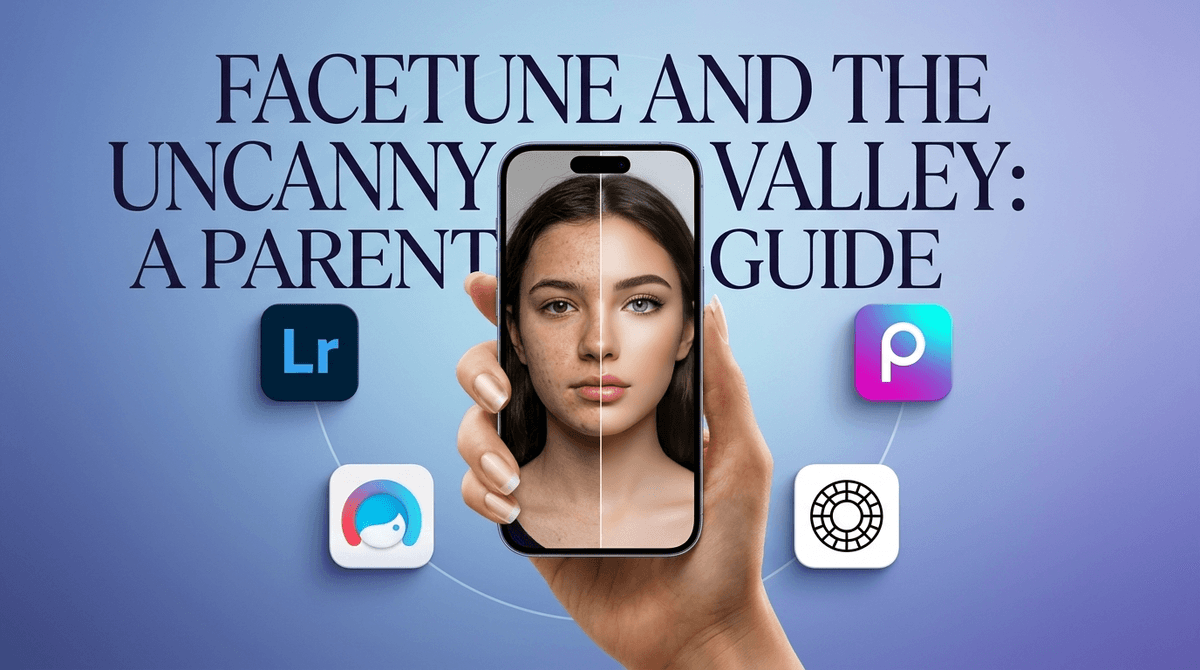
If your kid has graduated from basic phone filters and is actually interested in photography, this is the gold standard. It’s clean, powerful, and remarkably educational without trying to be 'edutainment.'
It’s a professional tool, so don’t expect them to master it in an afternoon. But as far as 'screen time' goes, spending an hour tweaking shadows and highlights in Lightroom is about a thousand times more productive than an hour on TikTok. Just keep an eye on the Discovery feed—it’s not 'social media' in the traditional sense, but it is a gallery of the internet's work.
Age Fit
Best for ages 10 and up. While younger kids can play with the sliders, the interface is designed for adults and requires a bit of patience and fine motor control to get the most out of it.
WISE Breakdown
Wholesome
85
It’s a professional, clean environment focused entirely on the craft of photography. No toxic social loops or 'brain rot' here—just a solid tool for making things look better.
Imaginative
92
The app is a total creative sandbox. Between color grading, masks, and AI-driven removals, it invites kids to look at the world through a lens of 'what could this become?' rather than just 'point and shoot.'
Safe
88
Generally very safe as a utility. There is a 'Community' or 'Discovery' section where users share presets and edits, which is moderated but still represents an open window to user-generated content. No aggressive ads, but Adobe's subscription prompts are constant.
Enriching
95
This is a legitimate career skill. Learning Lightroom teaches color theory, lighting, and technical digital literacy that translates directly to professional creative work later in life.
Parent Info
✓
Why It Might Be Great
It’s the industry standard, meaning they're learning a 'real' skill they can use for a lifetime.
The AI 'Generative Remove' tool is basically magic and keeps kids engaged by fixing 'ruined' photos instantly.
Zero 'junk' content—it’s a productivity tool, not a mindless scrolling app.
Encourages kids to get outside and actually look at things with a creative eye.
⚠
What to Watch For
The 'Discovery' tab shows photos from other users; it's mostly landscapes and portraits, but it's uncurated by you.
Adobe’s subscription model is aggressive—it’s easy to accidentally sign up for a monthly bill if they have your password.
It has a steep learning curve; a 7-year-old might just get frustrated with the 50 different sliders.
Conversation Starters
"Why did you choose that specific color vibe for this photo?"
"Does using AI to remove a person from a photo feel like 'cheating' or just a better way to edit?"
"How does changing the lighting change the 'mood' of the person in the picture?"
"What makes a photo 'good' versus just 'filtered'?"