

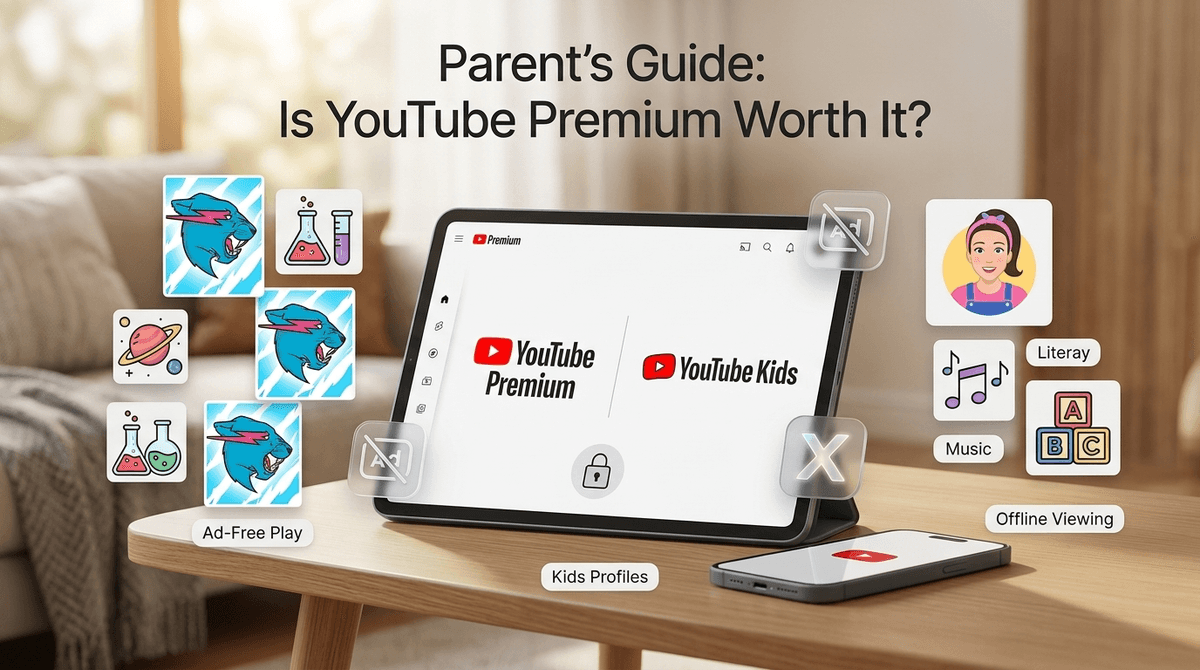
TL;DR: If your home sounds like a constant loop of Ms. Rachel or MrBeast, the $22.99/month Family Plan is usually worth it just to eliminate the predatory "toy unboxing" ads and the "Skip Ad" gymnastics. However, if you’re strictly a "weekend movie night" family or use YouTube Kids with heavy supervision, you can probably keep that $276 a year in your pocket.
Quick Links for the Ad-Free Life:
- YouTube Kids - The "walled garden" for the under-8 crowd.
- YouTube Music - The often-forgotten Spotify competitor included in the price.
- YouTube - The main beast itself.
Let’s be real: we all grew up with commercials on Saturday morning cartoons, and we turned out... mostly fine. But the YouTube ad experience in 2026 is a different animal. It’s not just a 30-second spot for Frosted Flakes; it’s targeted, relentless, and often weirdly long.
When you pay the $22.99 "Skip Ad" tax for a Family Plan, you're getting:
- Zero Ads: No interruptions on any device (TV, tablet, phone).
- Background Play: This is the secret MVP. You can lock the phone or switch apps and the audio keeps playing. Great for podcasts for kids or white noise.
- Offline Downloads: You can save videos for that flight to Grandma’s where the "free" Wi-Fi is a lie.
- YouTube Music Premium: A full music streaming service for up to 6 family members.
The biggest argument for YouTube Premium isn't actually about time—it's about the psychological friction.
The "Consumerism Machine"
Ads on YouTube are designed to trigger the "I want that" reflex. One minute your kid is watching a legitimate educational video about space, and the next they’re being bombarded with high-energy ads for plastic junk or "mystery boxes." Removing ads doesn't stop the influencers from doing their own "this video is sponsored by" pitches, but it cuts out the most aggressive, algorithmically targeted marketing.
The "Skip Ad" Gymnastics
If you have a toddler, you know the drill. You’re elbow-deep in raw chicken or washing dishes, and Blippi gets interrupted by a 2-minute ad for a local law firm. Your kid can’t reach the button. They start screaming. You have to dry your hands, run over, and hit "Skip." Doing that ten times a day is worth a few bucks to avoid.
Road Trip Life Support
The ability to download videos offline is a game-changer. Instead of burning through your data plan or dealing with buffering in a dead zone, you can pre-load a playlist of Mark Rober or Storyline Online and have peace of mind for the four-hour drive.
Check out our guide on the best educational YouTube channels
Here is the "No-BS" part: removing ads makes YouTube more addictive.
Ads are annoying, but they also act as a natural "speed bump." They provide a moment of friction that can sometimes be the cue to say, "Okay, that's enough video for now." When one video flows seamlessly into Skibidi Toilet which flows into a "brain rot" Minecraft stream without a single break, the "zombie stare" sets in much faster.
If you go Premium, you have to be even more intentional about setting screen time limits because the platform is now a frictionless slide into the rabbit hole.
If you are already paying $16.99 for a Spotify Family Plan or Apple Music, the math changes significantly.
YouTube Music is a very competent streaming service. It has almost everything the big players have, plus the ability to play the audio from any video on YouTube as a song. If your kid loves a niche cover of a song from Roblox that isn't on official streaming platforms, they can find it on YouTube Music.
If you cancel Spotify and switch to the YouTube Family Plan, you’re essentially getting the ad-free video experience for an extra $6 a month. That’s a win.
For Preschoolers (Ages 2-5)
At this age, YouTube Kids is the standard. Premium applies here too, meaning no ads in the kids' app. This is highly recommended because little kids literally do not understand what an ad is—they just think the "show" changed. Learn more about YouTube Kids vs. Main YouTube
For Elementary Kids (Ages 6-11)
This is the peak "unboxing" and "challenge video" phase. Ads here are often for mobile games like Royal Match or Monopoly Go that are designed to be addictive. Removing ads helps lower the "I need to download this" pressure.
For Tweens and Teens (Ages 12+)
They mostly care about the background play (listening to music while texting) and the "status" of not having to wait for ads. If they are into educational content or learning skills like coding via Scratch tutorials, the lack of interruptions actually helps them focus.
Does Premium make YouTube safer? Not really.
It makes it cleaner, but it doesn't filter the content itself. An ad-free video can still have inappropriate language, "Ohio" memes that make zero sense, or influencers behaving badly. You still need to use parental controls and keep an eye on the history.
Premium also allows for "Background Play," which means a kid could be "listening" to something you can't see on the screen. It’s a small thing, but worth noting if you have a kid who likes to push boundaries.
Before you pull the trigger on the $23/month, check these three things:
- The Apple Tax: Do NOT sign up for YouTube Premium through the iOS app. Apple takes a cut, so Google charges more (usually $29.99 instead of $22.99). Sign up on a web browser on your computer, then log in on your devices.
- The Google Account Requirement: To use the Family Plan, every kid needs their own Google account (managed via Family Link). This can be a headache to set up if you haven't done it yet.
- The "Watch Later" Pile: If your kids only watch YouTube on the big living room TV where you can see it, and you're fine with them seeing ads, save your money. Premium is a "quality of life" upgrade, not a necessity.
Is it worth it?
- Yes: If you have multiple kids, use it for travel, and can replace your current music subscription.
- No: If you’re trying to reduce the amount of time your kids spend on the "alphabet soup" of YouTube content, or if you only have one child who uses it sparingly.
The $23 fee is essentially a "peace and quiet" subscription. It won't make your kids smarter, and it won't make the content better, but it will stop the "MOM, SKIP THE AD!" shouting from the other room. For many of us, that's worth the price of a few lattes.
- Audit your music: See if you can cancel Spotify or Amazon Music to offset the cost.
- Set up Family Link: Ensure your kids' accounts are ready to be added to a family group.
- Try the Trial: Google almost always offers a 1-month free trial. Use it before a long road trip and see if you can ever go back to the "ad life."