

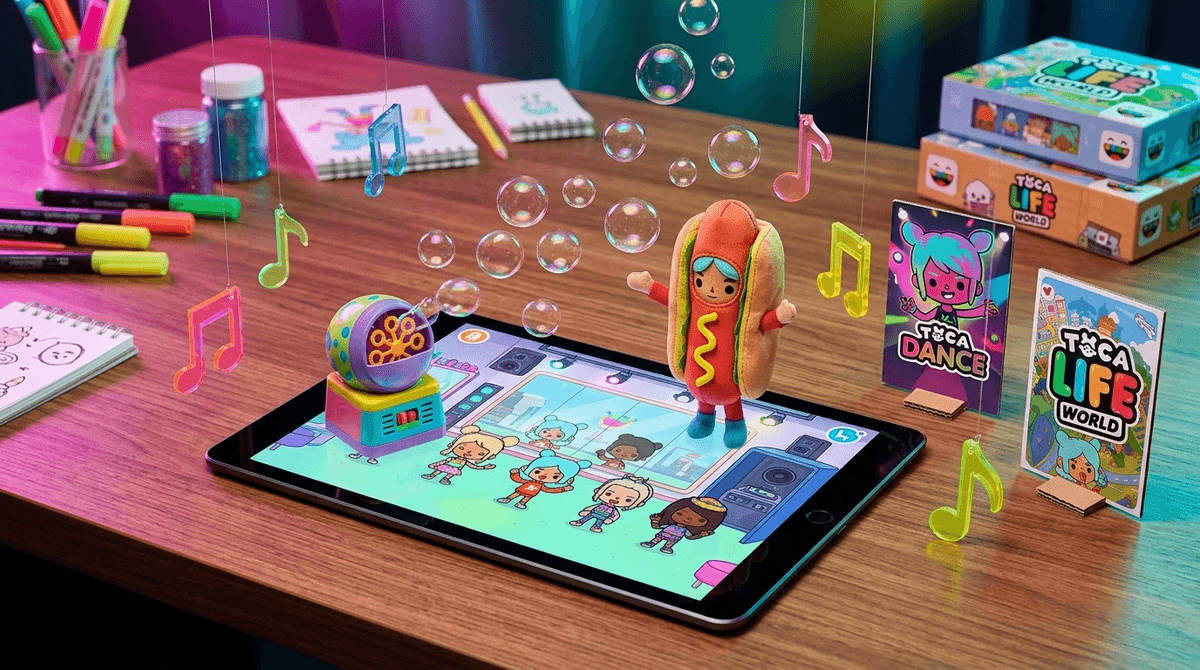
Toca Dance is the best way to let your kid scratch the "I want to be a choreographer" itch without handing them a TikTok account and a direct line to the world's most aggressive beauty-filter algorithms. It is pure, neon-soaked creative play—dragging characters around to record moves, picking out ridiculous outfits, and triggering stage pyrotechnics.
TL;DR
Toca Dance is a zero-risk creative sandbox where kids choreograph routines, dress up characters, and film music videos. It offers the performance-high of social media apps without the comments, "likes," or privacy concerns. If your kid loves it, they’ll probably also dig Toca Life World or Sago Mini World.
The biggest win for Toca Dance is that it functions as a "TikTok-lite" for the elementary school set. We know from Screenwise community data that about 50% of kids are using tablets unsupervised. That’s not a crisis; it’s just the reality of a Tuesday afternoon when you’re trying to get dinner on the table. But "unsupervised" on a social feed is a very different beast than "unsupervised" in a closed-loop creative app.
In this game, the "audience" is just the kid. There are no strangers in the DMs, no "challenges" that involve eating laundry detergent, and no one telling your 7-year-old they’re doing the dance wrong. It’s a masterclass in low-stakes experimentation.
Unlike most dance games that are just "rhythm" tests (press the button when the arrow hits the line), Toca Dance is a digital puppetry tool.
- The Rehearsal: You pick your crew—up to three dancers from a cast of weird and wonderful Toca characters.
- The Moves: This is the clever part. You don't just select "Dance Move A." You teach it to them. You drag the character’s head, arms, and torso while the music plays. The app records those specific movements. If you want them to do a frantic arm-waving move while their head spins? You just do that with your fingers.
- The Polish: You head to the dressing room. We’re talking hot dog suits, superhero capes, and neon tutus.
- The Show: You hit the stage. While the dancers perform the routine you taught them, the kid acts as the director—triggering strobe lights, bubble machines, and throwing things (like roses or, occasionally, tomatoes) at the stage.
We talk a lot at Screenwise about "brain rot"—the kind of passive, scrolling consumption that just eats hours without leaving a trace. Toca Dance is the antidote to that.
About 55% of families in our community engage with gaming, and the best kind of gaming for younger kids is "generative." In Toca Dance, the kid is the one making the choices. They are sequencing, timing their effects to the beat, and making aesthetic calls on costume design. It’s a "lean-forward" experience.
If your kid is spending their 4.2 average hours of screen time making 50 different versions of a dance routine to a funky bassline, they aren't just "watching a screen." They’re producing something.
The one thing to keep an eye on: the "Free" vs. "Full" version. Toca Boca is generally great about not being predatory with microtransactions, but the free version of Toca Dance is essentially a demo. It has limited characters and costumes. If your kid actually gets into the flow of it, the one-time purchase to unlock everything is usually the move. It stops the "I want that character" friction and keeps the app as a safe, offline-capable creative tool.
If you see them finishing a "performance," don't just say "that's nice." Ask director questions:
- "Why did you choose the bubble machine for that specific part of the song?"
- "Which character is the lead dancer, and how did you decide their outfit?"
- "If you were going to film this in real life, what song would we use?"
This turns a solo tablet session into a shared creative discussion. It bridges the gap between the screen and the living room.
If your kid is a "director" type, they might be ready for more complex creation tools:
- For more storytelling: Toca Life World lets them move characters through different locations and record their own voiceovers.
- For actual building: Minecraft Creative Mode is the gold standard for kids who want to design the stage, not just the dance.
- For logic and sequencing: Scratch is the next logical step—it’s "choreography" but with blocks of code.
Q: Is Toca Dance safe for a 6-year-old? Yes. There is no social interaction, no chat, and no way for strangers to contact your child. It’s a closed-loop creative app. The only "risk" is a few minutes of frustration if they can’t get the character's arms to move exactly how they want.
Q: Does Toca Dance require an internet connection? Nope. Once it’s downloaded, it works perfectly in airplane mode. This makes it a top-tier choice for road trips or flights where you want to keep the "creative" energy up without relying on Wi-Fi.
Q: Are there in-app purchases in Toca Dance? There is usually a "Full Version" unlock. Unlike games that have "gems" or "coins" that you have to keep buying, Toca Boca typically uses a one-time paywall to unlock the rest of the content. No recurring "predatory" spending here.
Q: Can kids save their dance videos? Yes, the app allows you to "film" the performance and save it to the tablet's camera roll. This is a great way for them to show off their work to you later without you having to sit through the 20-minute rehearsal process.
Toca Dance is a rare bird: a creative app that is actually fun enough to compete with passive video watching. It respects the kid's intelligence, gives them the "director's chair," and keeps the internet's messier side far away from the stage.
