

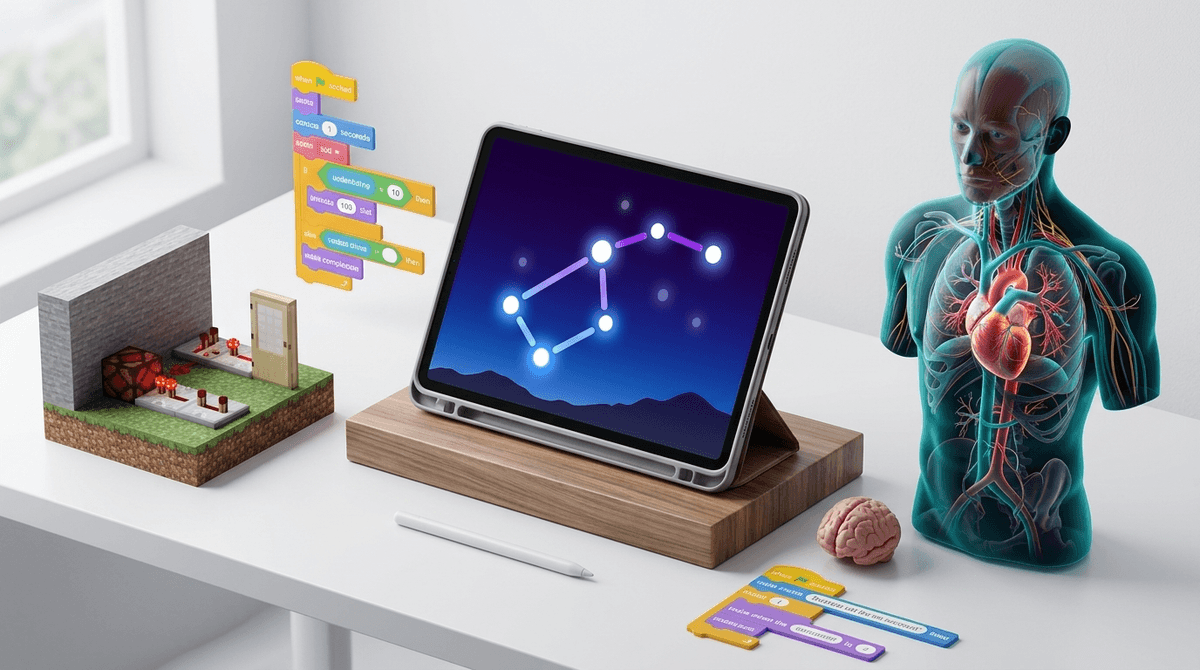
TL;DR: The STEM Winners
If you’re in a rush to find something that isn't just a digital worksheet with a "learning" sticker slapped on it, here are the heavy hitters:
- Best for Creative Coding: Scratch (Ages 8+) or ScratchJr (Ages 5-7).
- Best for Conceptual Math: DragonBox Algebra 5+ (Ages 5-10).
- Best for Real-World Science: Star Walk 2 (All ages).
- Best for Engineering/Physics: The Human Body by Tinybop (Ages 4+).
- Best for High-Level Logic: Brilliant (Ages 13+).
Find STEM apps for a 10-year-old who loves space
We’ve all been there. You’re trying to justify 20 minutes of peace, so you download an app from the "Education" category of the App Store. But half these apps are just Skinner boxes—bright colors, loud noises, and "rewards" for doing basic multiple-choice questions. That’s not learning; that’s just a dopamine loop.
Real STEM (Science, Technology, Engineering, and Math) isn't about memorizing facts or clicking the right bird. It’s about systems thinking, trial and error, and creation. If an app doesn't allow your child to fail and then figure out why they failed, it’s probably just "brain rot" in a graduation cap.
Most kids think they’re "good at tech" because they can navigate YouTube or buy skins in Fortnite. But there’s a massive difference between consuming tech and understanding the logic behind it.
This is the gold standard. Developed by the MIT Media Lab, it uses block-based coding to teach the fundamentals of logic without the frustration of syntax errors. Kids can build games, animations, and interactive stories. It’s a community, too, which means they can see how other kids built their projects.
- The No-BS Take: It’s completely free and has no in-app purchases. It’s also one of the few apps that actually encourages "computational thinking" rather than just rote memorization.
- Ages: 8 to 16.
If your kid is ready to move past blocks and into actual typed code, this is the way. It teaches Swift, the language used to build actual iOS apps. It’s gamified, but in a way that feels like solving a puzzle rather than just "leveling up."
- The No-BS Take: It requires an iPad or a Mac, so it’s not the most accessible, but it’s the most "professional" learning tool for kids who are serious about tech.
- Ages: 10+.
Roblox (The "Entrepreneurship" Question)
We have to talk about Roblox. Parents often ask if it's "educational" because kids can make their own games using Roblox Studio.
- The Reality: For 95% of kids, Roblox is a social hangout and a place to spend Robux. However, if your kid actually opens Roblox Studio on a PC and starts learning Lua (the coding language), they are learning real-world skills.
- The Verdict: It’s only a STEM app if they are building, not just playing.
- Read our full guide on navigating Roblox for parents
If an app uses "math" as a barrier to playing a game (e.g., "Solve 5+5 to shoot the alien"), it’s a bad math app. The math should be the game.
This app is literal magic. It starts by having kids manipulate colorful icons on a screen to follow certain rules. Within an hour, those icons are replaced with variables (x, y) and numbers. Before the kid realizes it, they are solving linear equations.
- The No-BS Take: It’s a paid app, but it’s worth every penny. It teaches the concept of algebra rather than the mechanics of it.
- Ages: 5 to 9.
This is the one your kids probably play at school. It’s a Pokémon-style RPG where battles are won by solving math problems.
- The No-BS Take: It’s highly addictive. The "educational" part is often secondary to the "buying cool pets" part. It’s great for getting a kid who hates math to actually do it, but watch out for the constant prompts to upgrade to a paid membership.
- Ages: 6 to 12.
It’s not flashy, but it’s the best resource for actual mastery. If your kid is struggling with a specific concept, Sal Khan’s videos are the gold standard. For younger kids, Khan Academy Kids is a fantastic, completely free, ad-free experience.
Science apps should encourage kids to look away from the screen and at the world around them.
This uses Augmented Reality (AR) to show you exactly what stars, planets, and satellites are above you when you point your phone at the sky. It’s the perfect "together" app.
- The No-BS Take: It’s beautiful and awe-inspiring. It turns a boring walk at night into an astronomy lesson.
Tinybop makes "exploratory" apps. There are no levels and no points. In this one, kids can see how the heart beats, how the lungs breathe, and even how food moves through the gut (yes, there are fart sounds, because they know their audience).
- The No-BS Take: It’s high-quality, beautifully designed, and encourages genuine curiosity.
- Ages: 4 to 10.
From the makers of Toca Life World, this app lets kids build their own ecosystem. They plant trees, raise mountains, and see which animals show up. It’s a gentle introduction to ecology and how different environments support different life forms.
- Ages: 4 to 8.
Ages 4-7: The Exploration Phase
At this age, avoid anything with a timer. Young kids need time to poke and prod things. Look for "sandbox" apps like Toca Nature or ScratchJr. The goal is to associate the tablet with "I can make things happen" rather than "I sit here and watch things happen."
Ages 8-12: The Mastery Phase
This is the sweet spot for apps like DragonBox and Scratch. Kids at this age love to feel like experts. This is also when they might start asking for Minecraft.
- Pro-Tip: If they love Minecraft, encourage them to try "Redstone" builds, which are essentially basic electrical circuits.
- Check out our guide on the educational benefits of Minecraft
Ages 13+: The Real-World Phase
For teens, "educational" apps can feel "cringe." You want tools that feel professional. Brilliant is excellent for this—it offers bite-sized lessons in computer science, logic, and physics that feel like a brain workout rather than a chore. Also, consider Duolingo; while not STEM, the data science behind how it teaches is fascinating.
When you’re looking at a new app, keep an eye out for these three things:
- Too many ads: If your kid is being interrupted every 2 minutes to watch a trailer for another game, they aren't learning; they’re being marketed to.
- The "Pay-to-Win" Trap: If the app requires you to buy "gems" or "coins" to progress in a learning path, delete it.
- Passive vs. Active: If the kid is just watching videos, it’s not an app; it’s a TV show. A good STEM app requires the kid to input something to see an output.
Not all screen time is created equal. If your kid is building a logic gate in Minecraft or debugging a script in Scratch, their brain is working harder than it does during a math worksheet.
The goal isn't to find an app that will turn your kid into a software engineer by age 10. The goal is to give them tools that make them feel capable, curious, and in control of the technology they use every day.
- Audit the Tablet: Go through your kid's "Education" folder. If they haven't opened it in a month, or if it's full of "drill-and-kill" math, replace one with DragonBox or Scratch.
- Play Together: Sit down for 10 minutes and let them teach you how to use Star Walk 2.
- Check the Data: Curious about what other parents in your community are using? Take the Screenwise Survey to see how your family's digital habits compare.