

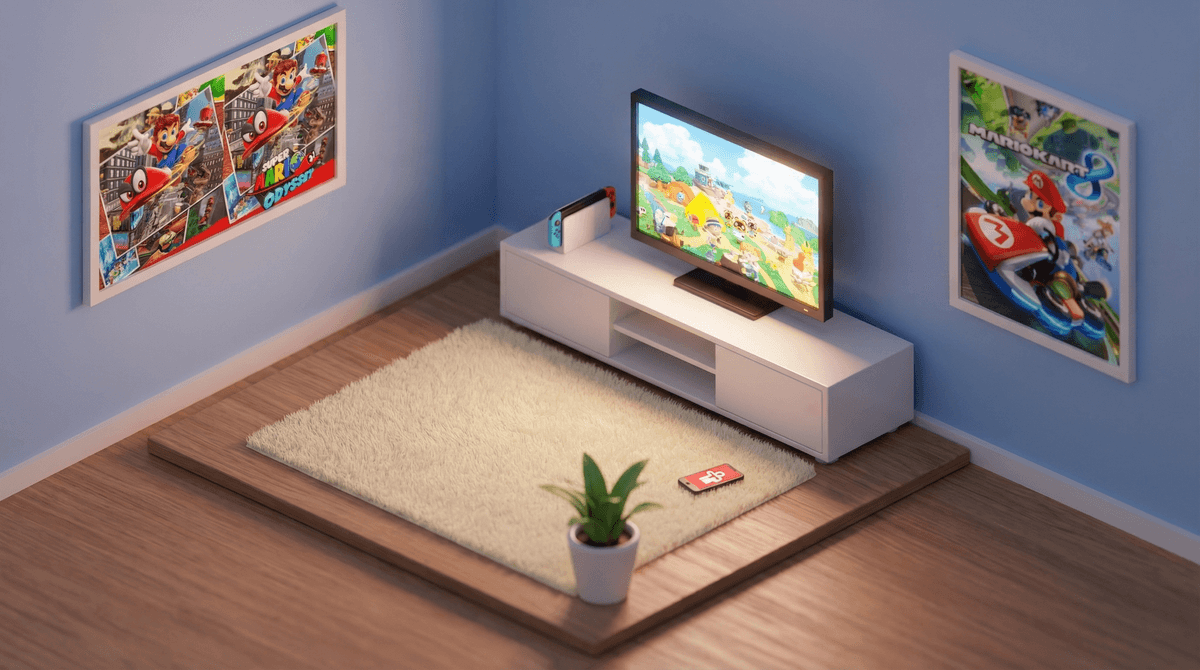
Okay, so either Santa came through, or you caved after months of begging, or maybe you're the one who's been eyeing Animal Crossing videos on TikTok. Either way, you now own a Nintendo Switch, and if you're reading this, you're probably wondering what you've gotten yourself into.
The Switch is Nintendo's current gaming console, and it's honestly pretty brilliant from a design perspective. It works as both a handheld device (like a tablet for gaming) and connects to your TV. That versatility is exactly why it's become the most popular gaming system for families—kids can play Mario Kart on the couch, then take it on a road trip without missing a beat.
Here's the thing though: unlike tablets or phones where you might have some parental control muscle memory, the Switch has its own ecosystem that works differently. And yes, there are absolutely things you need to set up before handing it over to your kid.
The Switch hits a sweet spot that other consoles don't. It's got Nintendo's classic franchises—Mario, Zelda, Pokemon—that feel nostalgic to us and fresh to them. The games tend to be more colorful and less violent than what you'll find on PlayStation or Xbox, though there are definitely exceptions.
But beyond the games themselves, kids love the portability. They can play in the car, at a sibling's soccer game, or in bed (which, heads up, you'll want to set boundaries around). The controllers (called Joy-Cons) detach, so two kids can play together anywhere, anytime. It's social in a way that feels less isolating than scrolling TikTok alone in their room.
And honestly? Games like Stardew Valley, Zelda: Breath of the Wild, and Splatoon are genuinely good. Not just "good for kids"—actually good.
I'm going to be direct here: do this before your child plays a single game. Not tomorrow, not after they've "just tried it for a few minutes." Right now.
Download the Nintendo Switch Parental Controls app on your phone. It's free, and it's actually one of the better parental control systems out there. Here's what you can do:
- Set time limits - Daily playtime limits that actually work (the Switch will give warnings and then shut down)
- Restrict games by age rating - Prevent purchases or play of games rated above a certain age
- Monitor playtime - See exactly what games they're playing and for how long
- Restrict online communication - Control whether they can chat with strangers or share screenshots
- Set bedtime alarms - Automatic reminders when it's time to wrap up
The app sends you a monthly report that shows total playtime and which games they're into. It's not about being controlling—it's about being informed and setting boundaries that actually stick.
Here's where things get real: the Switch does have online multiplayer, and yes, that means your kid can potentially interact with strangers. But it's way less of a Wild West than Roblox or Fortnite on other platforms.
Most Nintendo games have limited or no voice chat. Mario Kart 8 online? No chat at all. Splatoon 3? Only with friends you've specifically added. Fortnite on Switch? That's where you need to be more careful.
What to know:
- You need a Nintendo Switch Online subscription ($20/year for individual, $35/year for family) for most online play
- You can restrict who your child can communicate with in the parental controls
- Friend codes are how kids add friends—it's not as simple as searching a username, which adds a layer of protection
- Some games (like Fortnite) have their own separate accounts and chat systems
Have the conversation about never sharing personal information online. Not their school, not their real name, not their location. And maybe check in about what makes a healthy online friendship versus someone who's trying to get too much information.
Not all Switch games are created equal. Some are incredible. Some are shovelware cash grabs. Here's a quick breakdown:
Ages 6-10:
- Super Mario Odyssey - Joyful, creative, not too hard
- Kirby and the Forgotten Land - Adorable and forgiving
- Pokemon Scarlet/Violet - The gateway drug to RPGs
- Animal Crossing: New Horizons - Calming, creative, time-sinky
Ages 10-14:
- Zelda: Breath of the Wild - Exploration, problem-solving, masterpiece
- Minecraft - If they don't already play it everywhere else
- Splatoon 3 - Colorful online shooter (ink, not bullets)
- Stardew Valley - Farming sim that teaches resource management
Family multiplayer:
- Mario Kart 8 Deluxe - The family game night champion
- Super Mario Party - Board game chaos
- Overcooked 2 - Cooperative cooking mayhem
Avoid the trap of buying every game that goes on sale. Switch games rarely drop in price like other platforms, so when you see a Nintendo first-party game 30% off, that's actually a deal.
Let's talk money, because the Switch itself is just the beginning:
- Games: $40-60 each (yes, really, even years after release)
- Nintendo Switch Online: $20-35/year for online play
- Extra controllers: $70+ for a set of Joy-Cons
- Screen protector: $10 (get one immediately)
- Carrying case: $15-30 if they're taking it anywhere
- MicroSD card: $20-40 for more storage if you buy digital games
And then there's the Nintendo eShop, where kids can browse and "wish list" games. You can require a password for purchases in your parental controls. Do this. Otherwise, you're one accidental click away from a $60 surprise.
The Switch can be a genuinely great addition to your family's life—or it can become a source of constant battles. The difference is in how you set it up from day one.
Take the time to configure parental controls. Have conversations about online safety before they're needed. Set clear expectations about when and where the Switch can be used. And maybe, just maybe, pick up a second controller and join them for a round of Mario Kart. You might be surprised how much fun you have.
- Download the Nintendo Switch Parental Controls app and set it up completely
- Create a family media plan that includes Switch time limits
- Research games before buying—check out our game guides for age-appropriate recommendations
- Set up a charging station in a common area (not bedrooms)
- Have the online safety conversation before enabling any online features
The Switch isn't going to raise your kids, but with the right guardrails, it can be a source of creativity, problem-solving, and yes, fun. You've got this.