

You've been there: your three-year-old is melting down in the grocery store checkout line, and you're this close to handing over your phone with whatever app will buy you five minutes of peace. No judgment—we've all done it. But when you're actually trying to be intentional about screen time (which, if you're reading this, you clearly are), the preschool app landscape is honestly overwhelming.
There are literally hundreds of thousands of apps marketed as "educational" for young kids. Most of them are digital sugar—designed to keep little fingers tapping and parents' wallets opening for in-app purchases. But some apps really are thoughtfully designed to support early learning without turning your kid's brain to mush.
Here's how to tell the difference.
1. Your Kid Has to Actually Do Something
Good apps require active participation—tapping, dragging, speaking, problem-solving. Bad apps? Your preschooler just stares while things happen on screen. It's basically the digital equivalent of watching paint dry, except the paint is trying to sell you gems.
Look for apps where your child is:
- Making choices that matter
- Solving problems (even simple ones)
- Creating something original
- Responding to prompts or questions
Red flag: Apps that play themselves while your kid watches, or where success just means tapping anywhere on the screen repeatedly.
2. It Doesn't Interrupt Every 30 Seconds
If an app is constantly breaking your child's focus with:
- Ads (even "age-appropriate" ones)
- Pop-ups asking to rate it
- Prompts to buy the "full version"
- Notifications about new content
...it's not designed for learning. It's designed to monetize your kid's attention span.
Quality preschool apps either cost money upfront or have a reasonable subscription model. Yes, paying $5-15 for an app feels weird when there are "free" alternatives. But those free apps are making money somehow, and it's usually by treating your preschooler like a tiny consumer.
3. It Grows With Your Kid
The best apps have multiple difficulty levels or naturally adapt as your child gets better. A good app at age 3 should still have something to offer at age 5.
Endless Alphabet does this really well—it starts with simple letter recognition but builds to vocabulary and word construction. Toca Boca apps are open-ended enough that kids find new ways to play as they develop.
Red flag: Apps that are either way too easy (your kid masters it in one sitting) or way too hard (they get frustrated and you end up doing it for them).
4. You Could Play It Together Without Wanting to Poke Your Eyes Out
Here's a controversial take: if an app is truly educational for preschoolers, it should be something you can engage with together, at least sometimes. Not every time—solo play is valuable too—but quality apps have enough substance that you're not bored out of your mind when you do join in.
Apps like Khan Academy Kids are actually designed with parent co-play in mind. They include prompts for discussion and extension activities.
5. It's Not Just Digitizing Worksheets
Tracing letters on a screen isn't inherently better than tracing them on paper. A good preschool app uses the unique capabilities of digital media—like immediate feedback, animation, interactivity, or adaptive difficulty—to do something that couldn't happen with a book or worksheet.
Sago Mini apps create little interactive worlds where cause-and-effect is immediate and delightful. That's using the medium well. An app that's just "tap the right answer" flashcards? Meh.
6. It Doesn't Rely on Extrinsic Rewards
Coins, stars, stickers, achievements, unlockables—these game-ification elements can be motivating, but for preschoolers, they often become the point rather than the learning.
Watch how your kid plays. Are they focused on the actual activity, or are they just grinding through to get the reward? Quality preschool apps use intrinsic motivation—the activity itself is satisfying, surprising, or fun.
Note: Some reward systems are fine, especially for slightly older preschoolers (4-5). But if your three-year-old is asking about "collecting all the stars" more than they're engaged with the content, that's a sign the app's incentive structure is off.
7. It Has Actual Privacy Protections
This should be non-negotiable, but you'd be surprised. Check:
- Is it COPPA-compliant? (Required for apps directed at kids under 13)
- Does it collect data on your child?
- Are there links to social media or external websites?
- Can your child accidentally make purchases?
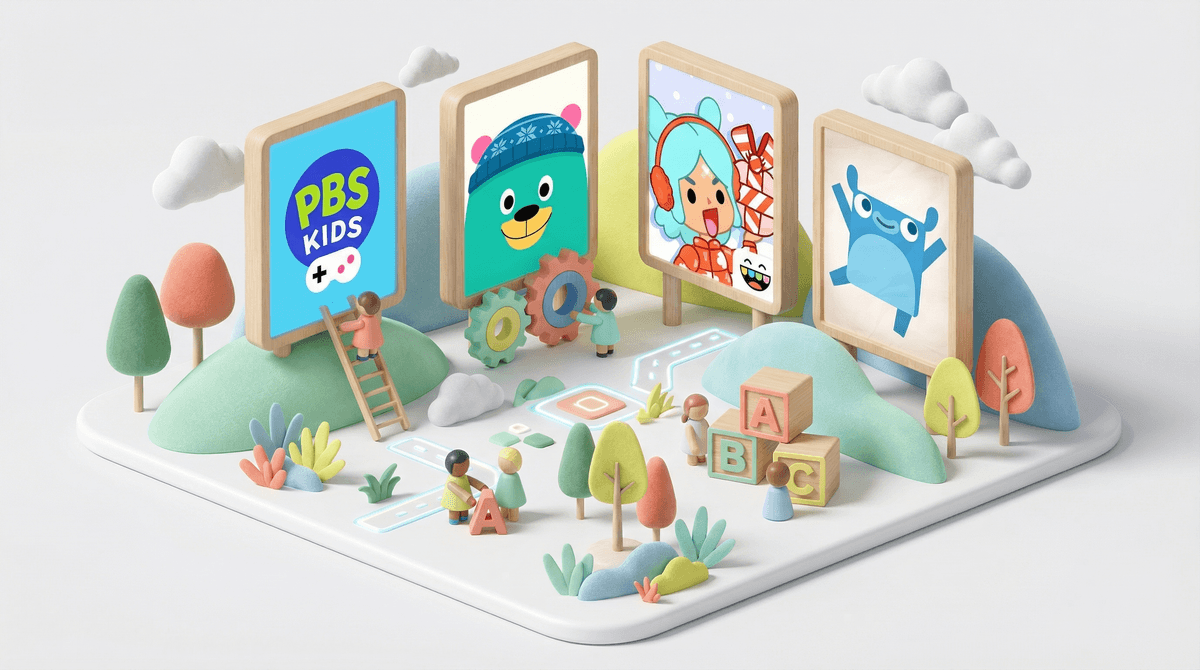
Look for apps that explicitly state "no ads, no in-app purchases, no third-party tracking." PBS Kids apps, for example, are pretty solid on this front. Many apps from PBS Kids meet all these criteria.
Ages 2-3: At this age, apps should be extremely simple—cause and effect, basic matching, simple puzzles. Screen time should be minimal and ideally co-viewing. Think of apps as occasional tools, not regular entertainment.
Ages 3-4: Kids can handle slightly more complex interactions—basic problem-solving, sequencing, early literacy and math concepts. But they still need lots of variety and shouldn't be on apps for extended periods.
Ages 4-5: Preschoolers at this age can engage with more sophisticated apps that involve planning, creativity, and early logic. They can also start to understand and follow app-based instructions without constant adult help.
Even the best preschool app is still screen time, and the American Academy of Pediatrics recommends no more than one hour per day of high-quality programming for kids ages 2-5.
That said, not all screen time is created equal. Twenty minutes with a thoughtfully designed app that teaches spatial reasoning or phonics is different from twenty minutes of watching unboxing videos on YouTube Kids.
The other thing to know: preschoolers learn best from real-world, hands-on experiences and human interaction. Apps can supplement that learning, but they can't replace it. If your kid is spending more time with apps than with blocks, books, and outdoor play, that's worth examining.
A good preschool app:
- Requires active engagement, not passive watching
- Doesn't constantly interrupt or monetize your child
- Adapts to your child's skill level
- Is something you could occasionally play together
- Uses digital capabilities in meaningful ways
- Focuses on intrinsic motivation rather than rewards
- Respects your child's privacy
Most apps fail at least a few of these criteria. That's okay—you don't need perfect apps, just good-enough ones used intentionally.
If you're looking for specific recommendations, check out our guide to the best educational apps for preschoolers or explore apps by specific learning goals like early literacy apps or math apps for preschoolers.
This week: Look at the apps currently on your device that your preschooler uses. Run them through this checklist. You might be surprised—some "educational" apps are basically slot machines for toddlers, while some you dismissed as "just games" might actually be pretty solid.
Going forward: Before downloading a new app, spend 5 minutes reading reviews from actual parents (not just the App Store rating) and checking if it has ads or in-app purchases. Sites like Common Sense Media have detailed reviews that cover most of these criteria.
And remember: your kid doesn't need 47 apps. Three to five really good ones, rotated occasionally, is plenty.