

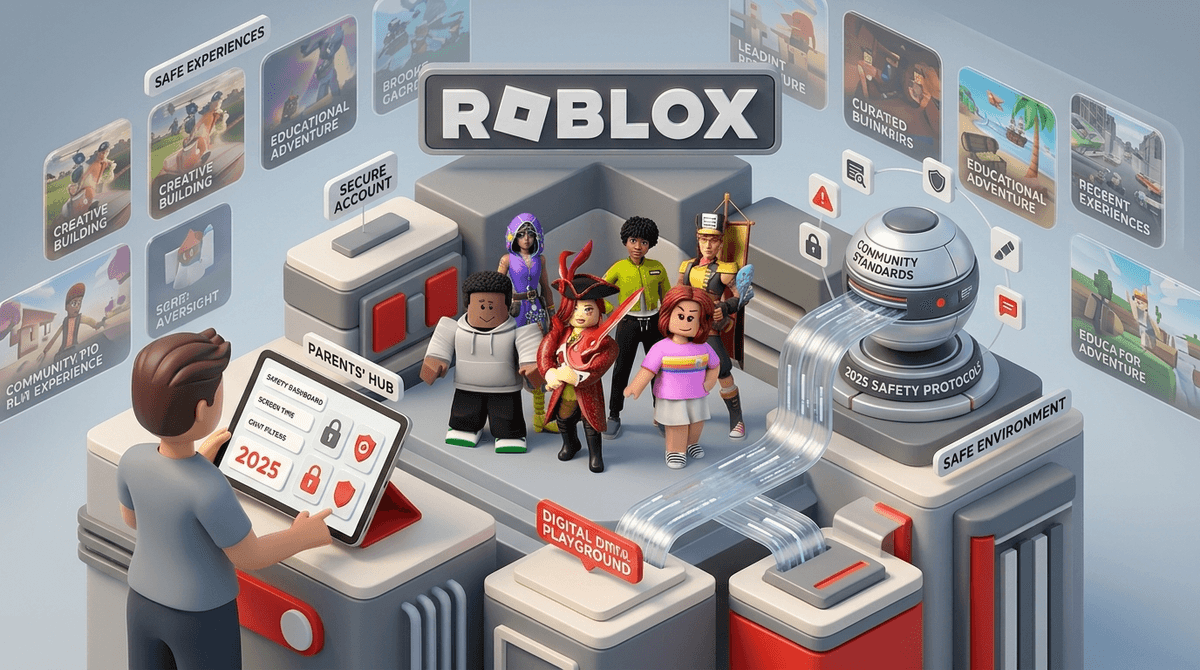
TL;DR: Roblox just went through its biggest safety overhaul in a decade. As of late 2024 and early 2025, kids under 13 are now restricted from DMing outside of games by default, and parents finally have a remote dashboard to monitor activity from their own phones. It’s significantly safer than it was two years ago, but the "Wild West" element of user-generated content remains.
Quick Links for the "Roblox-Adjacent" Parent:
If your kid is between the ages of 6 and 14, Roblox is likely the center of their social universe. It’s where they go after school to hang out, "flex" their new digital outfits, and use words like "sigma" or "Ohio" in ways that make absolutely no sense to the rest of us.
But for parents, Roblox has historically been a source of major anxiety. We’ve heard the headlines about "condo" games (hidden rooms with adult content), predatory grooming in DMs, and the "bank account drain" caused by accidental Robux spending.
The good news? The Roblox of 2025 is not the same platform it was even twelve months ago. The company finally listened to the collective screaming of millions of parents and rolled out some massive structural changes. Let’s break down what’s actually happening in the game right now and whether you should let your kid hit "Play."
It’s helpful to stop thinking of Roblox as a "game" like Super Mario Bros Wonder. Instead, think of it as a digital shopping mall or a massive playground where the equipment is constantly being swapped out.
Roblox is a platform that hosts millions of individual games created by users. Some are incredibly high-quality, like Adopt Me!, where you raise pets. Others are weird, low-effort "obby" (obstacle course) games or simulations that involve nothing but clicking a button for three hours.
Because it’s all user-generated, the content varies wildly. One minute your kid is playing a harmless game of hide-and-seek, and the next they might stumble into a game that features Skibidi Toilet characters or "horror" elements that are a bit too intense for a seven-year-old.
The biggest news for 2026 is the Remote Parent Management system. Previously, if you wanted to change your kid's settings, you had to physically take their iPad, log in as them, and fiddle with menus. Now, you can link your account to theirs and manage everything from your own device.
1. Restricted DMs for Under-13s
This is the big one. Roblox finally realized that letting 9-year-olds receive private messages from strangers was a recipe for disaster. Now, users under 13 cannot send or receive direct messages outside of a specific game unless a parent approves it. They can still "chat" within a game (which is filtered for profanity), but the "Slide into the DMs" risk has been drastically lowered.
2. Content Maturity Labels
Roblox has ditched the vague "Age 9+" or "Age 13+" ratings for more descriptive labels:
- Minimal: Think Bluey vibes. Very safe, very simple.
- Mild: Might have some "cartoonish" violence (think Tom and Jerry).
- Moderate: This is where things get "mid" as the kids say. Expect some realistic blood or more intense "horror" themes.
- Restricted (17+): This is for adults only. If your kid is in this category, it’s time for a "talk."

If you’ve heard your kid call a weird-looking dog "so Ohio," or refer to a cool move as "rizz," you’re witnessing Roblox culture in the wild.
The platform is essentially a meme factory. Because millions of kids are playing together, slang spreads faster than a flu in a daycare. Kids love Roblox because it’s social. It’s the primary way they "hang out" without leaving the house. For many, it’s less about the gameplay and more about showing off their "Avatar"—which is where the money comes in.
Is Roblox teaching your kid the basics of the creator economy? Technically, yes. Many kids learn to use Roblox Studio to build games, which is a gateway to actual coding and 3D design—much like Scratch or Minecraft.
However, for 95% of kids, Roblox is a spending simulator. The pressure to buy "skins" or "emotes" to avoid being called a "noob" is real.
Pro-tip: Never, ever link your credit card directly to the app. Use gift cards. It creates a hard "ceiling" on spending and teaches them about budgeting. When the Robux are gone, they’re gone.
Despite the 2026 updates, Roblox isn't a "set it and forget it" app. Here is what to watch for:
- Off-Platform Luring: This is the #1 danger. A "friend" in Roblox chat will ask your kid to move the conversation to Discord, Snapchat, or WhatsApp. This is a massive red flag. These platforms don't have the same filters as Roblox.
- "Free Robux" Scams: If a game or a YouTube video promises free Robux if you just "enter your password," it’s a scam. Every single time.
- Toxic Communities: Some games within Roblox have "clans" or groups that can be exclusionary or mean. It’s digital middle school, but at 100x speed.
- Ages 5-8: Strict "Minimal" or "Mild" content filters. Chat should be turned off entirely or restricted to "Friends Only" (and you should know every one of those friends in real life). Co-play as much as possible.
- Ages 9-12: Use the new remote dashboard to monitor who they are friending. This is the peak age for "Roblox drama." Talk to them about what to do if a stranger asks for personal info.
- Ages 13+: They’ll likely want more freedom. Use this as a transition period. If they’ve shown they can handle the "Moderate" content and aren't overspending, you can start loosening the digital leash.
Instead of "Are you playing that block game again?" try asking:
- "What's the goal of the game you're playing today?"
- "How much does that digital hoodie cost in real dollars?"
- "Has anyone in the chat been a 'L' (loser) or been mean today?"
By showing interest in the culture of the game, you become the person they come to when something actually goes wrong, rather than the person they hide their screen from.
Is Roblox safe? In 2026, it is "reasonably safe" provided you use the new parental tools. It is no longer the unmonitored chaos it used to be. However, it is still a platform designed to keep kids scrolling and spending.
If your kid is easily overstimulated or has a hard time with boundaries, Roblox might be "brain rot" territory. But if they enjoy building, socializing, and can handle the word "no" when it comes to Robux, it’s a perfectly fine part of a balanced digital diet.
- Download the Roblox app on your own phone and create an account.
- Link your account to your child's via the "Parental Controls" menu.
- Set a "Monthly Spend Limit" (even if it's zero).
- Review their friends list once a week. If you don't recognize the name from school or soccer, ask who they are.