

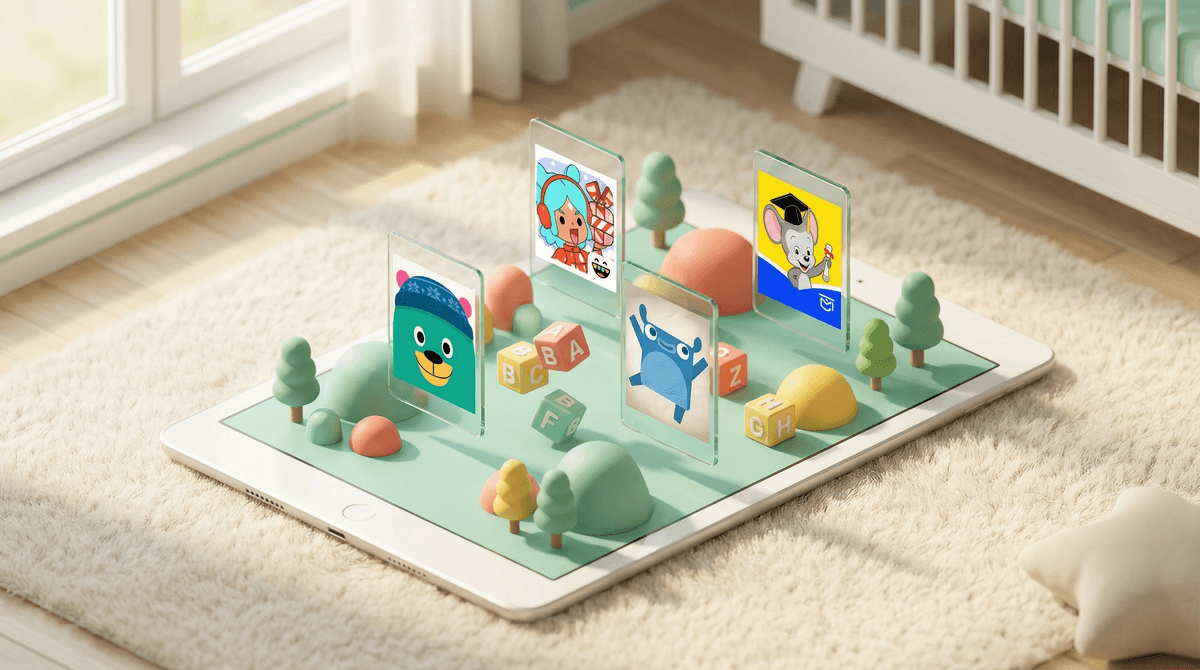
Preschool apps are digital learning tools designed for kids ages 2-5, typically featuring games, activities, and content that target early literacy, math, problem-solving, and social-emotional skills. Think of them as the modern version of educational TV shows like Sesame Street—but interactive, portable, and (let's be honest) way more effective at buying you ten minutes of peace while you make dinner.
The preschool app market is absolutely flooded. There are thousands of options claiming to teach your toddler everything from ABCs to coding. Some are genuinely excellent. Many are just digital candy wrapped in primary colors. And a few are straight-up predatory, designed to get your kid hooked on in-app purchases or ads.
The real question isn't whether preschool apps can be educational—they absolutely can be. It's about which ones are actually worth the screen time, and how to use them in a way that supports your kid's development rather than replacing the hands-on, messy, real-world learning that preschoolers desperately need.
Kids love preschool apps because they're designed to be irresistible. Bright colors, instant feedback, fun sounds, characters they recognize from shows they watch. Tap something, and magic happens. No cleanup required.
Parents love them because... well, they work. Need to keep your 3-year-old occupied during a sibling's soccer practice? Hand over the tablet with PBS Kids Games. Long car ride? Khan Academy Kids can buy you an hour of relative peace. And unlike random YouTube videos, quality educational apps feel like you're being a good parent while using screens as a babysitter. Win-win.
But here's the thing: that convenience comes with trade-offs. The same features that make these apps engaging (immediate rewards, constant stimulation, no frustration tolerance required) can actually work against the kind of learning preschoolers need most—the kind that involves struggle, creativity, boredom, and figuring stuff out through trial and error.
Let's start with the positive: the best preschool apps are legitimately educational. Research shows that well-designed educational apps can support early literacy, numeracy, and problem-solving skills—especially when used alongside adult interaction.
Here are the apps that consistently get it right:
Khan Academy Kids (Ages 2-8)
Free, no ads, no in-app purchases. Covers reading, math, social-emotional learning, and creative play. The gold standard. If you only download one preschool app, make it this one.
PBS Kids Games (Ages 2-8)
Also free, also no ads. Features characters from PBS shows like Daniel Tiger and Wild Kratts. Great for extending what kids are already watching into interactive learning.
Endless Alphabet (Ages 3-6)
Teaches vocabulary and phonics through adorable monster animations. One-time purchase, no subscriptions. Kids genuinely learn new words.
Toca Boca apps (Ages 3-9)
Not strictly "educational" but excellent for creative, open-ended play. Think digital dollhouses and pretend play scenarios. No rules, no winning, just exploration.
ABCmouse (Ages 2-8)
Comprehensive curriculum covering reading, math, science, and art. Subscription-based but thorough. Can feel a bit like "school at home" which some kids love and others resist.
Not all preschool apps are created equal. Here's what to avoid:
In-app purchases disguised as gameplay
If your kid can accidentally spend $50 unlocking new levels or characters, it's not an educational app—it's a cash grab. Always check parental controls and payment settings.
Ads targeted at preschoolers
Some "free" apps bombard kids with ads every few minutes. Preschoolers can't distinguish between content and advertising, which makes this particularly gross.
Passive consumption masquerading as learning
If your kid is just watching videos or tapping randomly without any real problem-solving, it's not much better than TV. Look for apps that require active thinking and decision-making.
Overstimulation overload
Flashing lights, constant sounds, rewards for every tap. These apps are designed to be addictive, not educational. If your kid melts down when you take the tablet away, that's a sign the app is doing more harm than good.
The American Academy of Pediatrics recommends no more than one hour of high-quality screen time per day for kids ages 2-5. Notice the words "high-quality"—that matters more than the specific time limit.
But here's the reality: most families don't hit that target, and that's okay. What matters more than the raw minutes is what screens are replacing. If app time means your kid isn't getting outside, playing with other kids, doing art projects, or having conversations with you, then yeah, it's too much. If it's filling time that would otherwise be spent staring into space in the grocery cart? You're fine.
The key is balance and intentionality. Use apps as one tool in your parenting toolkit, not the only tool.
Here's the research-backed secret to making preschool apps actually educational: sit with your kid while they use them. Even occasionally.
When you co-view or co-play, you can:
- Ask questions about what they're doing ("Why did you choose that color?")
- Connect app content to real life ("Remember when we saw a butterfly like that at the park?")
- Help them when they're stuck instead of letting frustration build
- Model problem-solving strategies
Kids learn way more from apps when an adult is involved, even sporadically. It doesn't have to be every time—sometimes you genuinely need the tablet to be a babysitter, and that's fine—but the more you can engage, the better.
Good preschool apps exist, and they can be genuinely educational—but they're not a replacement for hands-on play, outdoor time, and human interaction. The best approach is to choose high-quality apps (start with Khan Academy Kids and PBS Kids), limit total screen time to roughly an hour a day, and engage with your kid when you can.
And remember: your kid will be fine. A little extra screen time during a tough week won't ruin their development. Perfectionism is way more exhausting than preschool apps could ever be.
- Download Khan Academy Kids and PBS Kids Games—they're free and excellent
- Check your device's parental controls to prevent accidental purchases
- Set a rough daily limit that works for your family (and give yourself grace when you break it)
- Try co-viewing once or twice this week and see how your kid responds
- Explore alternatives to screen time for those moments when you need a break but want to mix things up