

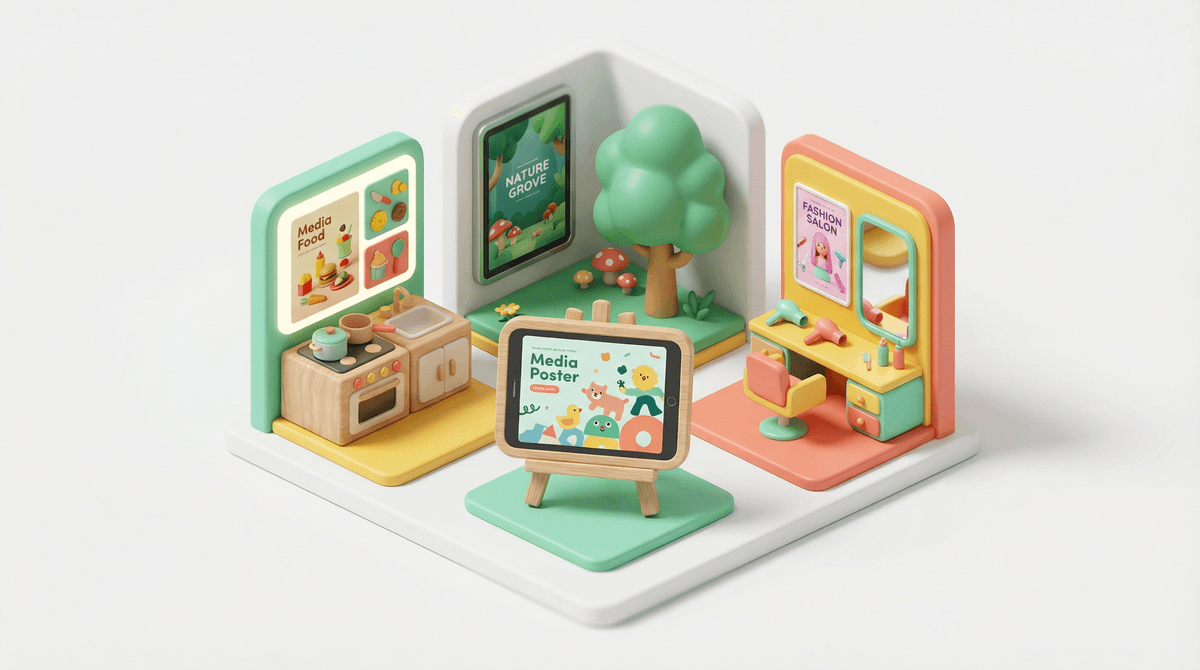
If you've got a preschooler or early elementary kid who's been asking for "screen time," you've probably stumbled across Toca Boca apps. They're these brightly colored, open-ended digital play spaces that look like someone took a Fisher-Price Little People set and made it interactive. Swedish company, been around since 2010, and they've built a whole empire of apps that are basically the opposite of those hyperstimulating games with flashing lights and constant rewards.
The core philosophy? No rules, no levels, no winning or losing. Just... play. Which honestly feels revolutionary in a digital landscape where everything is trying to gamify your kid's attention span into oblivion.
Toca Boca makes over 40 apps, ranging from Toca Kitchen (where kids can experiment with cooking without the actual fire hazard) to Toca Life World (basically a massive digital dollhouse). They're designed for ages 3-9, though I've seen plenty of 10-year-olds still quietly building stories in these apps when they need a break from Roblox.
Here's the thing about Toca Boca that makes it different: it doesn't tell your kid what to do. There's no narrator explaining the "right" way to play. No stars to collect. No achievements to unlock. No ads popping up. No in-app purchases nagging them (well, mostly—more on that in a sec).
Kids love these apps because they're essentially blank canvases. Want to make a character eat a toilet brush in Toca Kitchen? Go for it. Want to create an elaborate story about a family of aliens running a hair salon? Toca Hair Salon has you covered. The lack of structure is actually the appeal—it's digital play that mirrors the kind of imaginative play kids do with physical toys.
Plus, the design is genuinely charming without being cloying. The characters are cute but not saccharine, the sounds are pleasant (not the migraine-inducing beeps of some kids' apps), and the interactions feel intuitive even for kids who can't read yet.
Not all Toca Boca apps are created equal, and some work better for different developmental stages. Here's the breakdown:
For Younger Kids (Ages 3-5)
Toca Kitchen 2 is fantastic for this age. Kids pick ingredients, prepare them different ways (blend it! fry it! just... eat it raw!), and feed them to characters who react. It's cause-and-effect learning disguised as silly fun, and it's genuinely hilarious to watch a cartoon character's face when you feed them a raw onion.
Toca Hair Salon 4 lets kids cut, color, style, and generally experiment with hair without any actual scissors near anyone's head. The tactile interactions (dragging the scissors, spraying water) are satisfying, and there's something deeply appealing about being able to undo any disaster with a tap.
Toca Pet Doctor is great for kids who are into animals or who might be anxious about doctor visits themselves. It's gentle, empathetic, and lets kids be the helper—which is powerful for this age group.
For Older Kids (Ages 6-9)
Toca Life World is the big one. It's basically the hub that connects all the different Toca Life locations (city, hospital, office, vacation, etc.) into one massive world. Kids can create characters, move them between locations, and build elaborate narratives.
This is where Toca Boca really shines for creative storytelling. I've watched kids spend an hour creating a scenario where their character goes to school, gets sick, goes to the hospital, recovers at home, and then throws a party. It's like playing with dolls, but with infinite props and locations.
The catch? Toca Life World is free to download with some locations included, but additional locations and items cost money. It's not predatory—there are no loot boxes or surprise mechanics—but it can add up if your kid wants everything. More on that below.
[Toca Blocks](https://screenwiseapp.com/media/toca-blocks-game is for the builder kids. If your child loves Minecraft but isn't quite ready for its complexity (or you're not ready for its online interactions), Toca Blocks is a gentler introduction to building and world creation. Kids can stack blocks, create obstacles, and build worlds for their characters to explore.
[Toca Mystery House](https://screenwiseapp.com/media/toca-mystery-house-game is quirkier and more puzzle-oriented than other Toca apps. It's got six families living in different eras (past, present, future) and kids explore their homes, finding hidden objects and interactions. Great for kids who like discovery and problem-solving.
For Creative Expression
[Toca Band](https://screenwiseapp.com/media/toca-band-game is basically a music creation app where kids can arrange characters who each make different sounds. It's not teaching music theory, but it is teaching composition, rhythm, and experimentation. Plus it's genuinely fun to mess around with, even as an adult.
Toca Nature lets kids create and shape their own ecosystems—planting trees, growing forests, creating habitats for animals. It's more meditative than other Toca apps and has a gentle environmental message without being preachy. Good for kids who need calming screen time or who are into nature and animals.
The Good Stuff
Privacy and safety are solid. Toca Boca is COPPA-compliant, there's no social sharing, no ads, no data collection beyond what's necessary for the app to function. Your kid isn't being tracked, and there's no way for them to accidentally share their location or personal info.
Screen time quality matters. Not all screen time is created equal, and Toca Boca apps genuinely encourage creative, open-ended play. They're closer to digital toys than games, and research on this kind of play suggests it supports the same kind of imaginative development as physical play. It's not going to replace building with blocks or playing pretend, but it's not rotting their brain either.
They're designed to be played together. A lot of Toca Boca apps work really well with a parent or sibling sitting next to the kid, making up stories together or taking turns. This is huge—co-viewing and co-playing transforms passive consumption into active engagement.
The Potential Issues
The cost can add up. Most Toca Boca apps cost $3-5 each, which is reasonable for what you get (no subscriptions, no ads, you own it forever). But if your kid wants every app, you're looking at over $100. Toca Life World's additional content can also get expensive—think $5-8 for new locations.
The good news? There's no pressure within the apps to buy more. No pop-ups, no "BUY NOW" buttons interrupting play. But kids will ask for more content, especially if they're watching YouTube videos of other kids playing with locations they don't have.
Limited replayability for some apps. Apps like Toca Kitchen are fun, but some kids exhaust the novelty in a few weeks. The more open-ended apps (Toca Life World, Toca Blocks) have much longer lifespans.
Still screen time. Even high-quality digital play is still screen time. These apps don't encourage physical movement, and they can be absorbing enough that kids resist transitions away from them. Setting clear boundaries and time limits is still important.
Ages 3-4: Stick with the simpler apps (Toca Kitchen, Toca Hair Salon, Toca Pet Doctor) and play alongside them. At this age, kids benefit from a parent narrating what's happening and asking open-ended questions: "What do you think the character wants to eat?" "How should we style their hair?"
Ages 5-6: They can start exploring more independently, but Toca Life World benefits from some guidance around storytelling. Ask them to tell you the story they're creating. This turns play into narrative development, which is huge for literacy and communication skills.
Ages 7-9: They're probably fine exploring on their own, but check in periodically about what they're building or creating. If they're into Toca Life World, you might set up a "show and tell" where they walk you through their latest story. This keeps you connected to their digital play and gives them an audience for their creativity.
For all ages: Set time limits before they start playing. "You can play for 20 minutes" is much easier to enforce than trying to pull them away mid-story. Use a visual timer if needed.
Start with one app. Don't buy the whole library at once. Pick one that matches your kid's interests (cooking? building? storytelling?) and see how they engage with it. If they're still playing with it after a few weeks, consider adding another.
Use it as a conversation starter. Ask your kid to show you what they made or tell you the story they created. This turns solo screen time into connection time and helps you understand what captures their imagination.
Consider it a digital toy, not a game. Just like you might buy a dollhouse or a set of building blocks, these apps are tools for imaginative play. They're not going to teach your kid to read or do math (despite what some app descriptions claim), but they do support creative thinking and storytelling.
Set up a "Toca Boca budget." If your kid wants more content, consider giving them a small monthly allowance for digital purchases. This teaches decision-making: "Do you want the new location for Toca Life World, or do you want to save up for something else?" Learn more about teaching kids about digital purchases .
.
Toca Boca apps are some of the best digital play options for young kids, full stop. They're thoughtfully designed, genuinely safe, and encourage the kind of open-ended creativity that's increasingly rare in kids' digital experiences.
Are they perfect? No. They cost money (though reasonably), they're still screen time, and some kids will exhaust their novelty. But if you're looking for apps that won't make you feel like garbage about handing your kid a tablet, Toca Boca is a solid choice.
The key is treating them like what they are: digital toys that work best with boundaries, parental engagement, and balance with other types of play. Your kid doesn't need every Toca Boca app, but having a few in rotation for long car rides, quiet time, or when you desperately need 20 minutes to make dinner? That's not bad parenting. That's realistic parenting.
Start here: Download Toca Life World (it's free with some included content) and play it with your kid for 15 minutes. See how they interact with it, what stories they create, and whether it holds their attention in a meaningful way.
If you want more options: Check out our guide to the best apps for creative play or explore alternatives to YouTube for young kids.
Need help with screen time boundaries? Learn how to set up screen time limits that actually work without constant battles.
And remember: you're not looking for perfect. You're looking for good enough. Toca Boca is definitely good enough.