

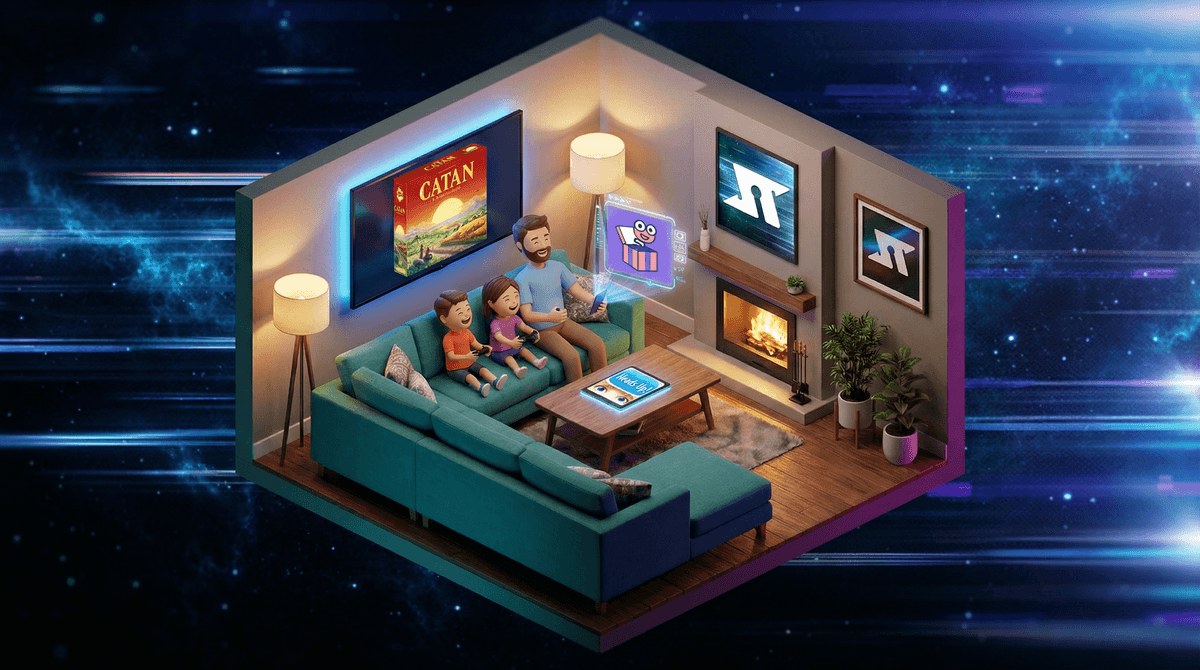
Look, the irony isn't lost on anyone: using screens to get everyone together when we're usually trying to get everyone off screens. But here's the thing—some apps and digital games actually do bring families together in ways that feel more like classic game night than doomscrolling.
We're talking about apps where everyone's looking at the same screen (or their own screens but at each other's faces), laughing at ridiculous answers, strategizing together, or trash-talking in the healthiest possible way. Think digital versions of classics like Monopoly or Catan, party games like Jackbox, or even creative apps that turn your TV into a game show.
The key difference? These aren't the isolated, zone-out experiences we worry about. They're social, interactive, and actually require looking at other humans.
According to our community data, families are averaging about 4.2 hours of screen time daily, with 55% of kids engaging in gaming. But not all screen time is created equal—and that's what intentional parents already know.
Family game night apps work because they:
Create shared experiences - Everyone's playing the same game, reacting to the same moments, building inside jokes that'll last for weeks ("Remember when Dad said that answer?!")
Level the playing field - A 7-year-old can absolutely destroy a parent at Mario Kart, and trivia games let different family members shine in different categories
Require actual presence - You can't play Jackbox while scrolling TikTok. Well, you can, but you'll lose badly and everyone will call you out
Bridge the age gap - Finding activities that work for a 6-year-old AND a 14-year-old is basically impossible. These apps often pull it off.
Party Games That'll Make You Laugh (Ages 8+)
The Jackbox Party Packs are the gold standard here. Everyone uses their phone as a controller, but you're all staring at the TV screen together. Games like Quiplash (write funny answers to prompts), Drawful (Pictionary meets telephone), and Fibbage (make up fake trivia answers) are genuinely hilarious.
Fair warning: some games have mature content, so check the family-friendly settings and maybe preview before playing with younger kids. Read more about Jackbox age-appropriateness.
Heads Up! is charades on your phone. Simple, works for ages 6+, and the videos of everyone acting ridiculous are priceless.
Digital Board Games (Ages 6+)
Board Game Arena and Tabletopia offer hundreds of digital board games—many free. You can play classics or discover new favorites without buying physical copies. Great for testing before investing in the real thing.
Ticket to Ride, Carcassonne, and Splendor all have excellent digital versions with tutorials that teach as you play.
Creative & Collaborative (Ages 5+)
Spaceteam is controlled chaos—everyone's yelling instructions at each other to keep a spaceship running. It's loud, frantic, and kids absolutely love it. Ages 8+ for reading ability, but younger kids can play with help.
Sky: Children of the Light isn't technically a "game night" app, but exploring this beautiful world together as a family is genuinely magical. No violence, just exploration and cooperation. Learn more about Sky.
Trivia & Word Games (Ages 8+)
Trivia Crack and QuizUp work well for families with older kids who can hold their own. The category variety means everyone has their moment to shine.
Psych! (from the makers of Heads Up) has everyone making up fake answers to real trivia—then voting on which is real. It's sneaky educational and genuinely fun.
The tablet situation: With 50% of families in our community reporting unsupervised tablet use, it's worth noting that family game night apps are a completely different context. This is supervised, social screen time with clear boundaries—it starts at 7pm, ends at 8:30pm, then devices go away.
Cost considerations: Many families worry about in-app purchases (looking at you, Roblox). Most party game apps are one-time purchases or have clear subscription models. Jackbox Party Packs run $15-30 but include multiple games. Board Game Arena has a free tier that's genuinely usable.
The "one more game" trap: Set clear expectations upfront. Use a visual timer. End on a high note, not after everyone's melted down because it's 9:47pm on a school night.
Rotation is key: If you do this weekly, rotate who picks the game. Even if you think Uno is the most boring thing on earth, let your 8-year-old have their night.
Ages 5-7: Stick with simple mechanics—Uno, digital memory games, Heads Up with easy categories. Attention spans are short; 20-30 minutes is plenty.
Ages 8-11: The sweet spot for most party games. They can read quickly, understand strategy, and their answers are hilariously unpredictable. Jackbox, Spaceteam, and most digital board games work great.
Ages 12+: They might roll their eyes initially (they're legally required to), but secretly they love it. Lean into games with humor, strategy, or healthy competition. Let them help choose games.
Mixed ages: Play games where different skills matter—trivia with varied categories, creative games where little kids' weird ideas are actually advantages, or team-based games where you can pair up strategically.
Family game night apps aren't replacing cardboard and dice—honestly, you should still play Codenames and Sushi Go regularly. But they're a legitimate tool in the intentional parenting toolkit.
The magic isn't in the apps themselves—it's in the protected time, the shared laughter, and the phones being used to connect instead of isolate. That's screen time you can feel good about.
Start small: Pick one night this week. Try one free app (Spaceteam, Heads Up free version, or Board Game Arena). See what lands with your family.
Set it up right: Clear the table, silence notifications, make popcorn, create the vibe. This isn't "killing time until bed"—it's an event.
Rotate the power: Let kids pick games, set up the tech, explain rules to adults. They'll be more invested when they have ownership.
Know when to pivot: If the app isn't working, bail without guilt. Try Apples to Apples instead. The goal is connection, not forcing a specific format.
And if you're wondering whether this "counts" as screen time in your family's limits—that's worth thinking through intentionally . Spoiler: context matters way more than minutes.