

The Best Apps for Tweens Ages 9-12: Educational, Safe, and Actually Fun
Look, the tween years are weird. Your kid is too old for Bluey (though let's be honest, no one's ever too old for Bluey), but they're definitely not ready for Instagram or TikTok. They want their own digital life, but you're not about to hand them the keys to the entire internet.
So what apps actually work for this age group? The ones that won't make you regret saying yes, that have some actual value, and—here's the kicker—that your kid will actually use?
This is that list. Apps that thread the needle between educational, safe, and genuinely engaging. No social media drama, no predatory in-app purchases, no content that'll give you a heart attack at 2am when you're doing a phone check.
Nine to twelve is the sweet spot where kids are:
- Capable enough to navigate complex apps independently
- Curious enough to want to create, learn, and explore
- Social enough to want connection (but not ready for the hellscape of open social media)
- Savvy enough to know when you're trying to trick them into learning
They can smell "educational" from a mile away, so the apps that work are the ones that genuinely respect their intelligence while still having guardrails.
For Creative Kids
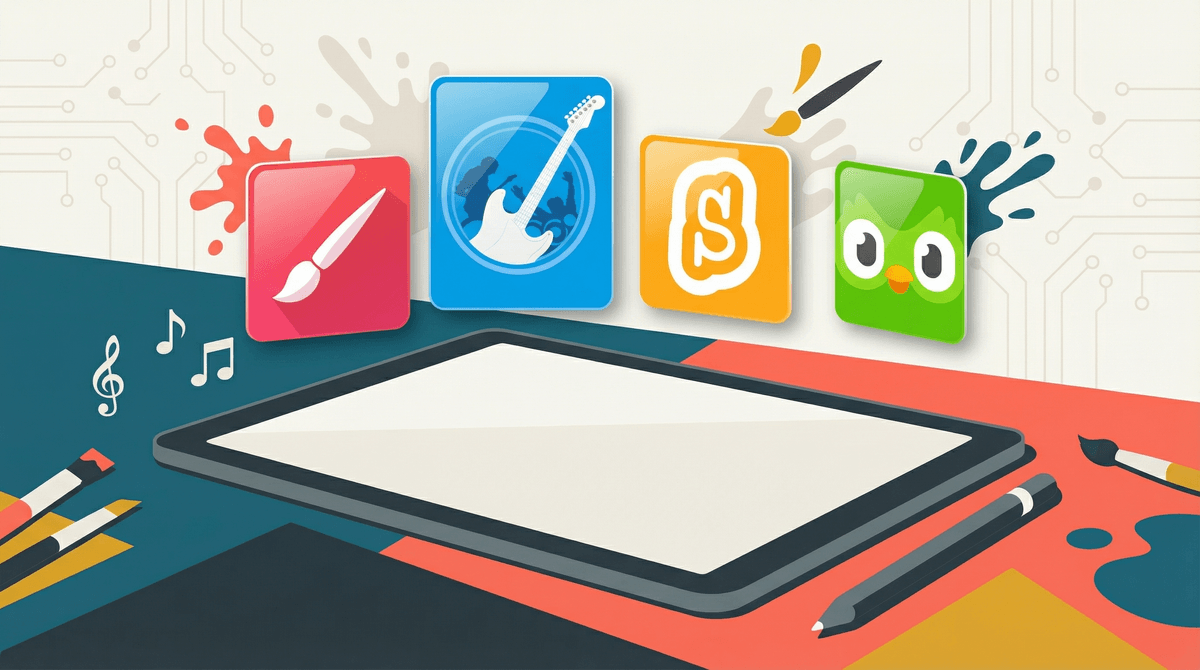
Procreate (Ages 10+, iPad only) The actual professional-grade digital art app that real artists use. Yes, it costs $13, but it's a one-time purchase (no subscription!), and if your kid is into art, this is the gold standard. The learning curve is real, but YouTube tutorials are everywhere, and the sense of accomplishment when they create something amazing is worth it.
GarageBand (Ages 9+, Apple devices) Free, powerful, and genuinely fun for kids interested in music. They can record, mix, and create actual songs. Bonus: it's from Apple, so privacy concerns are minimal, and there's zero social component.
Stop Motion Studio (Ages 8+) For the kid who wants to make movies. The free version is solid, and the paid version ($5) adds green screen and other features. No social sharing required—they can just create and show you directly.
For Readers and Writers
Epic! (Ages 12 and under) It's like Netflix for kids' books. Over 40,000 books, audiobooks, and educational videos. The $10/month subscription might sting, but if you have a reader, it pays for itself after two books. The parental controls are solid, and you can see exactly what they're reading.
Kindle Kids (Ages 6-12) Not technically a separate app, just the regular Kindle app with parental controls enabled. You can set reading goals, approve books, and see their progress. If you're already in the Amazon ecosystem, this is seamless.
For the STEM-Obsessed
Tynker (Ages 7-14) Coding that doesn't feel like homework. They start with visual block coding (like Scratch) and can progress to actual Python and JavaScript. The free version is limited but usable; the subscription ($10/month) unlocks everything.
Khan Academy Kids (Ages 2-8) and Khan Academy (Ages 9+) Completely free, no ads, backed by a nonprofit. The regular Khan Academy app is perfect for tweens who want to explore math, science, or literally any academic subject. The gamification is subtle but effective.
Duolingo (Ages 9+) Yes, that green owl is aggressive about reminders, but the app genuinely works for language learning. The free version has ads but is fully functional. Just... maybe turn off the notifications before the guilt trips start.
For the Gamers (But Make It Educational-ish)
Minecraft Education Edition (Ages 8+) If they're already obsessed with regular Minecraft, this version has built-in lessons about chemistry, history, and coding. It's $12/year per student, but it transforms screen time into something you can feel better about.
Prodigy Math (Ages 6-14) A fantasy RPG where the battles are... math problems. Kids genuinely love it, and it adapts to their skill level. The free version is solid; the paid version ($10/month) adds more content but isn't necessary.
For the Socially Curious (But Not Ready for Social Media)
Messenger Kids (Ages 6-12)
Facebook's attempt at a safe messaging app for kids. Parents control the entire contact list—no one can reach your kid unless you approve them. It's actually well-designed for this age group, though you might have feelings about Meta having access to your family's data .
.
Kinzoo (Ages 5-12) A private family messaging and photo-sharing app. Think Instagram, but it's just your family and approved friends. No ads, no algorithm, no strangers. $3/month after the free trial.
The subscription trap is real. Many of these apps have free versions that are genuinely usable, but they'll constantly upsell. Have a conversation with your kid about why you're choosing free vs. paid, and stick to your boundaries.
Device matters. Some of these apps (Procreate, GarageBand) are Apple-only. If you're on Android, you'll need alternatives—let me know if you want Android-specific recommendations.
Screen time isn't all equal. Twenty minutes on Procreate creating art hits different than twenty minutes on YouTube Shorts. If you're using screen time limits, consider whether you want to count creative apps the same as passive consumption.
They'll still want the "cool" apps. Just because you download Duolingo doesn't mean they'll stop asking for Snapchat. These apps are for building skills and having safe digital experiences, not for replacing their desire to connect with peers. That's a different conversation.
The best tween apps are the ones that:
- Respect their intelligence (no baby graphics)
- Have actual guardrails (no open social features)
- Build real skills (even if it's "just" creativity or problem-solving)
- They'll actually use (because forced "educational" time helps no one)
Start with one or two apps that match your kid's interests. See what sticks. The goal isn't to fill their device with every educational app ever made—it's to give them a few solid options that make their screen time feel purposeful.
And if they still spend half their time on Roblox? That's fine too. Perfect is the enemy of good enough.
Want to go deeper on any of these? Check out our full guide to managing tween screen time or learn how to set up device-level parental controls so you're not relying on each app's individual settings.
Have a specific app you're wondering about? See if a specific app is safe for your tween for a quick safety check and age-appropriateness review.