

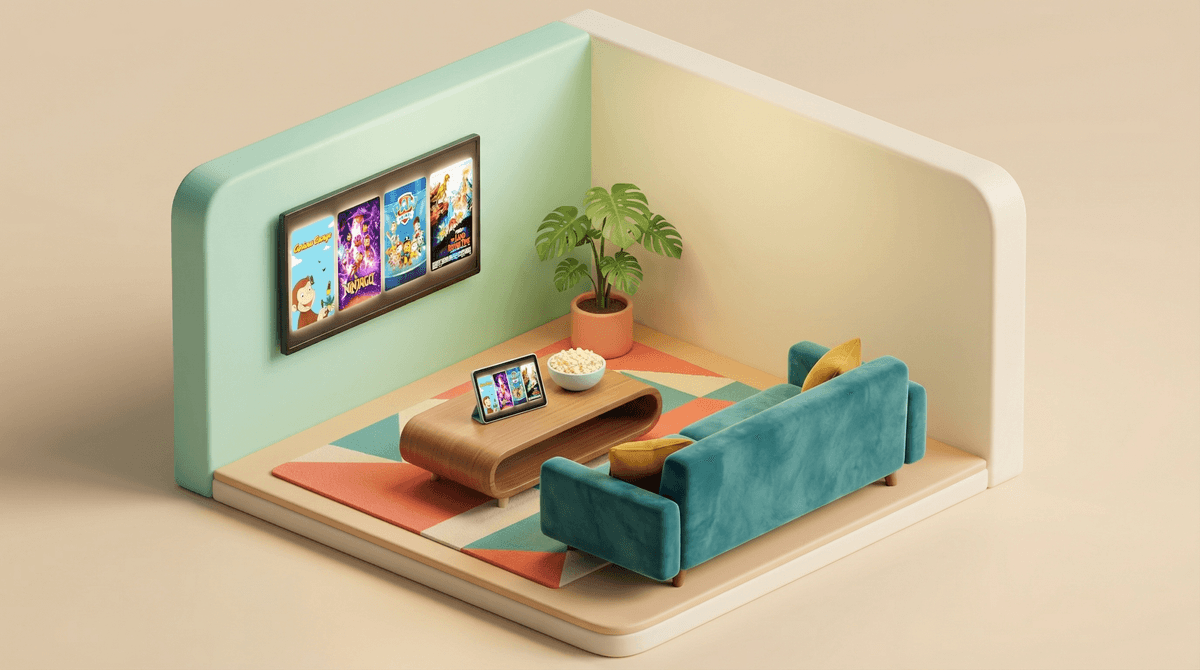
If you haven't heard of Tubi, you're not alone—but you're missing out on one of the best-kept secrets in free streaming. Tubi is a completely free, ad-supported streaming service with a surprisingly deep library of movies and shows. And Tubi Kids is their dedicated kid-safe section that filters out all the grown-up content and serves up thousands of hours of children's programming.
No credit card required. No "free trial" that sneakily turns into a subscription. Just free content with occasional ad breaks (think Saturday morning cartoons, not YouTube's ad chaos).
The interface is clean, the parental controls are solid, and honestly? The content selection punches way above its weight for a free service. You'll find everything from classic cartoons to newer animated series, educational shows to pure entertainment.
Let's be real: streaming subscriptions are out of control. Between Netflix, Disney+, Max, Paramount+, and whatever else your kids have convinced you to add "just for one show," you're probably spending $60-100+ per month on streaming. And yet somehow, your kid still complains there's "nothing to watch."
Tubi Kids is a legitimate way to cut costs without sacrificing quality or safety. It's not a sketchy free site full of bootlegs and malware—it's owned by Fox Corporation and has proper licensing deals. The ads are family-friendly and way less frequent than what kids encounter on YouTube.
Plus, in an era where YouTube can serve up anything from legitimate educational content to weird algorithm-generated garbage, having a curated, safe space for free content is genuinely valuable.
Here's where Tubi Kids surprises people. Yes, there's some filler (we'll get to that), but there's also a ton of quality content you'd normally pay for elsewhere.
For Younger Kids (Ages 3-7)
Paw Patrol - Multiple seasons available. Yes, it's repetitive. Yes, the physics make no sense. But it's harmless, positive, and will buy you 22 minutes of peace. No judgment here.
Peppa Pig - The British sensation that teaches kids to jump in muddy puddles and be slightly sassy. It's genuinely charming if you can get past Peppa's occasional brattiness.
Curious George - The PBS classic. Educational without being preachy, and George's problem-solving (even when it creates chaos) is actually pretty solid modeling for little kids.
Caillou - Look, it's available, but we're not going to recommend it. If you know, you know. If you don't know, just trust us on this one .
.
For Elementary Age (Ages 6-10)
Sonic Boom - Way better than it has any right to be. Self-aware humor, surprisingly witty writing, and it doesn't talk down to kids. If your kid is into Sonic from gaming, this is a solid watch.
Ninjago - The LEGO martial arts series that's been running for over a decade for a reason. Decent action, positive themes about teamwork and growth, and enough humor to keep it from being too serious.
Beyblade - If your kid is into competitive anything, these spinning top battles are surprisingly engaging. Fair warning: they will want actual Beyblades afterward.
The Wiggles - For the younger end of this range. If you grew up with them, they're still going strong. Wholesome musical content that won't make you want to puncture your eardrums.
For Tweens (Ages 9-12)
Power Rangers (various seasons) - Multiple iterations available. Cheesy? Absolutely. But the themes of teamwork, responsibility, and standing up to bullies are solid. Plus, the nostalgia factor if you watched it as a kid.
Yu-Gi-Oh! - The card game anime that's basically chess meets fantasy battles. More strategic thinking than it gets credit for, though yes, they will want the cards.
Slugterra - An underrated gem about underground caverns and creature battles. Think Pokémon meets Western animation with some genuinely creative world-building.
Movies Worth Your Time
Tubi Kids rotates its movie selection, but you'll typically find:
- Classic animated films from studios like Universal and smaller animation houses
- Direct-to-video sequels that are hit-or-miss (the Land Before Time sequels are... numerous)
- International animated features that never got wide U.S. releases but are actually quite good
- Educational documentary content from BBC and other quality producers
The movie selection is honestly where Tubi Kids shines compared to its TV offerings. You'll find stuff that would cost $3.99 to rent elsewhere, completely free.
The Ad Situation
Yes, there are ads. About 4-6 minutes per hour of content, which is actually less than traditional TV. The ads are screened for kid-appropriateness—no political attack ads, no medication commercials, mostly toys, games, and family-friendly products.
The ad breaks are clearly marked with a countdown timer, which honestly helps kids understand "we'll be back in 90 seconds" better than just sitting through mystery-length interruptions.
Content Quality Varies Wildly
Here's the honest truth: Tubi Kids has some content that's... not great. Low-budget animation from studios you've never heard of, weird dubs of international shows, and some stuff that feels like it was made by an algorithm.
The good news: The homepage and "Popular" sections generally surface the quality content. The weird stuff tends to be buried deeper in the catalog. Spend 10 minutes setting up a watchlist of approved shows, and your kids will mostly stick to those.
Safety Features
Tubi Kids is genuinely kid-safe in a way that YouTube Kids still struggles with:
- Everything is manually curated, not algorithm-selected
- No comment sections or social features
- No user-generated content
- No autoplay into random rabbit holes
- Clean interface without clickbait thumbnails
You can set up Tubi Kids as a separate profile, and kids can't easily navigate back to the main Tubi app without a PIN.
The "But It's Not [Insert Premium Service]" Reality Check
Look, Tubi Kids doesn't have Bluey (that's Disney+) or the latest Pixar movie (also Disney+) or Wednesday (Netflix, and also not for kids anyway). It's not trying to be those services.
What it is is a legitimate free alternative that can either replace a paid service entirely (especially for younger kids) or supplement your existing subscriptions. If your kid watches 2 hours of Tubi Kids content per week, you're getting value. If it lets you cancel one $10/month subscription, it's paid for itself.
Ages 3-5: Stick to the preschool section. Shows like Peppa Pig, Curious George, and The Wiggles are perfect for this age. Set up a watchlist so they're not browsing on their own.
Ages 6-8: Branch into the elementary content. Sonic Boom, Ninjago, and Paw Patrol (if they're not over it yet) work well. Start teaching them how to navigate the interface with supervision.
Ages 9-12: They can handle most of the Tubi Kids content independently, but you'll want to spot-check their watchlist occasionally. Some of the anime-style shows have more intense action than you might expect.
Ages 13+: Honestly, they've probably aged out of Tubi Kids. Time to have conversations about the main Tubi app (which has PG-13 and R-rated content) and appropriate choices. Here's how to think about that transition.
Tubi Kids is the rare free service that doesn't feel like you're compromising your standards or your family's safety to save money. It's not perfect—the content library isn't as deep as paid services, and yes, there are ads—but it's legitimately good.
Use it if: You're trying to cut streaming costs, need a safe free option for grandparents' houses or travel, or want to supplement your existing subscriptions without adding another monthly charge.
Skip it if: Ads are a complete non-starter for your family, or your kids are extremely picky and only watch the latest releases (in which case, good luck with that).
The best approach? Set it up, curate a watchlist of 10-15 approved shows, and let your kids explore from there. Treat it like a library—not everything will be a hit, but there's enough quality content to make it worth having in your rotation.
And hey, if it saves you from adding yet another streaming subscription, that's a win in my book.
- Download the Tubi app (available on pretty much every device) and set up Tubi Kids as a separate profile
- Spend 15 minutes browsing and adding quality shows to a watchlist
- Watch one episode with your kid to gauge the ad experience and content quality
- Set expectations about ads and content selection before handing over the remote
Want more free and low-cost content options? Check out our guide to alternatives to expensive streaming services or how to build a family media library without breaking the bank.